
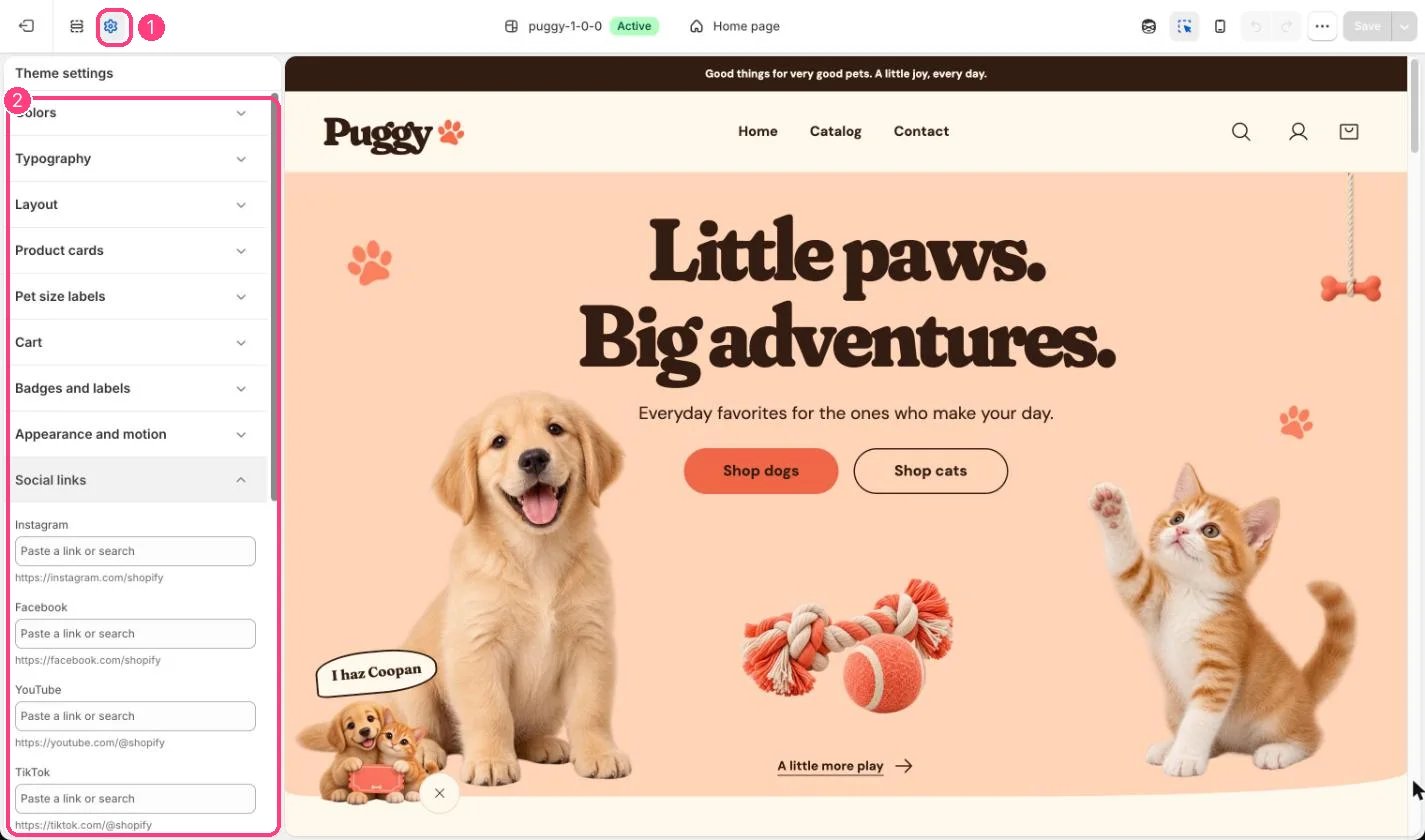
1 Theme settings (the gear icon) · 2 Social links, opened in the sidebar
How it works
- Supports Instagram, Facebook, YouTube, TikTok, X (Twitter), Threads, Pinterest, Snapchat, LinkedIn and Tumblr.
- Only filled links show, as icons in the footer.
- The same links are shared with search engines as your store’s official profiles.
Edit it
- Paste the full profile URL, for example https://instagram.com/yourstore.
- Clear a field to remove that icon.