
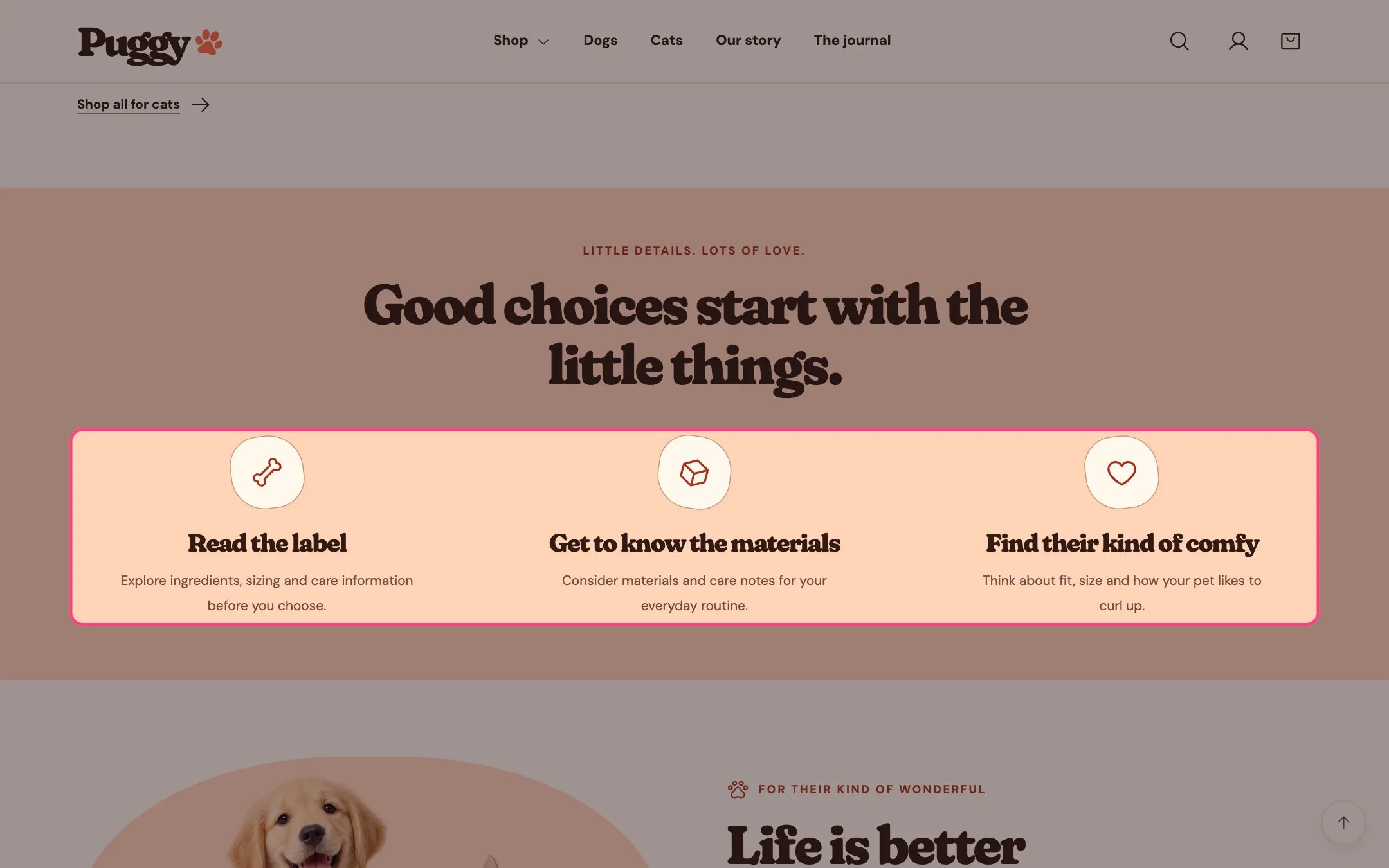
Product benefits, highlighted on the demo store
Where to find it
Home page. Choose Home page in the top page selector, then select Product benefits. Add it to other pages with Add section > Product benefits.How it works
- Each Benefit block shows an icon (Paw, Bone, Heart, Package or Check), a heading and text.
- The eyebrow, heading and introduction are centered above the cards; blank fields are hidden.
- Cards fade in as they scroll into view when scroll animations are on.
- Holds up to six benefits. The default color scheme is Scheme 2 (peach).
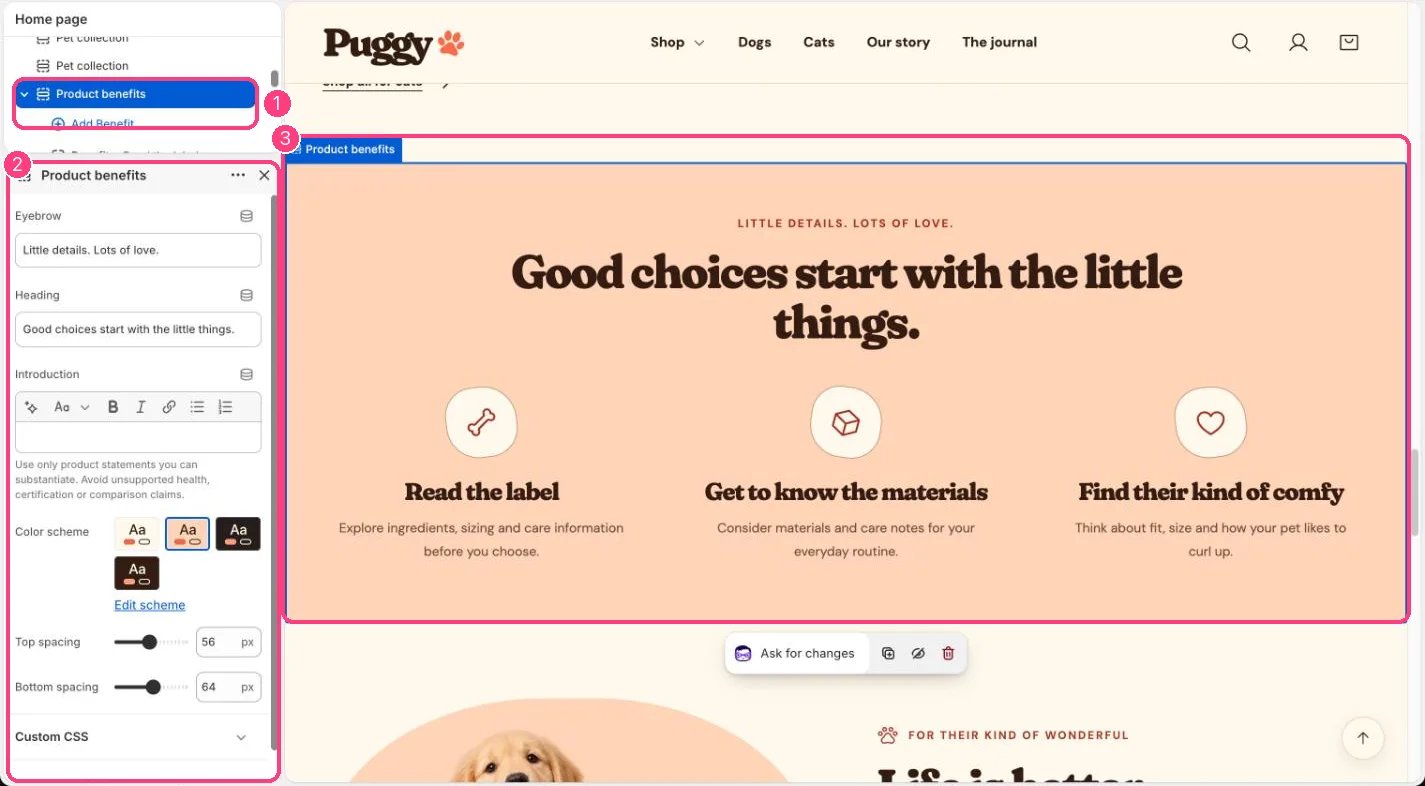
In the theme editor: 1 the section in the sidebar · 2 its settings · 3 the section in the preview
Edit it
- Click Add block > Benefit, choose an Icon, and write the Heading and Text.
- Drag blocks to reorder them.
- Edit the section Eyebrow, Heading and Introduction.
Settings
Blocks
Up to 6 blocks. Add a block with Add block under the section in the sidebar; drag blocks to reorder them.Benefit
Only state benefits you can back up. Avoid health, certification or comparison claims you can’t support.