
For high jewelry and one-of-a-kind pieces, Gloaming can hide the price and invite an enquiry instead. 1. Mark the piece. Add the tag price-on-request (Theme settings, Product cards, Price on request product tag), or set the true or false product metafield custom.price_on_request to true. 2. What changes.
  • Cards and the product page show Price on request instead of the price, and a By appointment badge.
  • The product page shows the Price on request text from the Price block, for example Shown in the salon or by video.
  • Add to bag becomes an Enquire about this piece button.
  • The slideshow shows Full details instead of an add button, and shop the look links to the product.
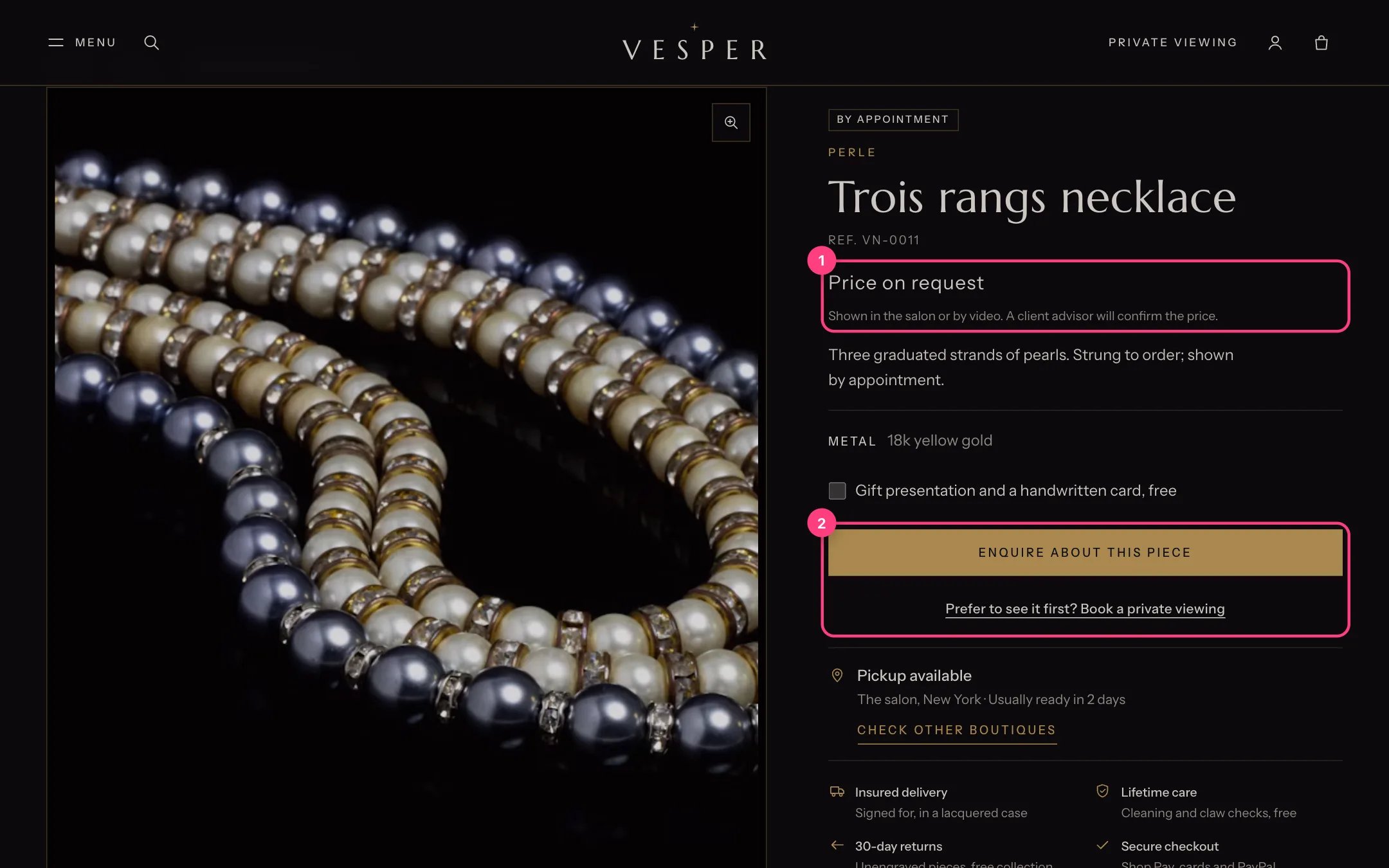
A price on request piece

Price on request with the enquiry button

3. The enquiry. The button goes to the Enquiry page set in the Buy buttons block (default: your contact page) with the product, variant and a subject in the link. On a page with the Contact form section, the piece shows above the form, the topic is chosen and the message starts with its name. 4. Prepare the contact form. On the contact page’s Contact form section, tick Use as the topic on your Choice list field and Use as the message on your Long text field.
The theme hides the price; Shopify still has it. The piece can be bought through other sales channels or a direct cart link, so keep its price in Shopify at what you would charge, or make it unavailable in channels you do not use.

In the theme editor
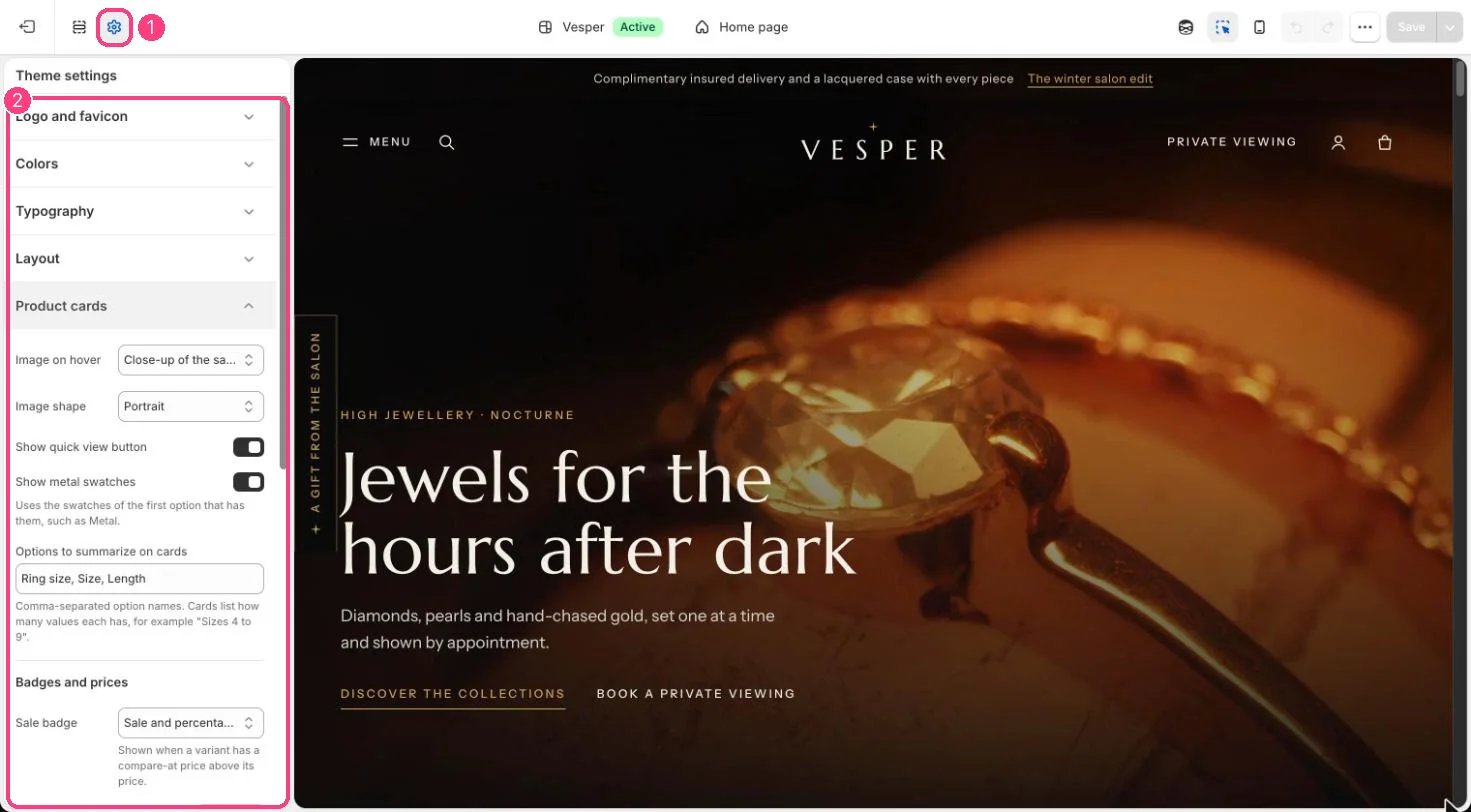
Product card settings

The price on request tag is set in 1 Theme settings · 2 Product cards