
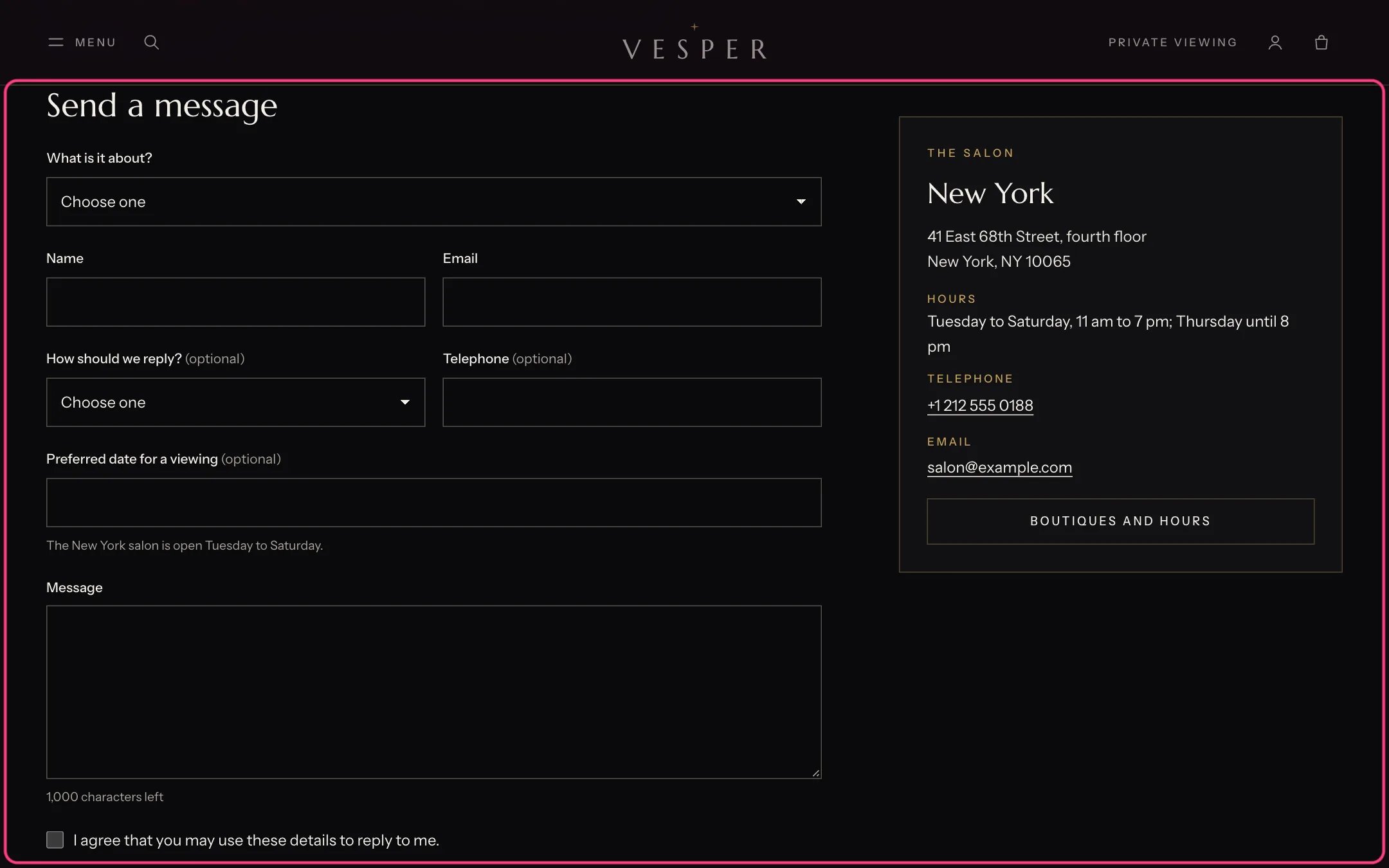
Contact form, highlighted with the demo content
Where to find it
The Contact template. In the theme editor choose Pages, then contact, and select Contact form.How it works
- Each Form field block adds a field: text, email, telephone, long text, a choice list or a checkbox. Its label names the answer in the email you receive.
- Messages go to the sender email in Settings, Notifications. Without an Email field, the form adds one.
- Links can fill the form in: ?subject=A private viewing picks that topic on the choice list marked Use as the topic, and ?product= followed by a product handle shows the piece above the form and starts the message with its name.
- The product page’s enquiry button and the boutiques’ appointment buttons use these links.
- Errors show next to the field. After sending, the form shows your thank-you message and a link.
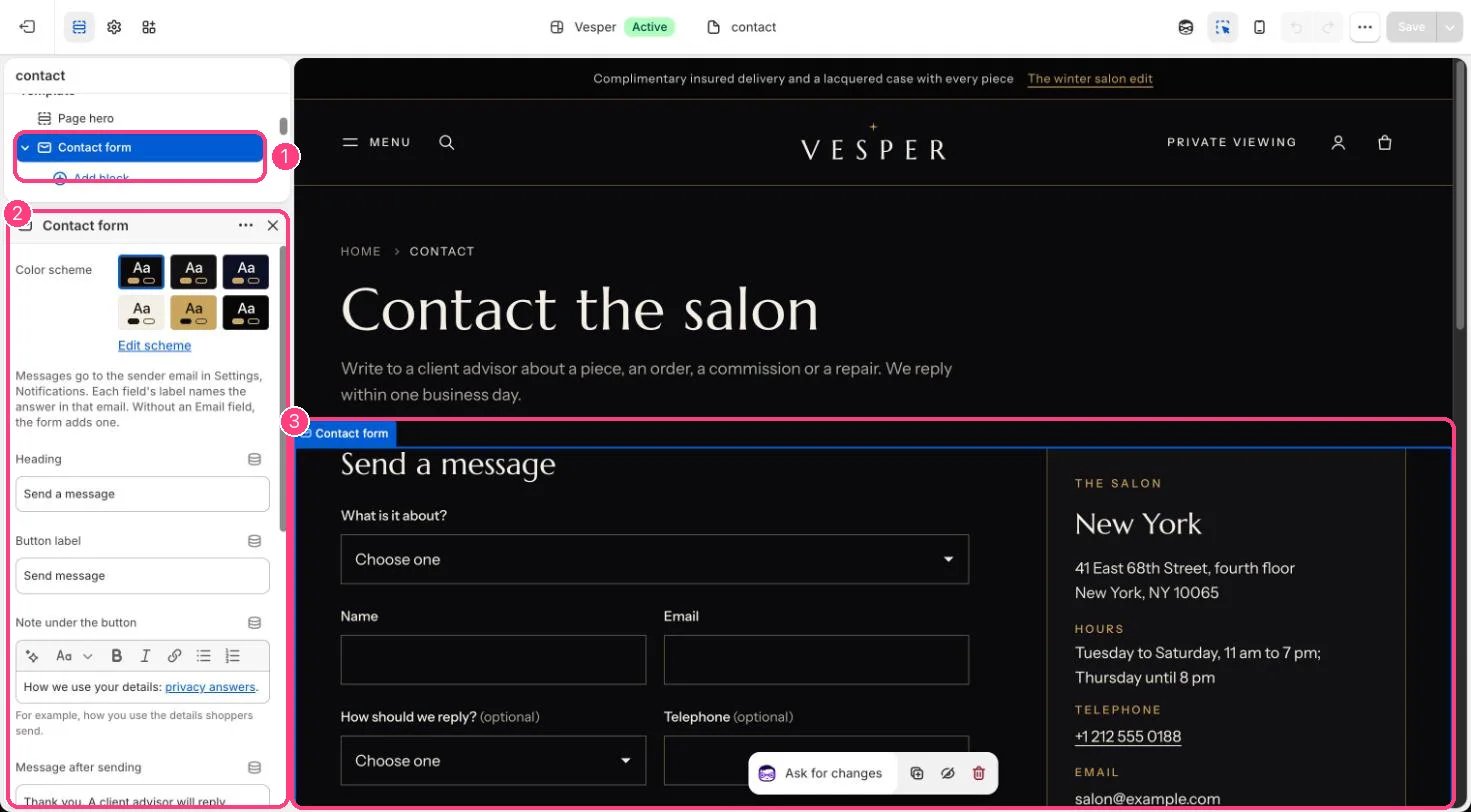
In the theme editor: 1 the section in the sidebar · 2 its settings · 3 the section in the preview
Edit it
- Add, remove and reorder Form field blocks. Tick Required where needed, and set Width to Half to put two fields side by side.
- On a Choice list field, type one choice per line and tick Use as the topic.
- On the Long text field, tick Use as the message.
- Add Contact details blocks (up to 2) with your address, hours, phone and email, and a Quick links block with a menu.
- Edit Heading, Button label, Note under the button and Message after sending.