
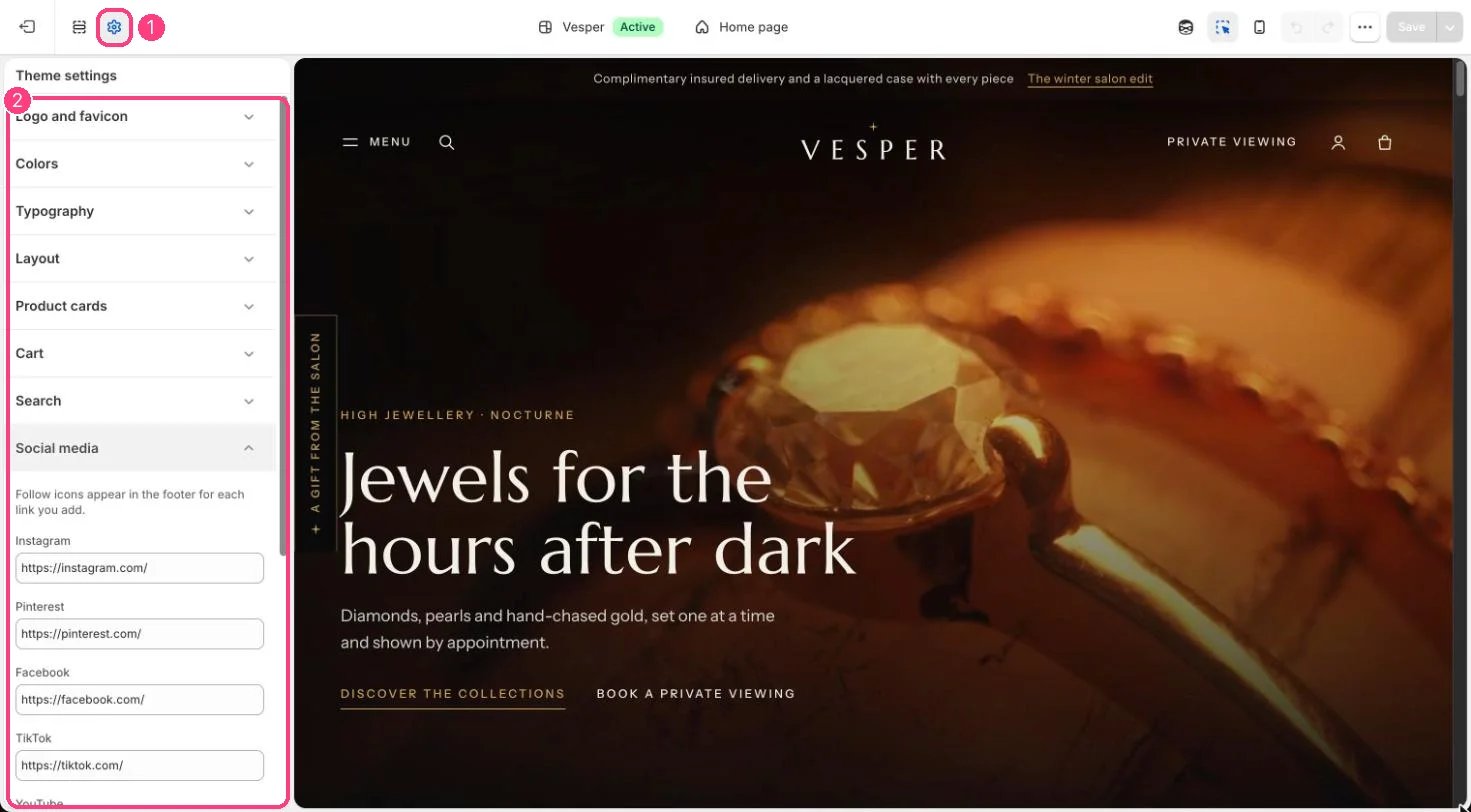
1 Theme settings (the gear icon) · 2 Social media, opened in the sidebar
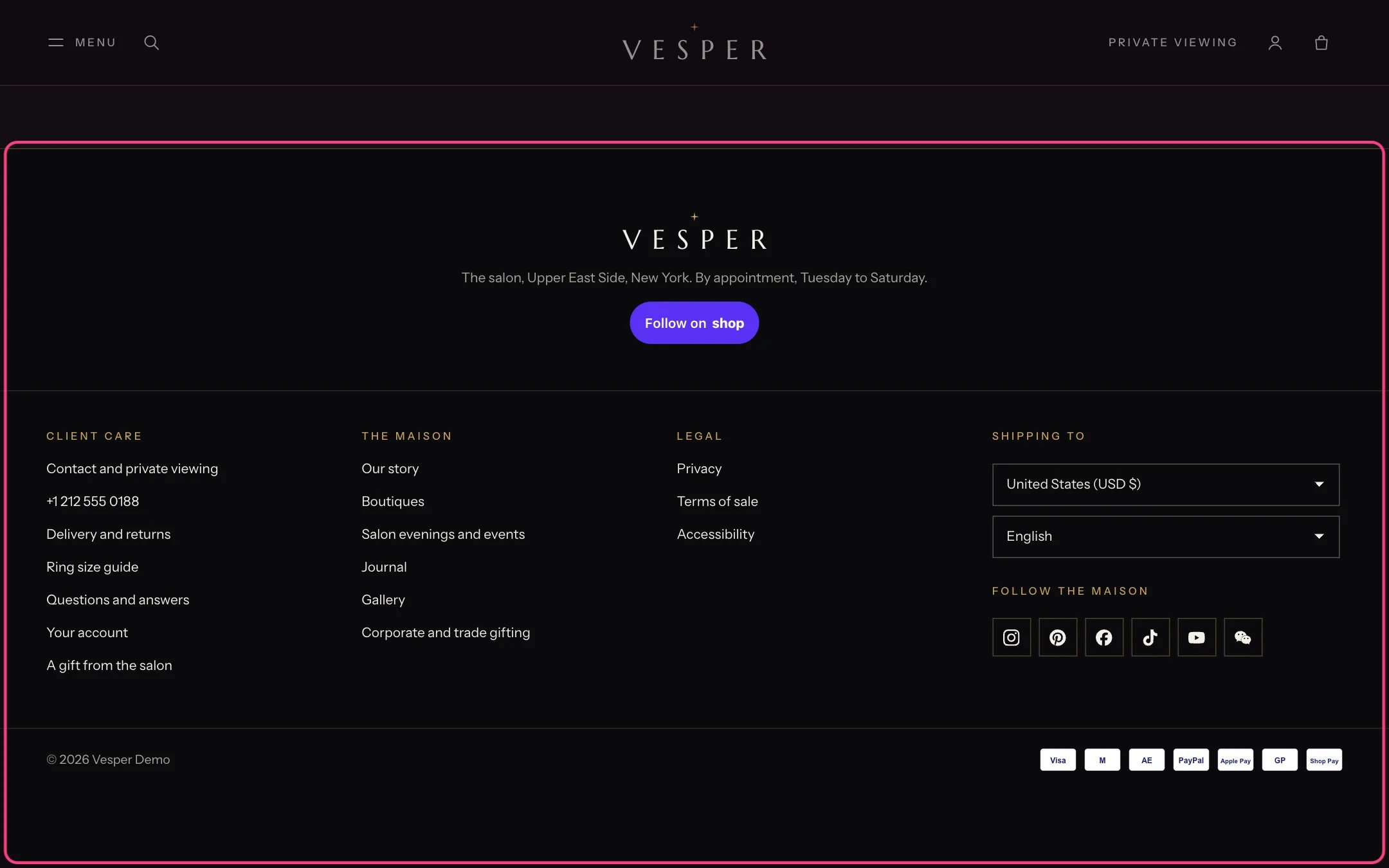
Follow icons in the footer, one for each link you add
How it works
- Each link you add shows its icon in the footer. Icons open in a new tab.
- Instagram, Pinterest, Facebook, TikTok, YouTube, X, Threads and WeChat are supported.
Edit it
- Paste the full address of each account, for example https://www.instagram.com/yourstore.
- For WeChat, link to your official account page or a QR code image.