
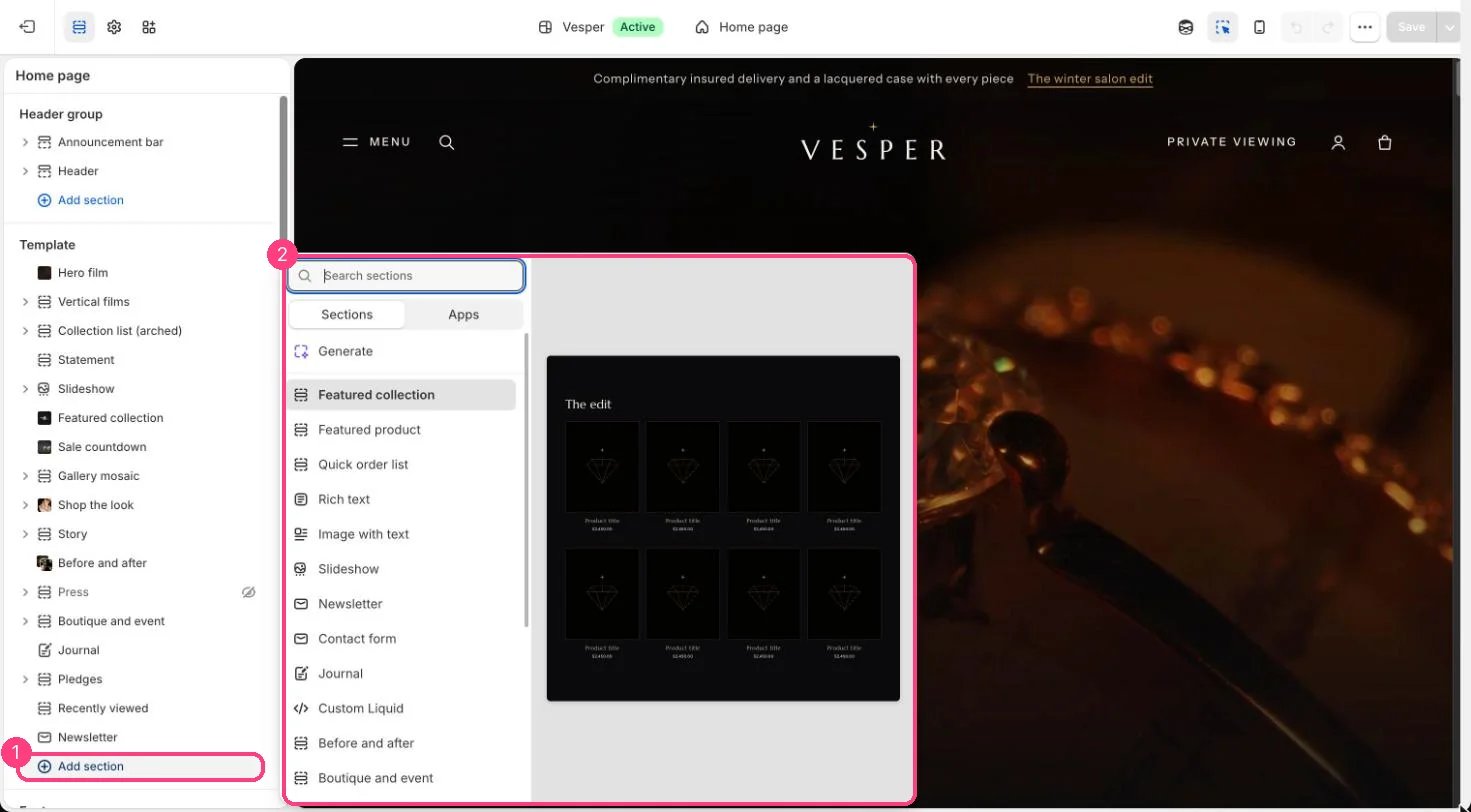
Not on the demo pages: add it with 1 Add section, then pick it in 2 the list
Where to find it
Not on a page by default. In the theme editor click Add section on any page and choose Custom Liquid. The product page also has a Custom Liquid block.How it works
- Renders the code you paste, inside the page width or across the full width.
- Add section spacing adds the usual space above and below.
Edit it
- Paste the code in Liquid code. Code that loads scripts or iframes should wait for a shopper action.
- Choose a Color scheme and whether it spans the full page width.
Settings
Theme support does not cover code you add here.