
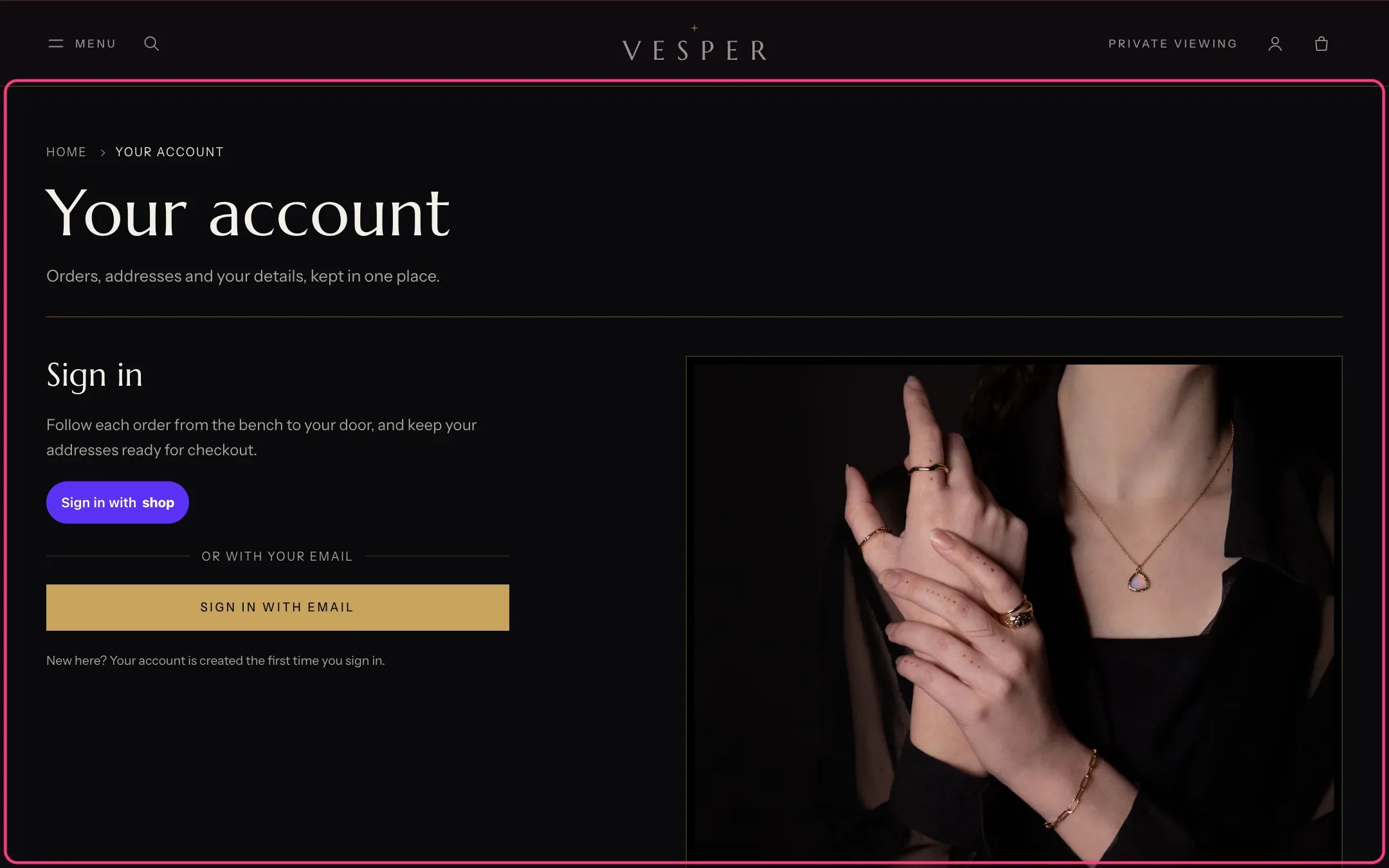
Account, highlighted with the demo content
Where to find it
A page that uses the page.account template. In the theme editor choose Pages, then account, and select Account.How it works
- Signed out, it shows Sign in with Shop, a sign-in link and your perks.
- Signed in, it greets the customer and shows recent orders, the default address and links to Shopify’s order, address and profile pages.
- Signing in, orders, addresses and the profile are Shopify’s own customer account pages; this page links to them.
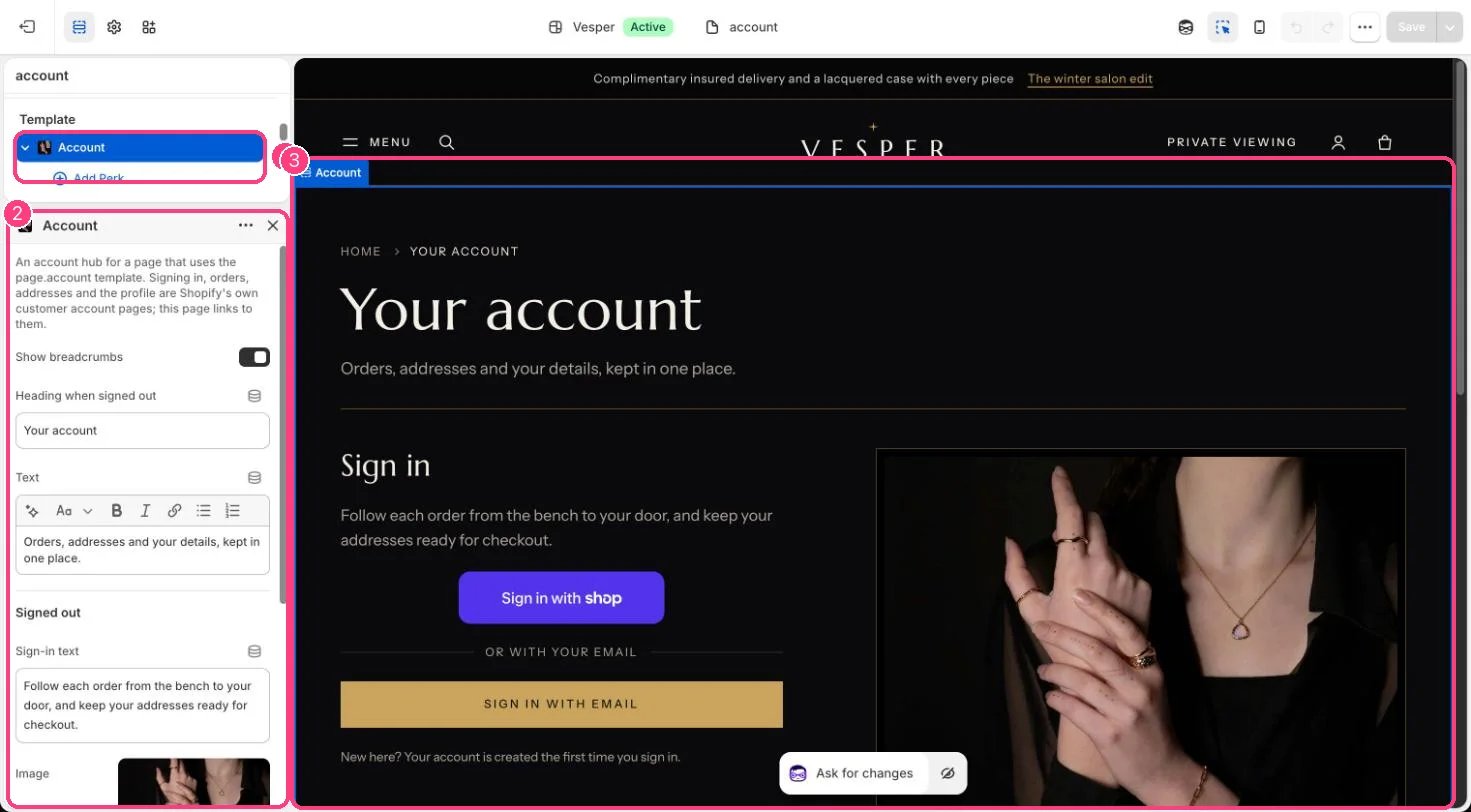
In the theme editor: 1 the section in the sidebar · 2 its settings · 3 the section in the preview
Edit it
- Create a page called Account with the page.account template, and link it from a menu.
- Edit the heading, text, sign-in text and image, and add Perk blocks.
- Set Recent orders to show (1 to 5).
Settings
Signed out
Signed in