
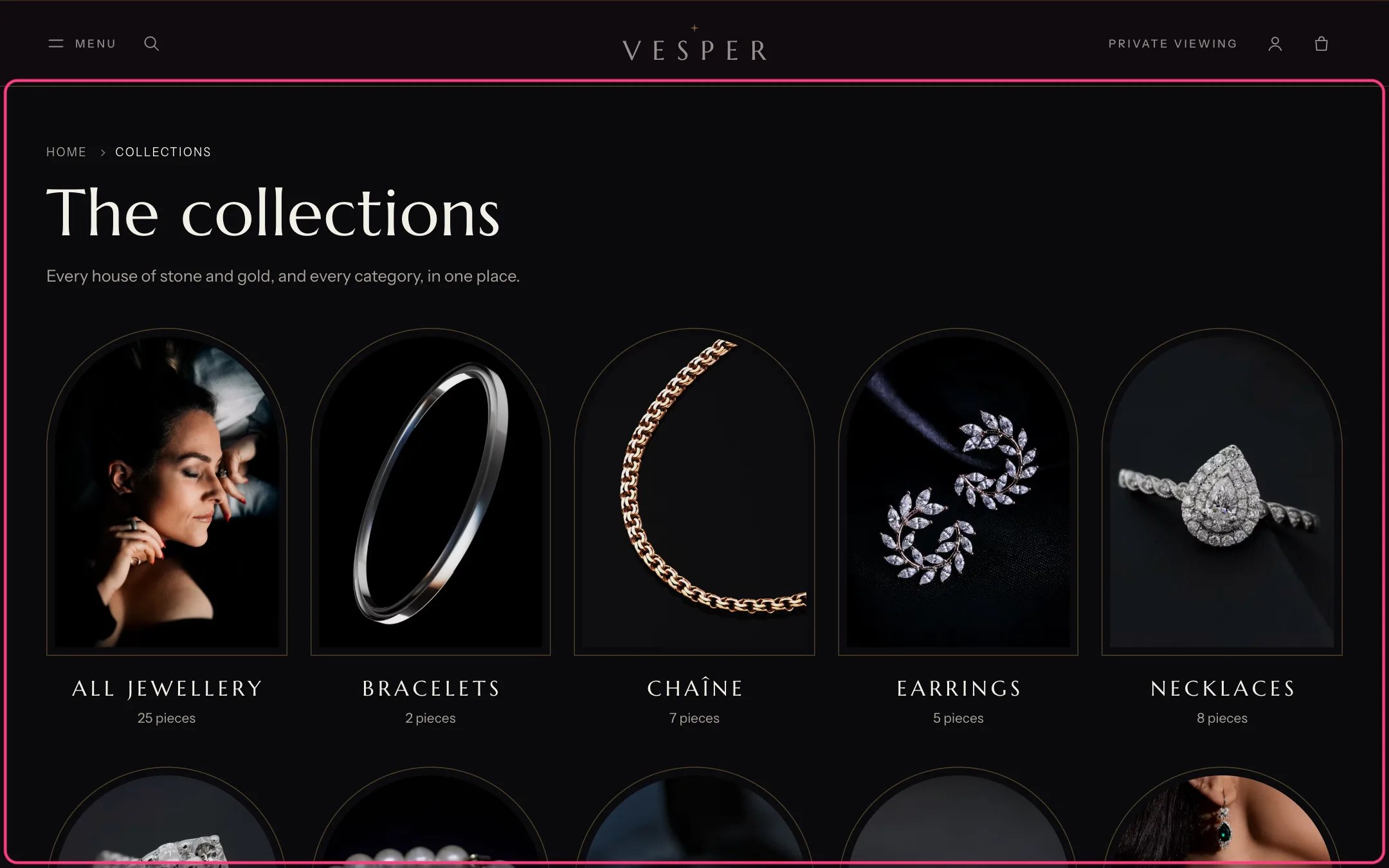
Collections list page, highlighted with the demo content
Where to find it
The collections list page (/collections). In the theme editor choose Collections list in the page selector.How it works
- With no collections chosen, every collection shows, sorted by the Sort collections setting.
- Order picked above keeps the order of the collections you choose.
- Collections with no products can be hidden.
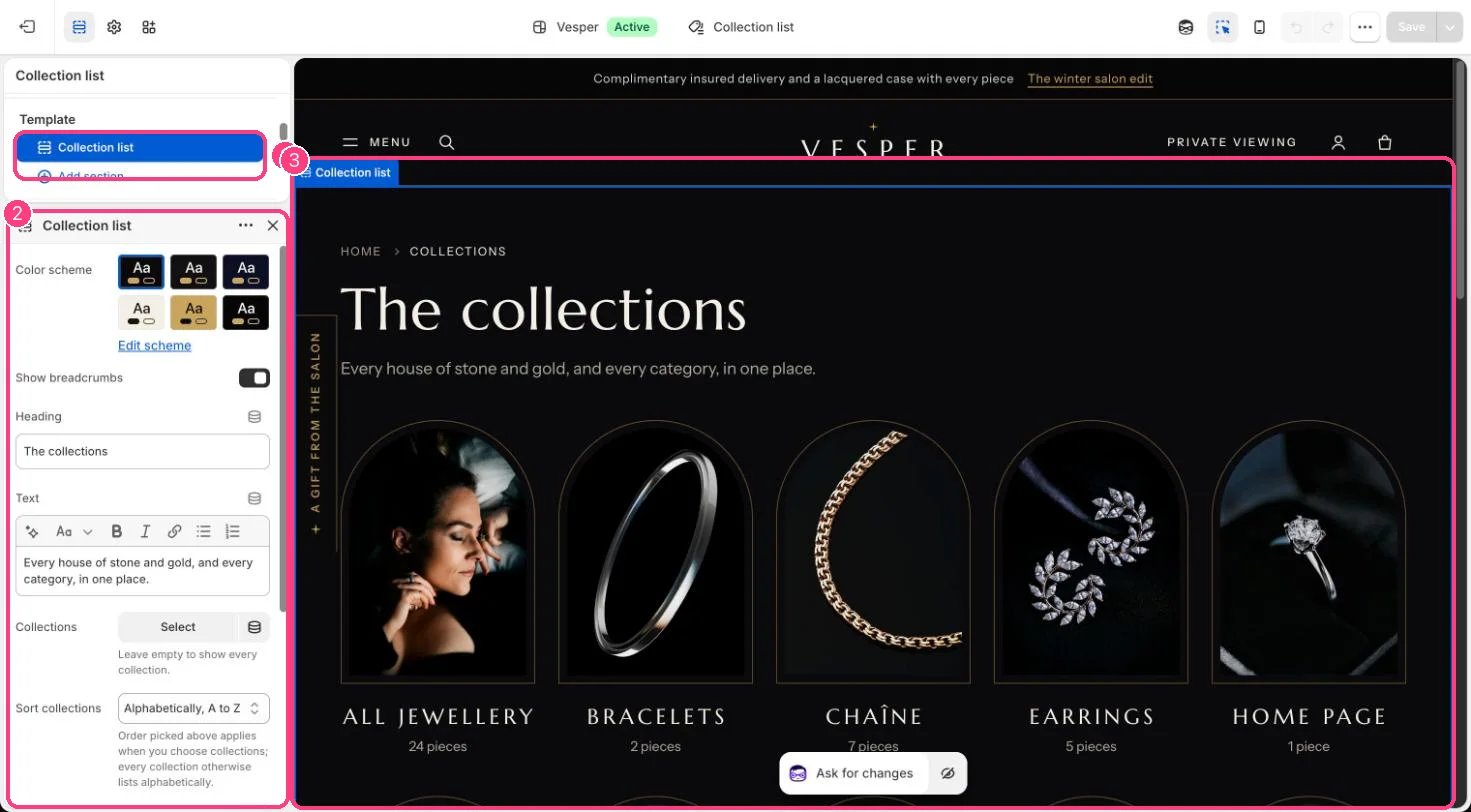
In the theme editor: 1 the section in the sidebar · 2 its settings · 3 the section in the preview
Edit it
- Choose Collections, or leave it empty to show them all.
- Choose Sort collections, Tile style (Arched frame or Square frame) and Columns on desktop (3 to 6).
- Edit Heading and Text.