
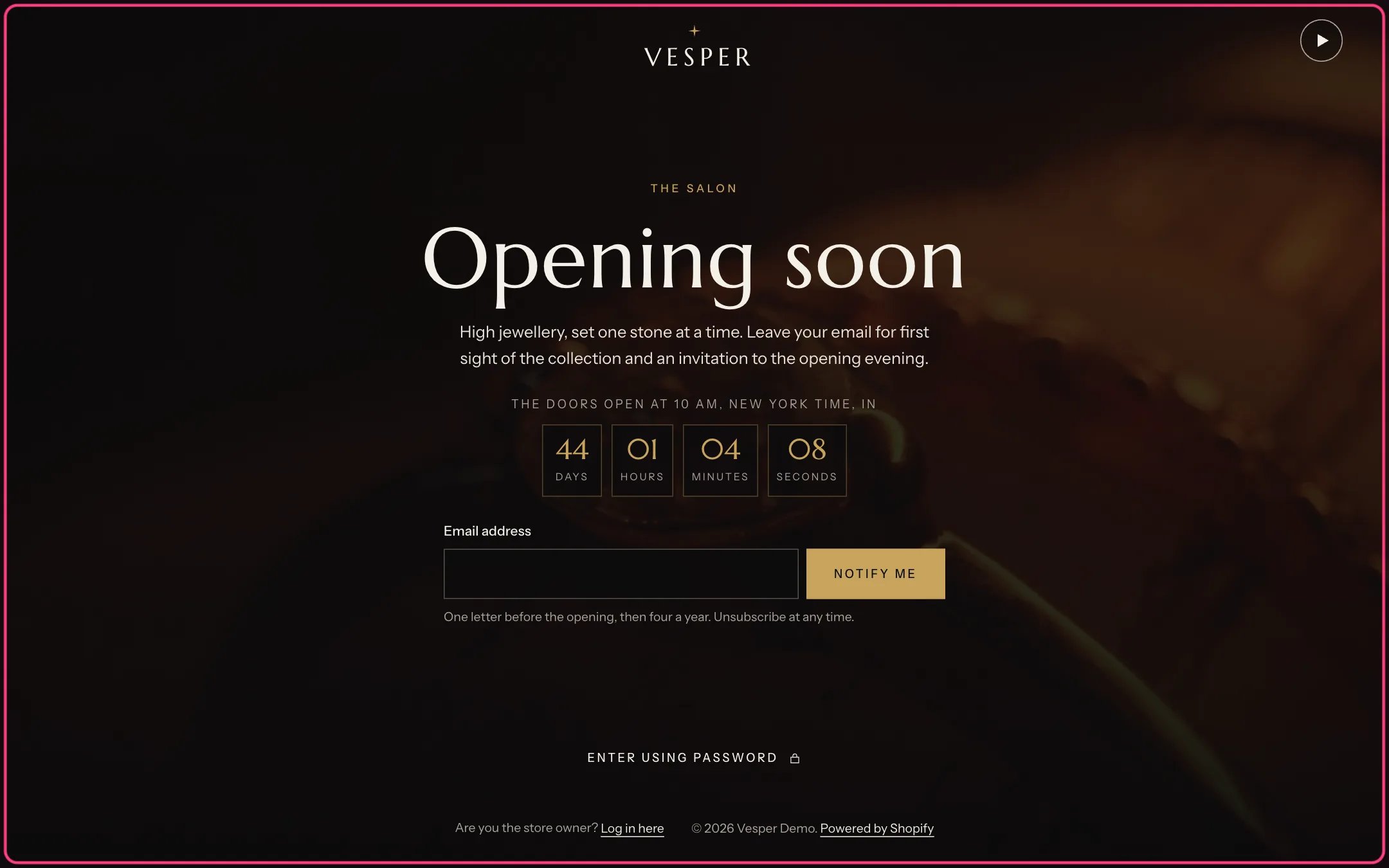
Password page, highlighted with the demo content
Where to find it
Shown while the store has a password (Online Store, Preferences). In the theme editor choose Password in the page selector (under Others).How it works
- A film plays muted on a loop behind the text, with a pause button that is always shown. Without a film, the image shows.
- The opening countdown runs to your opening date and hides itself if the date is empty, unreadable or past.
- Subscribers are added to Customers with the tags newsletter and password page.
- Enter using password opens a dialog for the store password. After a wrong password it opens again with the error.
Edit it
- Upload a Film or an Image.
- Edit the label, Heading and Text. Leave Text empty to use the message from Online Store, Preferences.
- Type Opening date and time with a time zone offset, for example 2026-12-01T10:00-05:00.
- Turn the email sign-up on or off and edit its note.
Settings
Background
Content
Opening countdown
Email sign-up