
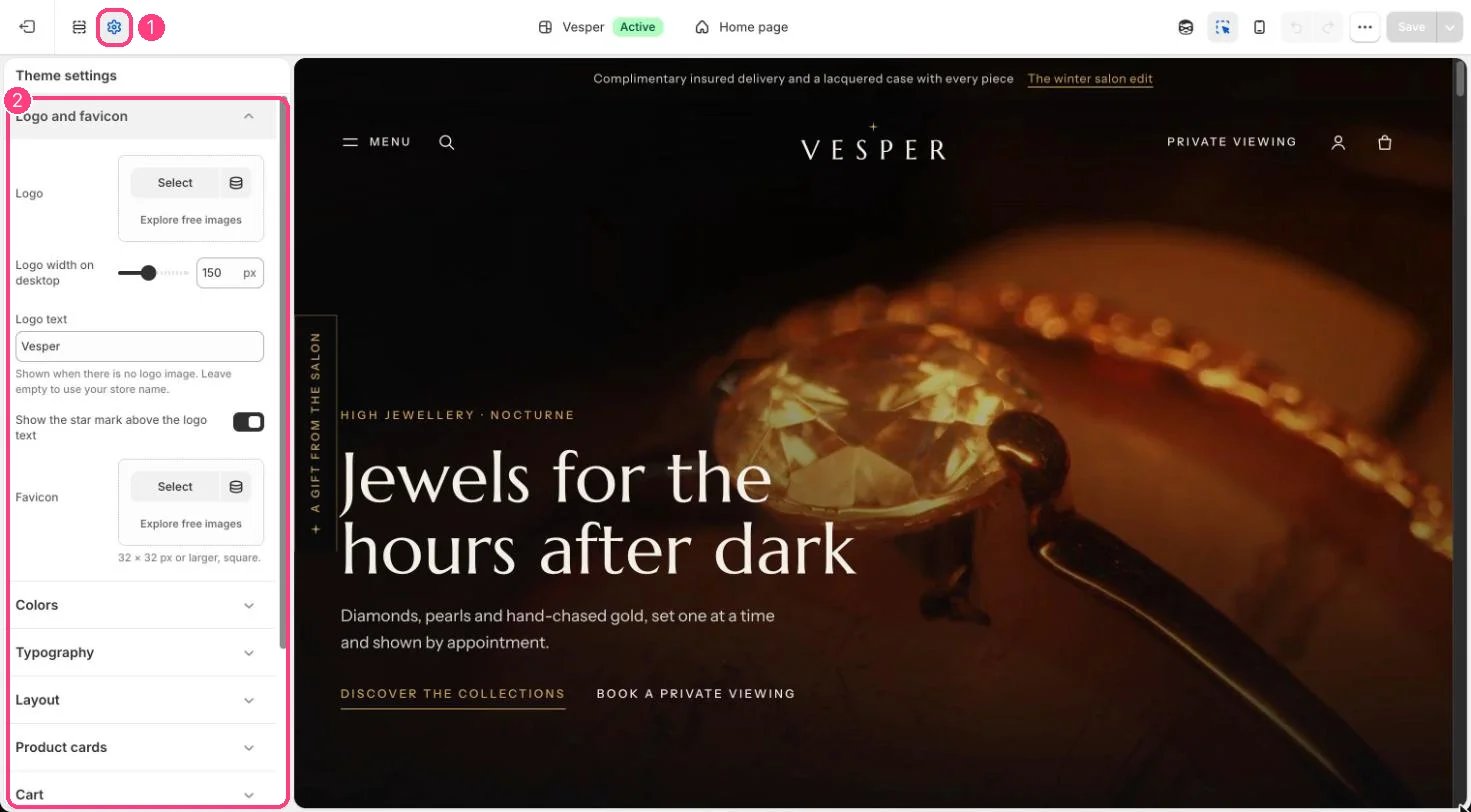
1 Theme settings (the gear icon) · 2 Logo and favicon, opened in the sidebar
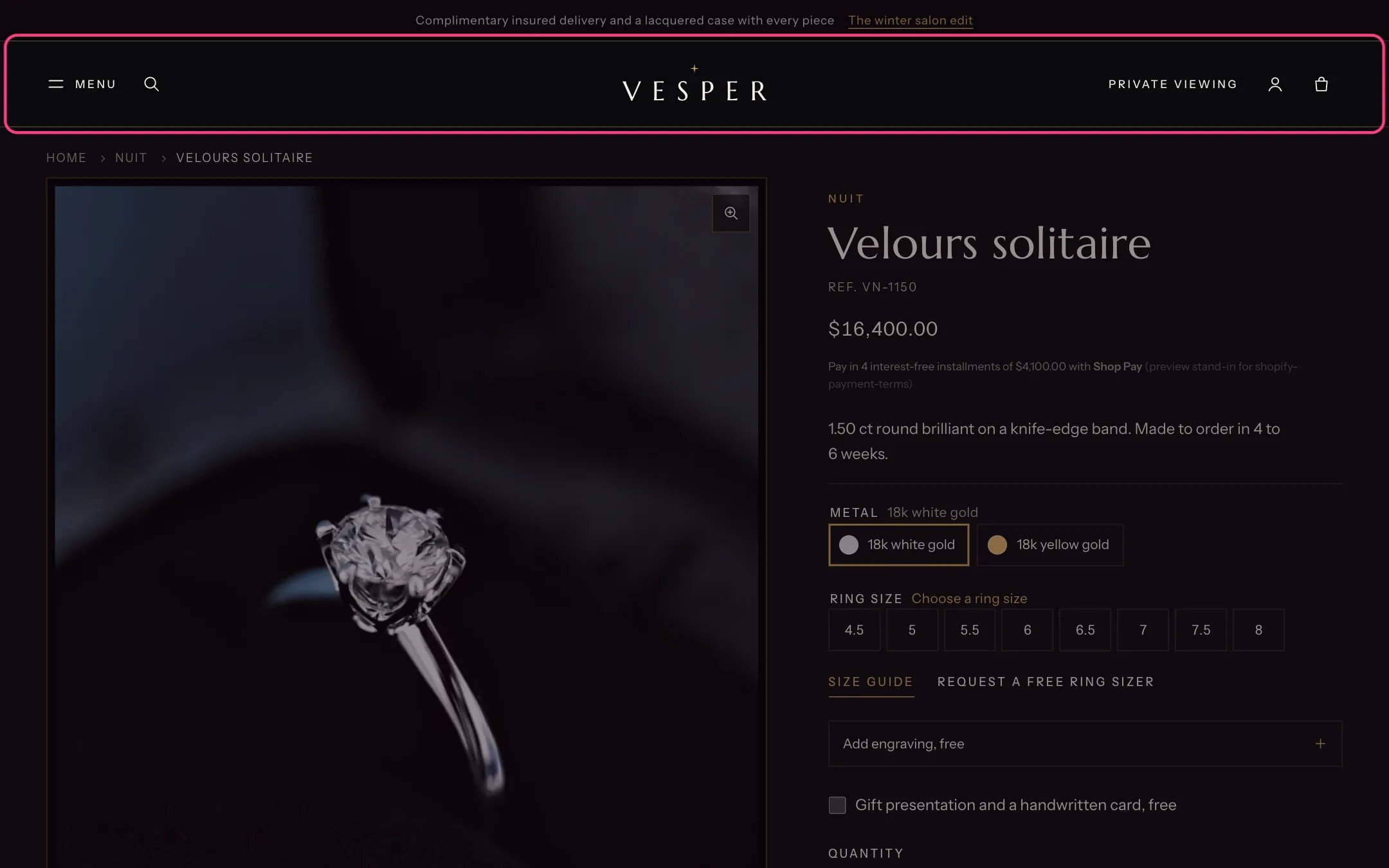
The text logo with its star mark, centered in the header
How it works
- With a logo image, the header shows it at Logo width, and never wider than 40 percent of the screen on phones.
- Without a logo image, the header, footer and password page show Logo text, or your store name when Logo text is empty, in the heading font.
- Show the star mark above the logo text adds a small gold star over the text logo.
- Without a favicon, the theme’s own icon shows in the browser tab.
Edit it
- Upload a logo with a transparent background. A light logo reads best on the dark default schemes.
- Set Logo width on desktop between 60 and 280 px.
- Upload a square favicon of 32 x 32 px or larger.