
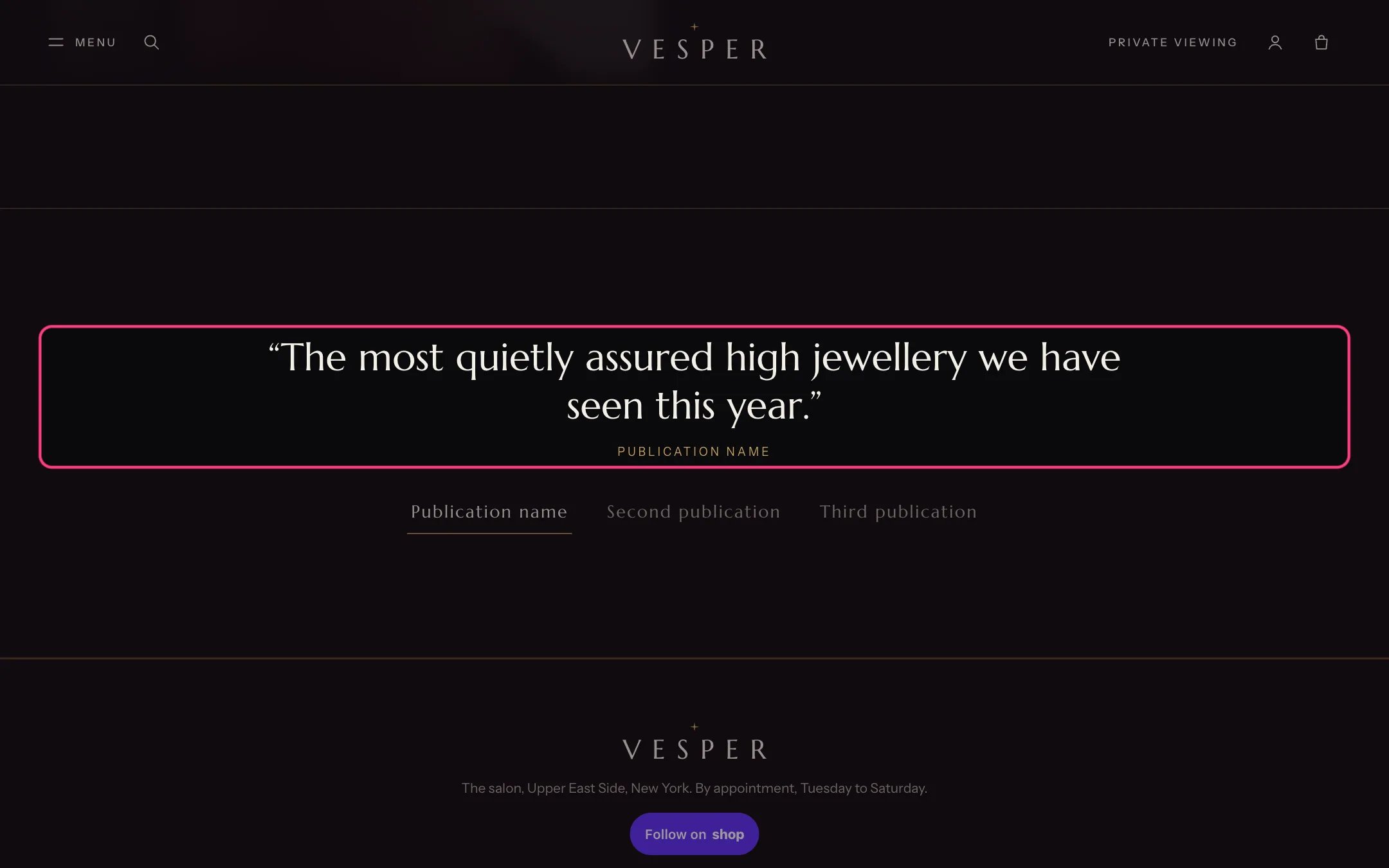
Press, highlighted with the demo content
Where to find it
Home page. It ships hidden on the home page: in the theme editor choose Home page, find Press in the sidebar and click the eye icon to show it once you have real coverage.How it works
- Each Quote block adds a quote and its publication name or logo to the row of buttons. Pressing a name shows its quote.
- Quotes never change on their own.
- With a single quote the row of buttons is hidden.
- The heading is hidden by default but still read by screen readers.
Edit it
- Add a Quote block per article (up to 6). Type the Quote and the Publication name, or upload the Publication logo: a light logo on a transparent background, about 160 px wide.
- Add the Link to the article.
- Turn on Show heading to show In the press above the quotes.
Settings
Blocks
Up to 6 blocks. Add a block with Add block under the section in the sidebar; drag blocks to reorder them.Quote
Quote real coverage only, with the publication’s permission to use its name and logo. The section ships with placeholder publication names, never real ones.