
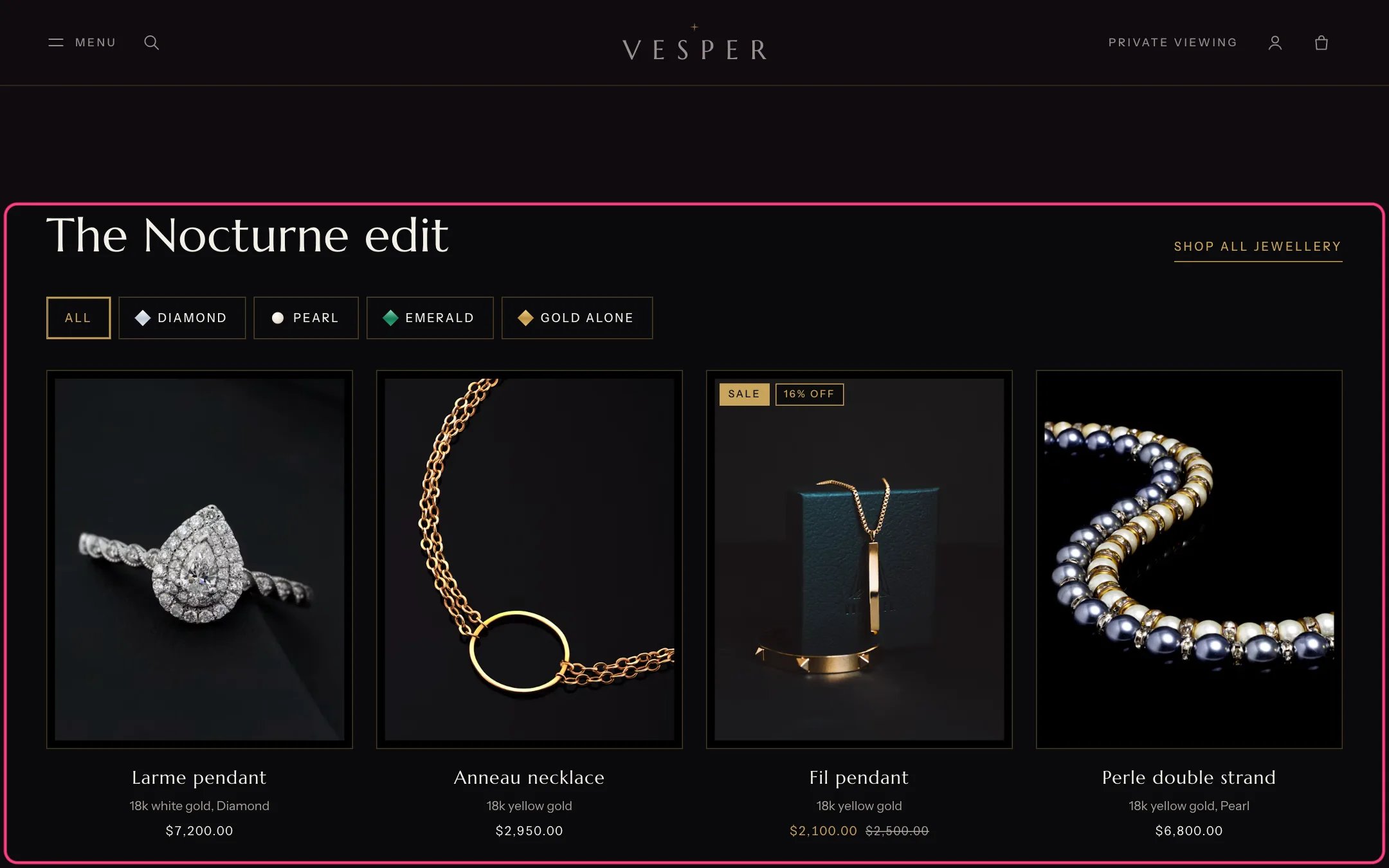
Featured collection, highlighted with the demo content
Where to find it
Home page. In the theme editor choose Home page, then select Featured collection.How it works
- Shows 2 to 16 products from the chosen collection in 3 or 4 columns on desktop and 2 on phones.
- Stone buttons are built from the product metafield custom.stone of the products shown, such as Diamond, Emerald or Pearl. They appear only when there are at least two different stones.
- Products without a stone are grouped under the Label for products without a stone (Gold alone by default).
- Filtering happens in place, with a count of the pieces shown and a reset when nothing matches.
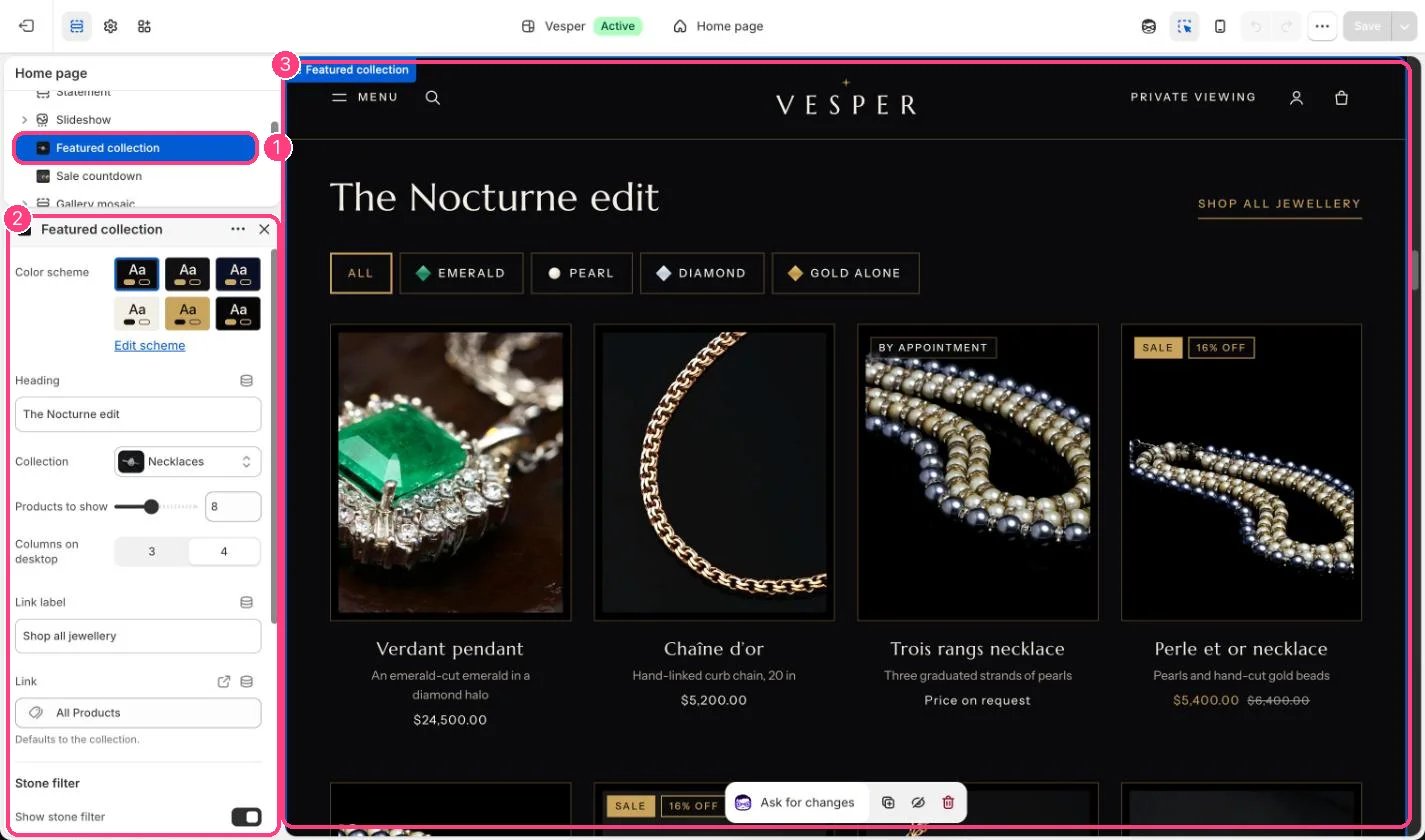
In the theme editor: 1 the section in the sidebar · 2 its settings · 3 the section in the preview
Edit it
- Choose the Collection and set Products to show and Columns on desktop.
- Fill in custom.stone on your products to get the stone buttons. See Metafields reference.
- Turn off Show stone filter to hide the buttons.
- Edit Heading, Link label and Link. The link defaults to the collection.
Settings
Stone filter