
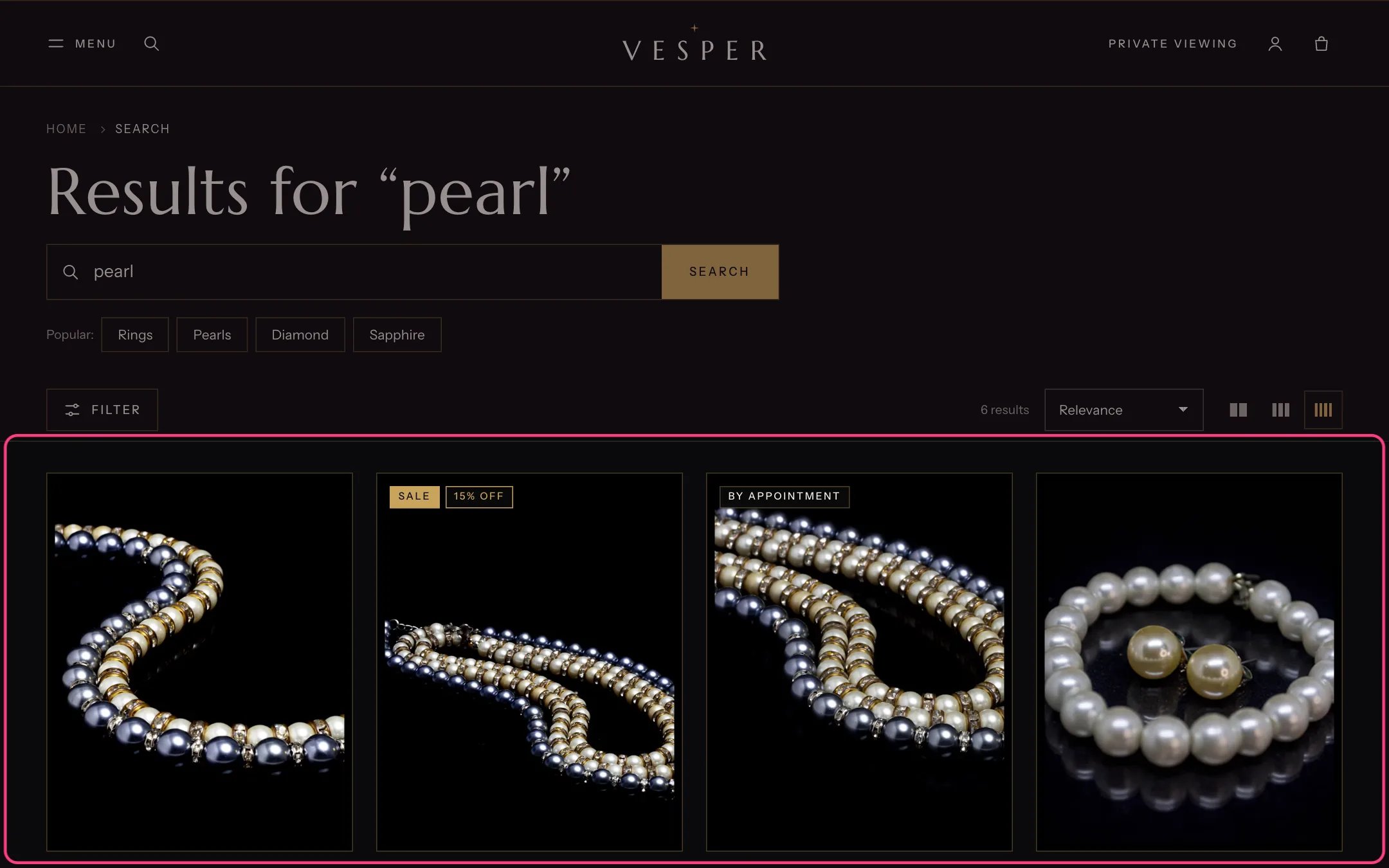
Search results, highlighted with the demo content
Where to find it
The search page (/search). In the theme editor choose Search in the page selector.How it works
- Products show as cards in a grid with the same toolbar, filters and pagination as collection pages.
- Matching journal stories and pages show as two lists under the products, unless Search in is set to Products only.
- Before a search, and when nothing matches, the popular searches from Theme settings, Search are offered.
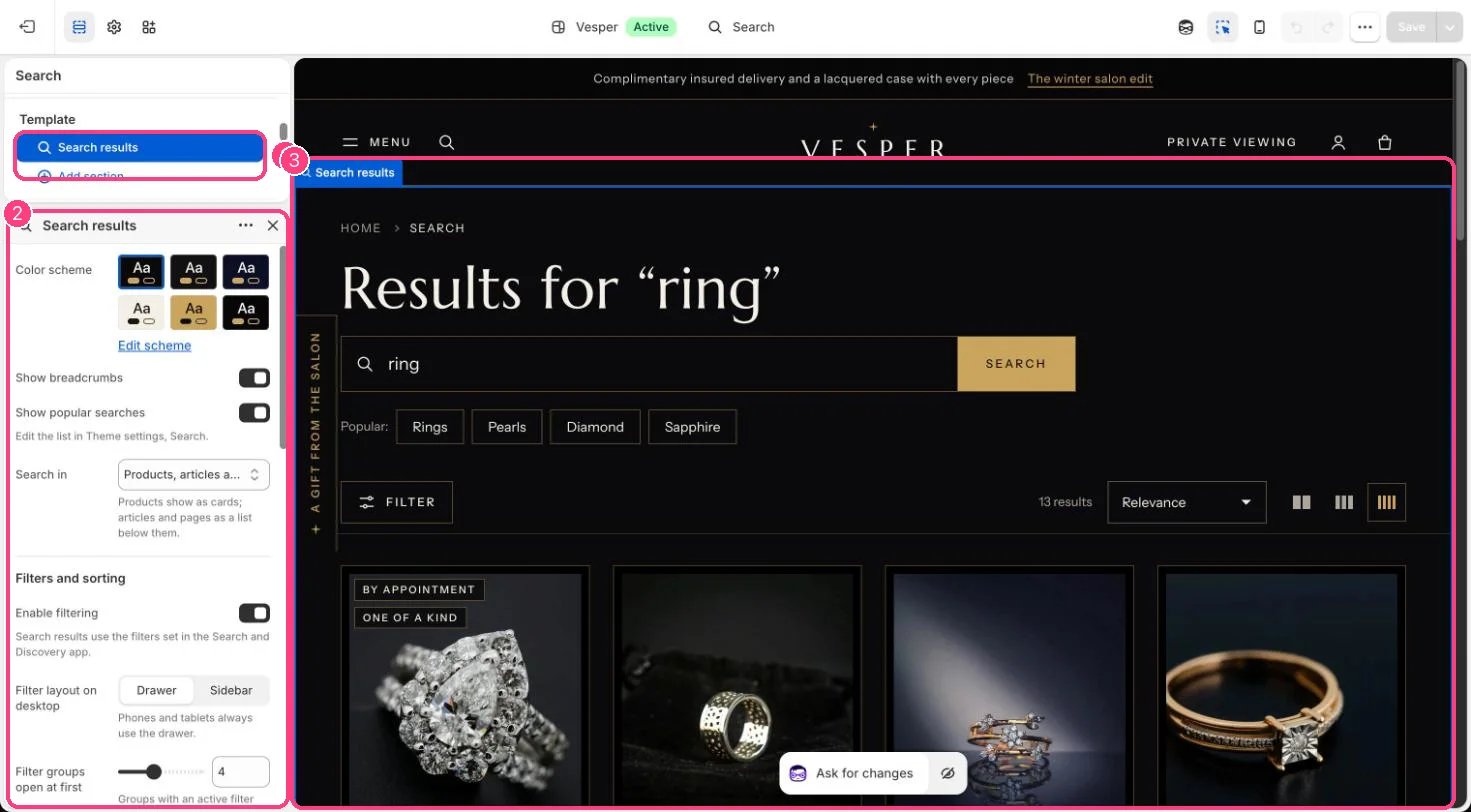
In the theme editor: 1 the section in the sidebar · 2 its settings · 3 the section in the preview
Edit it
- Choose Search in: Products, articles and pages, or Products only.
- Set filters, sorting, columns, results per page and pagination as on the collection page.
- Edit popular searches in Theme settings, Search.
Settings
Filters and sorting
Results grid
Empty results