
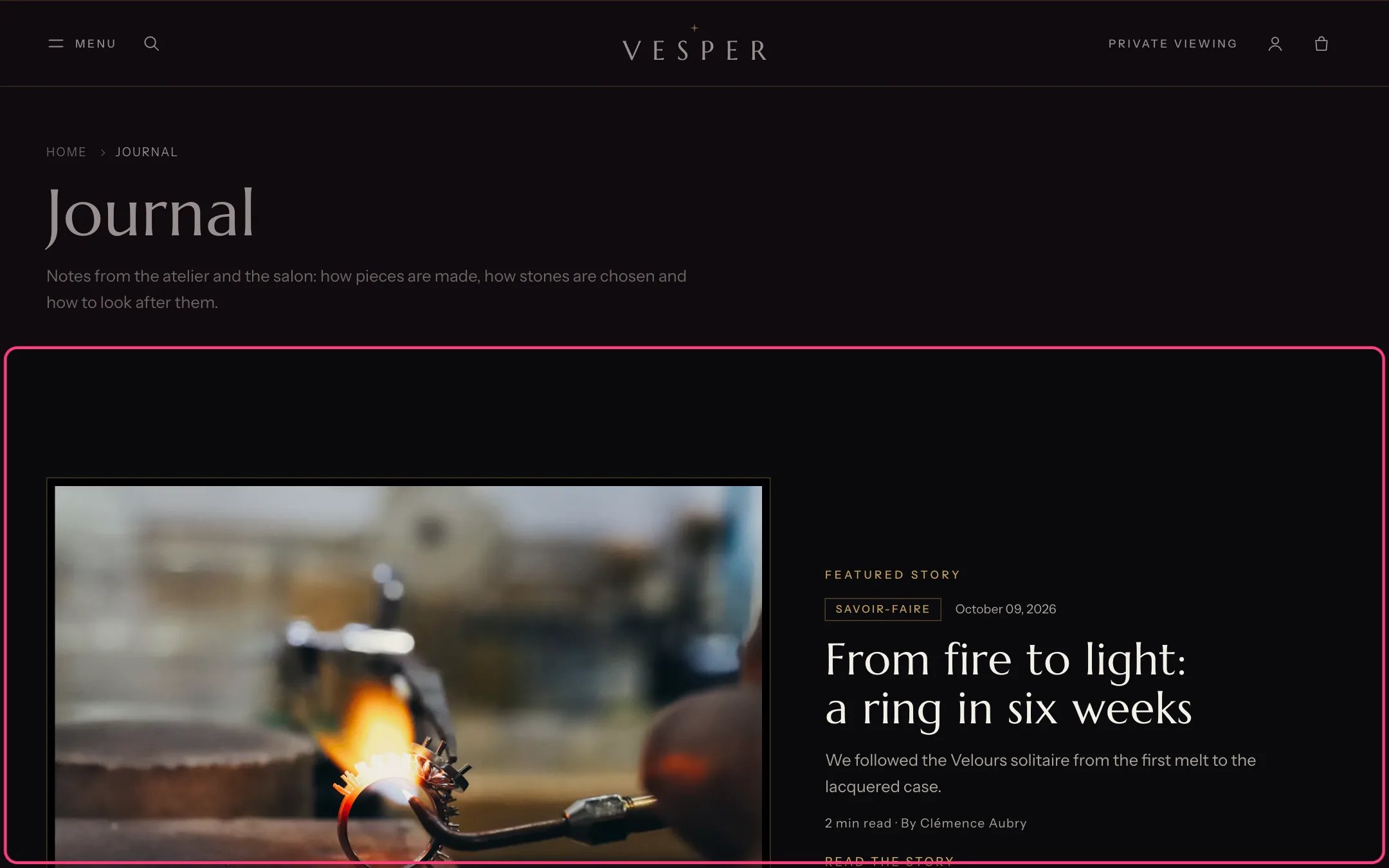
Journal, highlighted with the demo content
Where to find it
Every blog that uses the default blog template. In the theme editor choose Blogs, then Default blog, and select Journal.How it works
- On the first page, with no subject chosen, the newest story is featured large.
- Subject links are built from the blog’s tags. Tags with a colon, such as date:2026-11-20, are hidden.
- The search field searches stories only.
- Pagination is page numbers, a Load more button or infinite scroll.
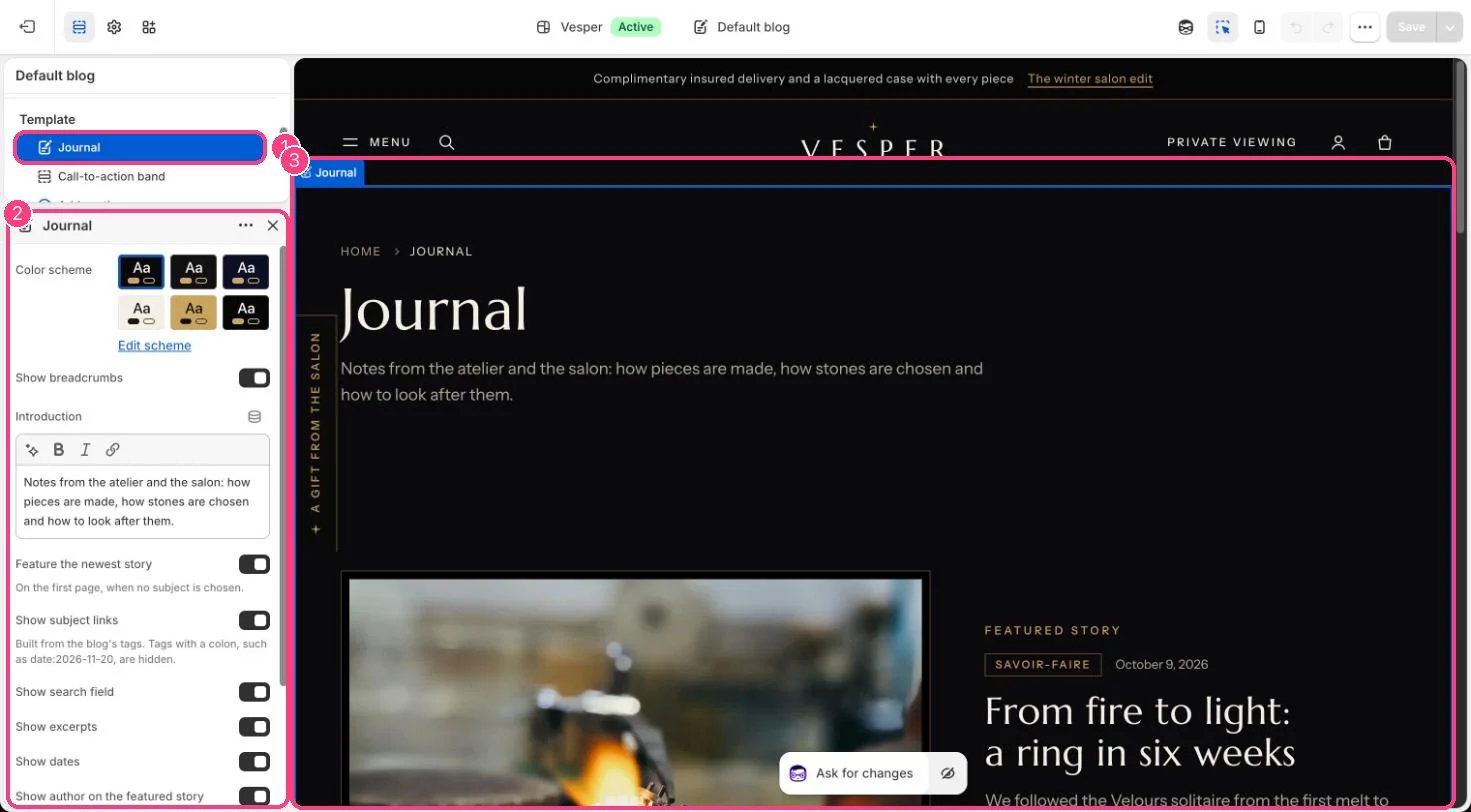
In the theme editor: 1 the section in the sidebar · 2 its settings · 3 the section in the preview
Edit it
- Edit Introduction and choose what the cards show: excerpts, dates and the author on the featured story.
- Set Stories per page and Pagination.