
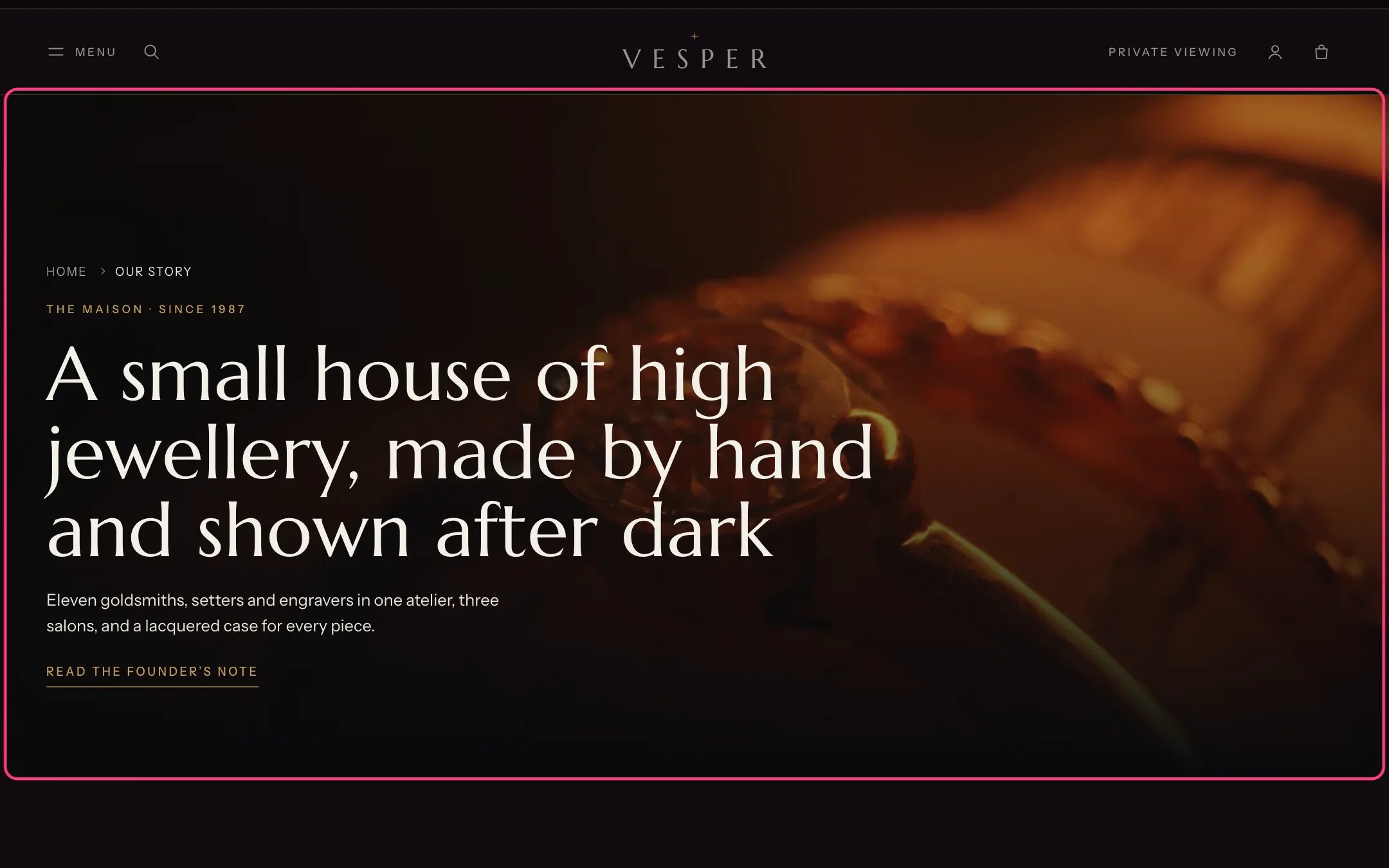
Page hero, highlighted with the demo content
Where to find it
The first section of the About, Boutiques, Contact, Events, Gallery and Questions and answers templates. In the theme editor choose Pages, pick the template, then select Page hero.How it works
- Title only shows the heading over the page background.
- Film or photograph behind the title shows the photograph, or a Shopify-hosted film playing muted on a loop, behind the heading (the About page uses it). The film never plays with reduced motion or data saving, and its pause button appears for keyboard users.
- An empty Title uses the page’s own title.
- Show the page’s content adds the text written for the page in Online Store, Pages under the introduction.
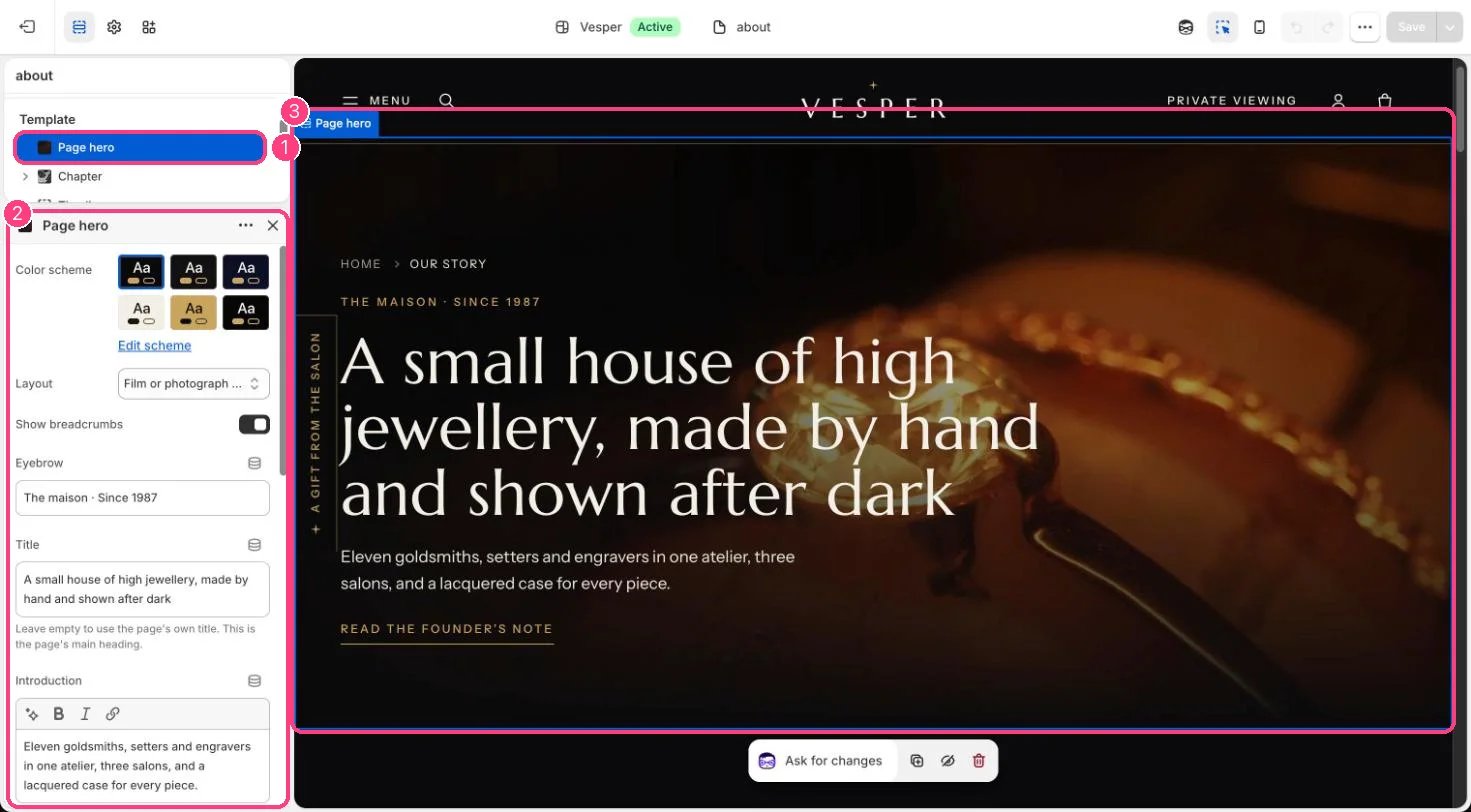
In the theme editor: 1 the section in the sidebar · 2 its settings · 3 the section in the preview
Edit it
- Choose Layout, then edit Eyebrow, Title and Introduction.
- Add a Link label and Link. To jump to a section on the same page, type # and that section’s anchor, for example #founder.
- For the photograph layout, upload a Photograph of 2400 x 1400 px or larger, and optionally a Film under 3 MB.
Settings
Media