
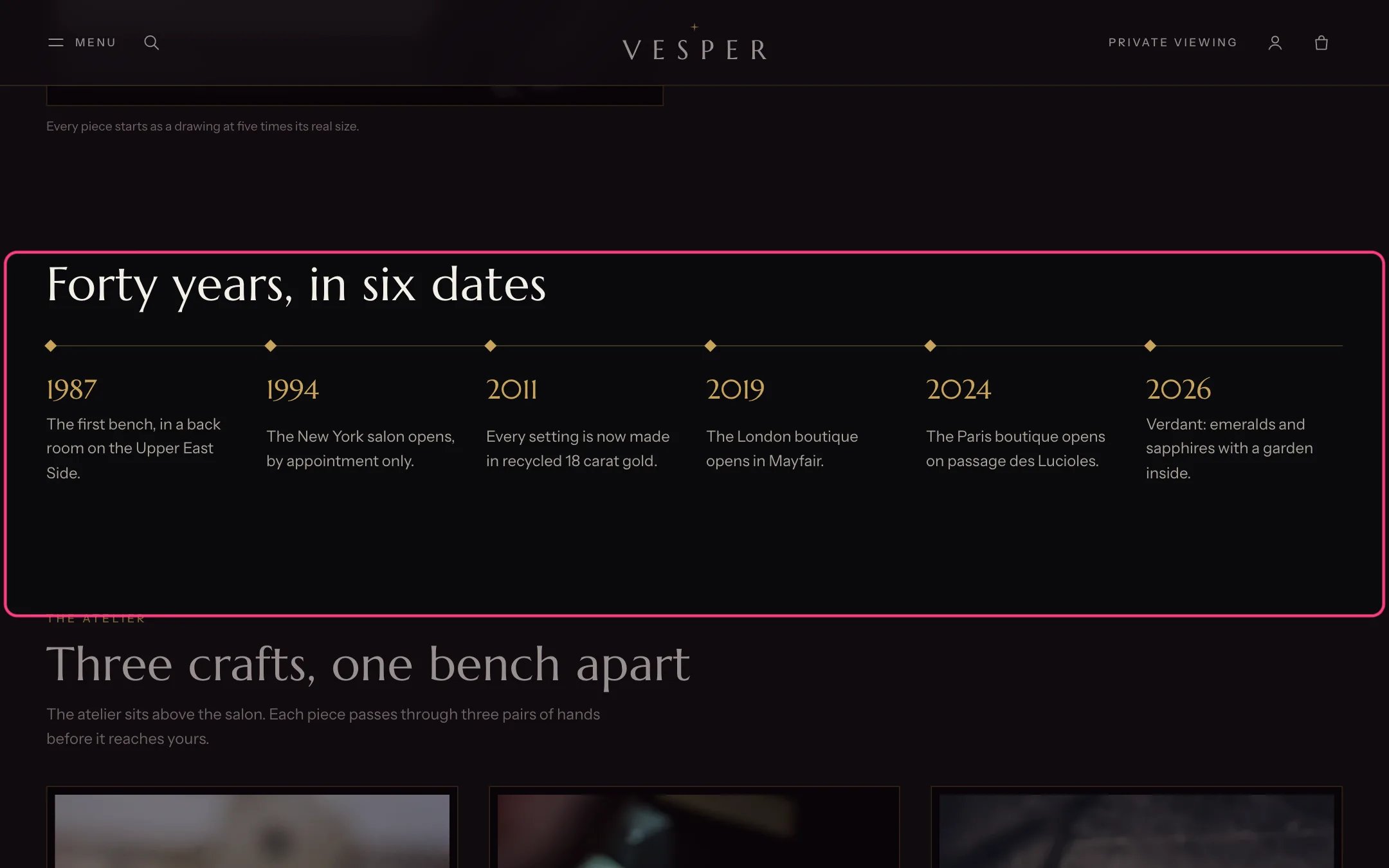
Timeline, highlighted with the demo content
Where to find it
The About template. In the theme editor choose Pages, then about, and select Timeline.How it works
- Six dates fit on one line on large screens; more wrap onto a second line.
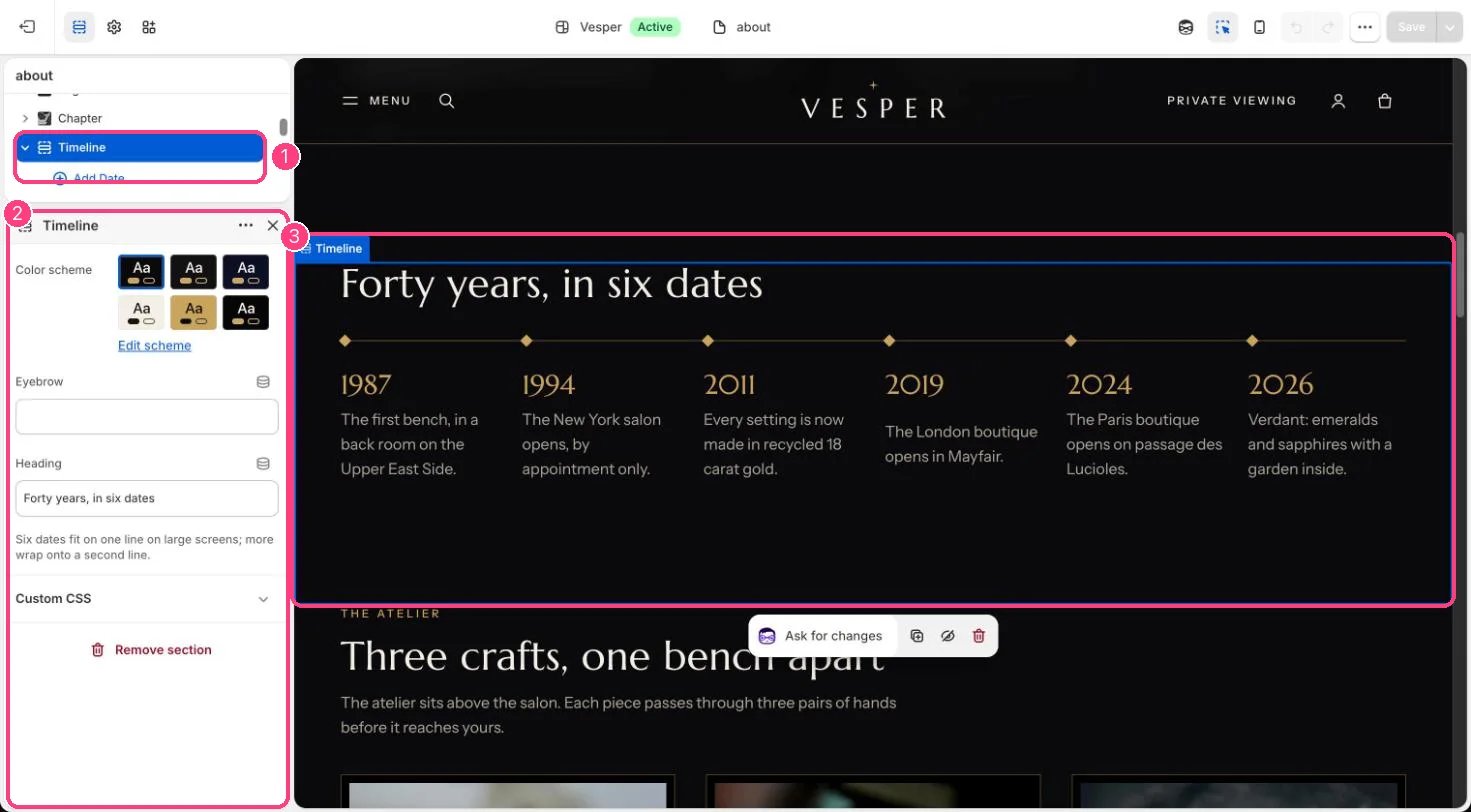
In the theme editor: 1 the section in the sidebar · 2 its settings · 3 the section in the preview
Edit it
- Add a Date block per moment (up to 12) with a Year or date and What happened.
- Edit Eyebrow and Heading.