
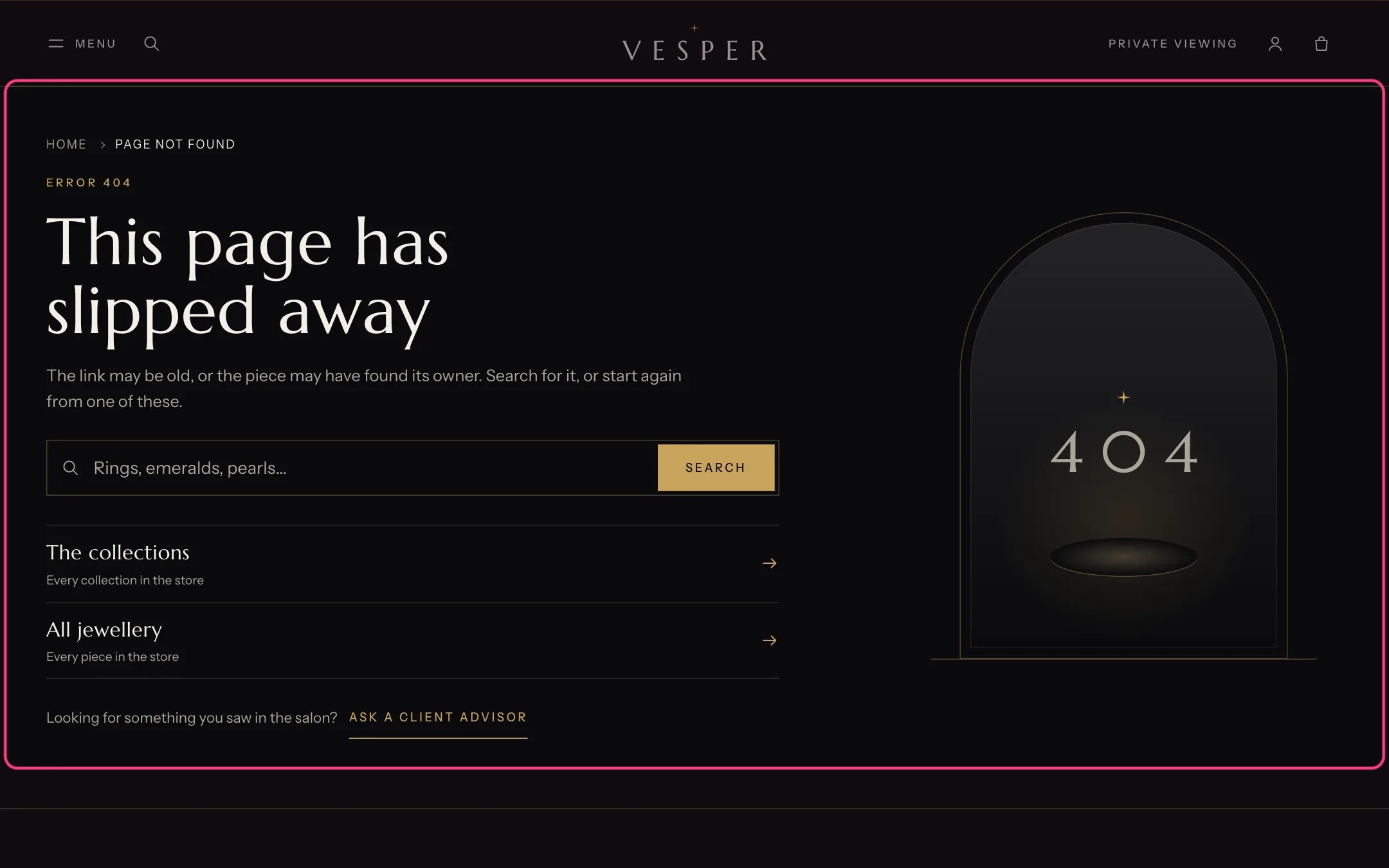
Page not found, highlighted with the demo content
Where to find it
Any address that does not exist. In the theme editor choose 404 page in the page selector (under Others).How it works
- Link blocks show helpful destinations with a short note, such as The collections.
- The products row is hidden when no products are chosen.
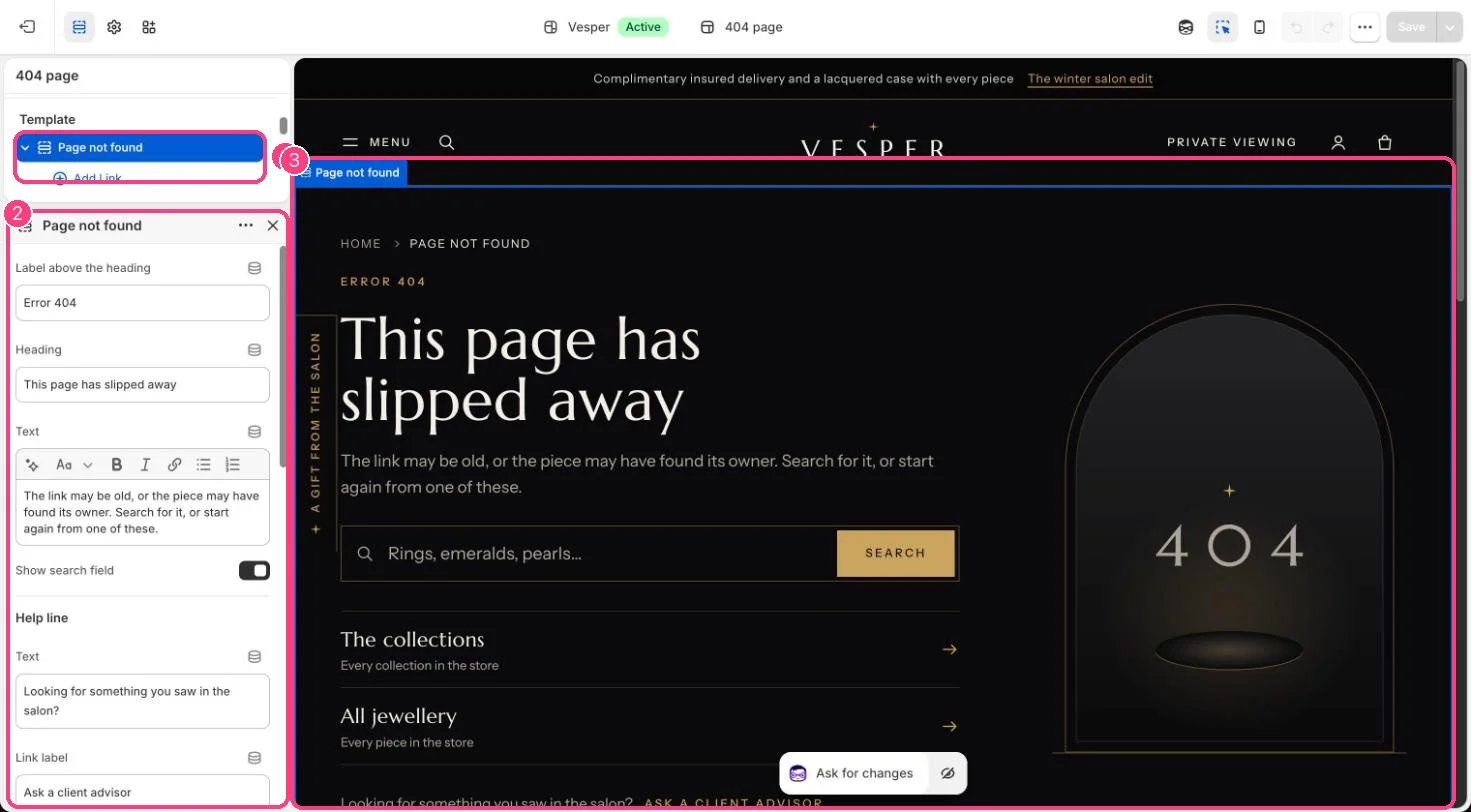
In the theme editor: 1 the section in the sidebar · 2 its settings · 3 the section in the preview
Edit it
- Edit the label, Heading and Text.
- Add Link blocks (up to 5).
- Set the help line and its link, for example to your contact page.
- Choose Products: four or eight work best.
Settings
Help line
Products