
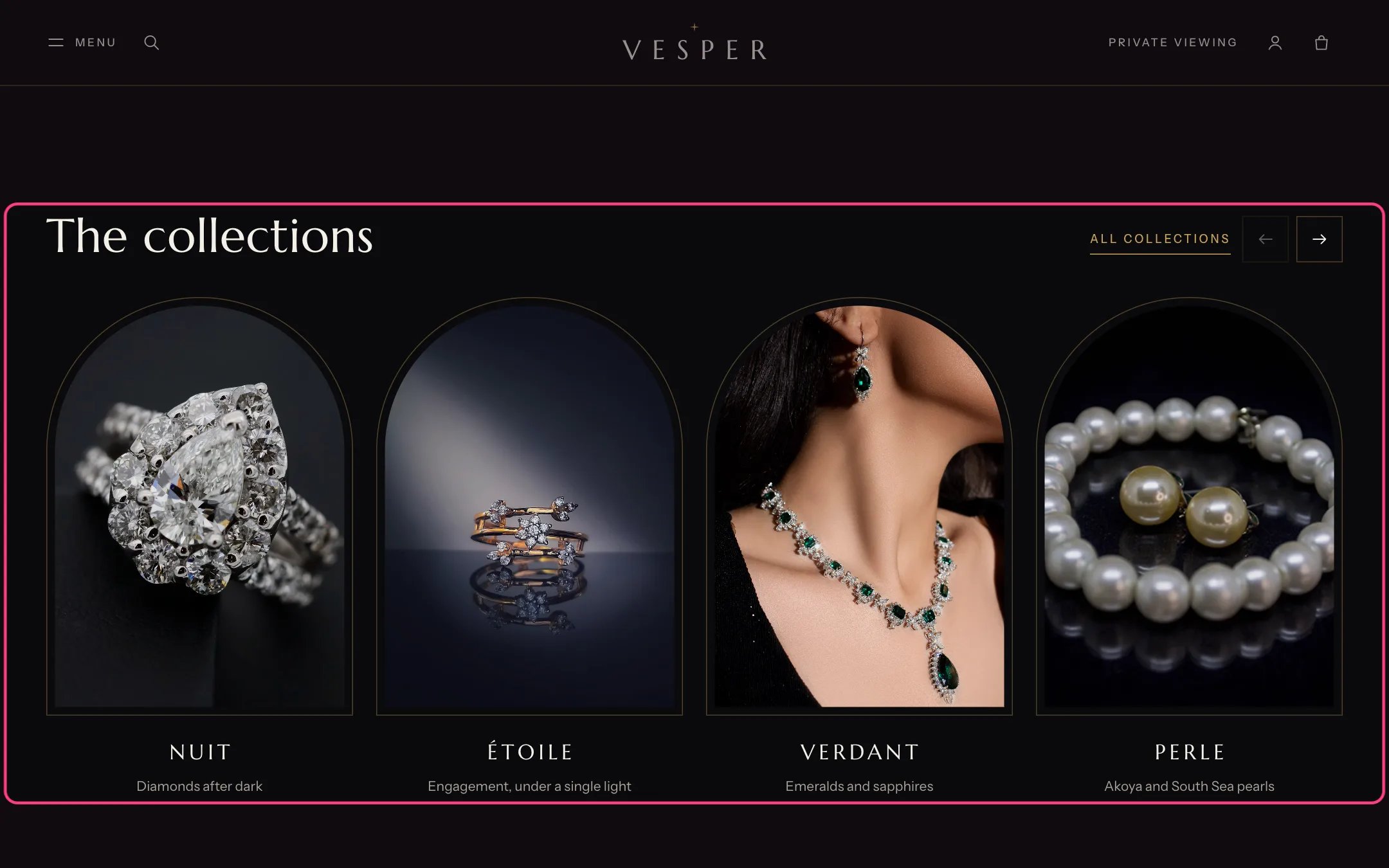
Collection list (arched), highlighted with the demo content
Where to find it
Home page, under the Vertical films. In the theme editor choose Home page, then select Collection list (arched).How it works
- Four arches show at a time on desktop. Shoppers move through them with the arrow buttons, a swipe or a trackpad.
- Each arch shows the block’s image, else the collection’s image, else the image of its first product, else a drawn placeholder.
- The top of each image is cut into an arch, so portrait images work best.
- The link at the top (All collections by default) goes to /collections.
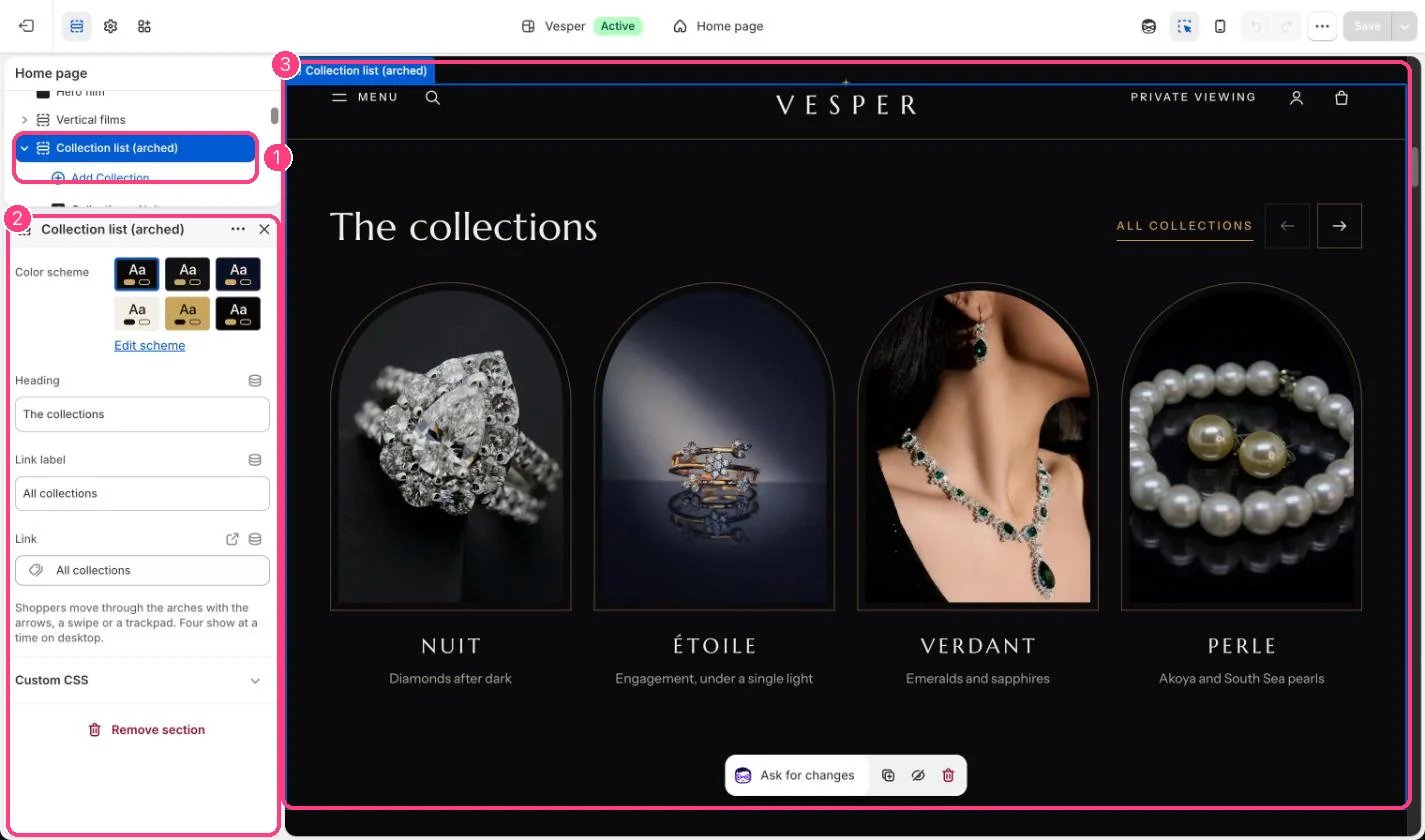
In the theme editor: 1 the section in the sidebar · 2 its settings · 3 the section in the preview
Edit it
- Add a Collection block per arch (up to 8) and choose the collection.
- Type a Note such as Diamonds after dark. It shows under the name.
- Upload an Image to replace the collection’s own image in this section only.
- Edit Heading, Link label and Link.