
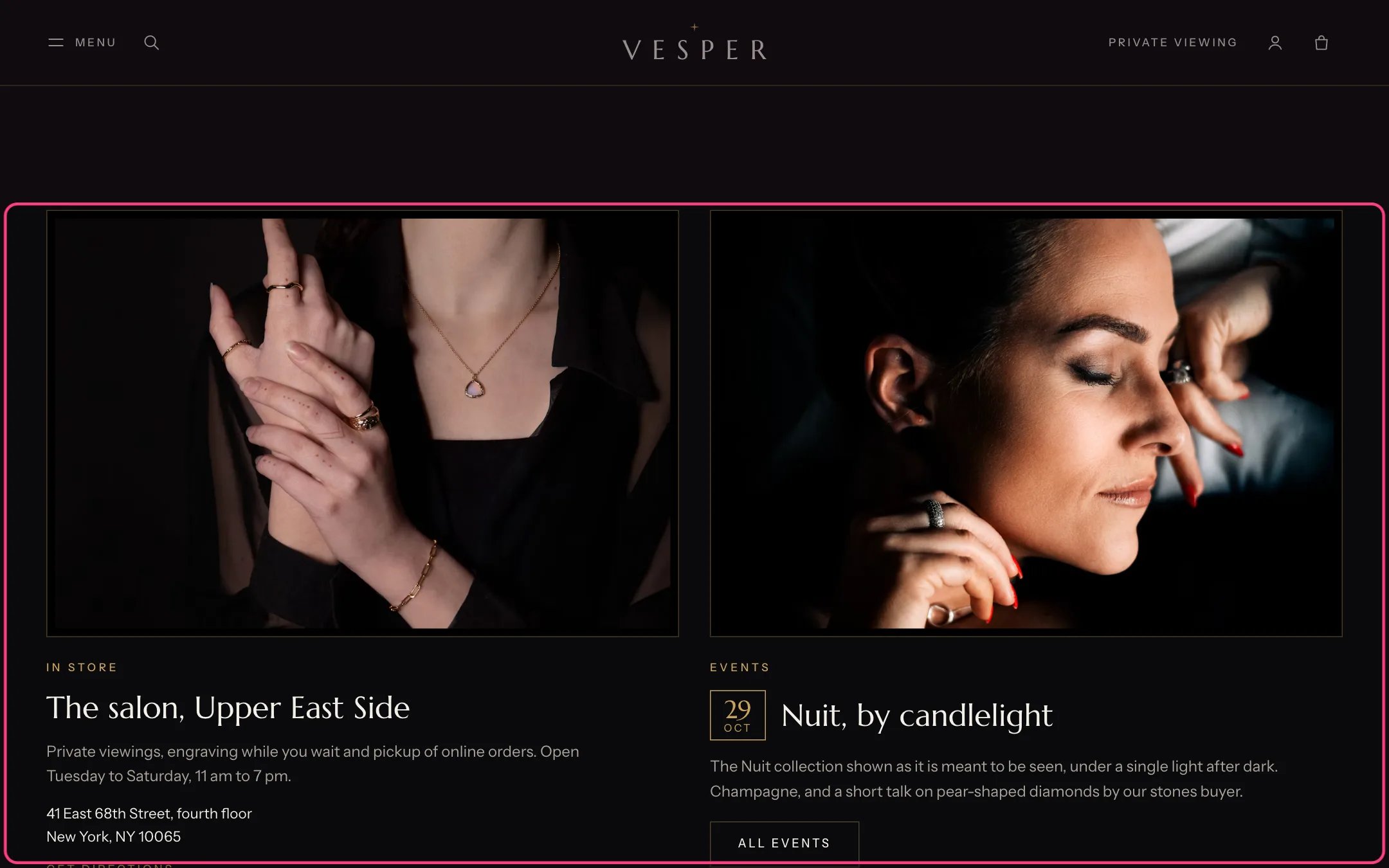
Boutique and event, highlighted with the demo content
Where to find it
Home page. In the theme editor choose Home page, then select Boutique and event.How it works
- A Boutique block shows a photograph, title, text, address, a directions link that opens Google Maps in a new tab, a button and a second link.
- An Event block with an events blog shows the latest post of that blog: its title, text, image and link. The date badge comes from the post’s custom.start metafield, or a tag such as date:2026-11-14.
- An Event block without a blog shows the date, title, text and button you type in.
- Images are cropped to 3:2. Up to 4 blocks.
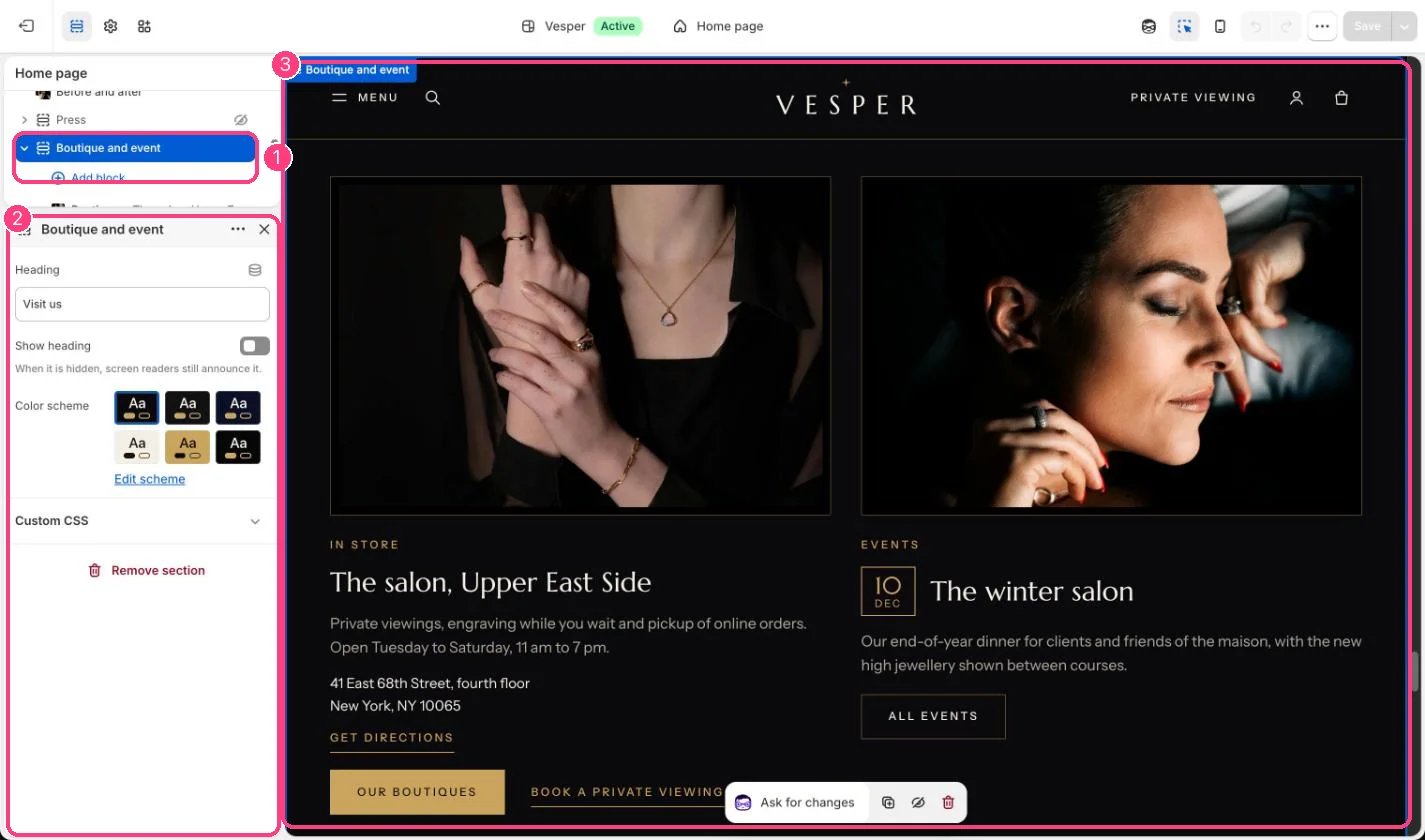
In the theme editor: 1 the section in the sidebar · 2 its settings · 3 the section in the preview
Edit it
- Fill in the Boutique block, including the Address if you want the directions link.
- In the Event block choose your Events blog, or leave it empty and type the event by hand (Date as day first, for example 14 Nov).
- Turn on Show heading to show the section heading.
Settings
Blocks
Up to 4 blocks. Add a block with Add block under the section in the sidebar; drag blocks to reorder them.Boutique
Event
See Boutiques and events to set up the events blog.