
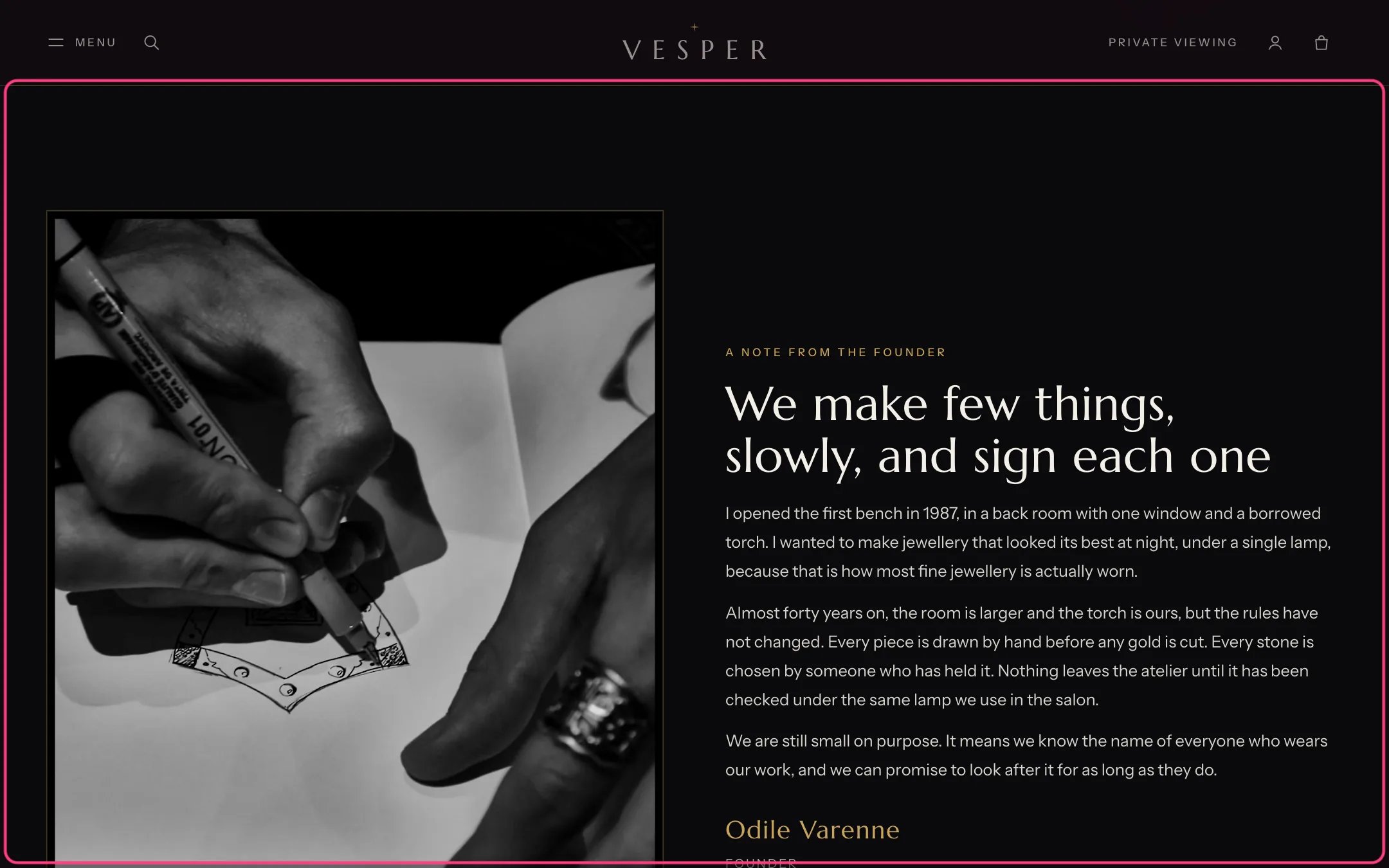
Chapter, highlighted with the demo content
Where to find it
The About template (twice). In the theme editor choose Pages, then about, and select a Chapter section. It can be added to other pages with Add section.How it works
- The photograph sits before or after the text on large screens.
- Text blocks can be a story in several paragraphs or a short introduction.
- A Signature block shows a name and role under the text, once per section.
- List link blocks show rows such as city names with a line and an arrow, each a link.
- Link blocks show a gold link or a button.
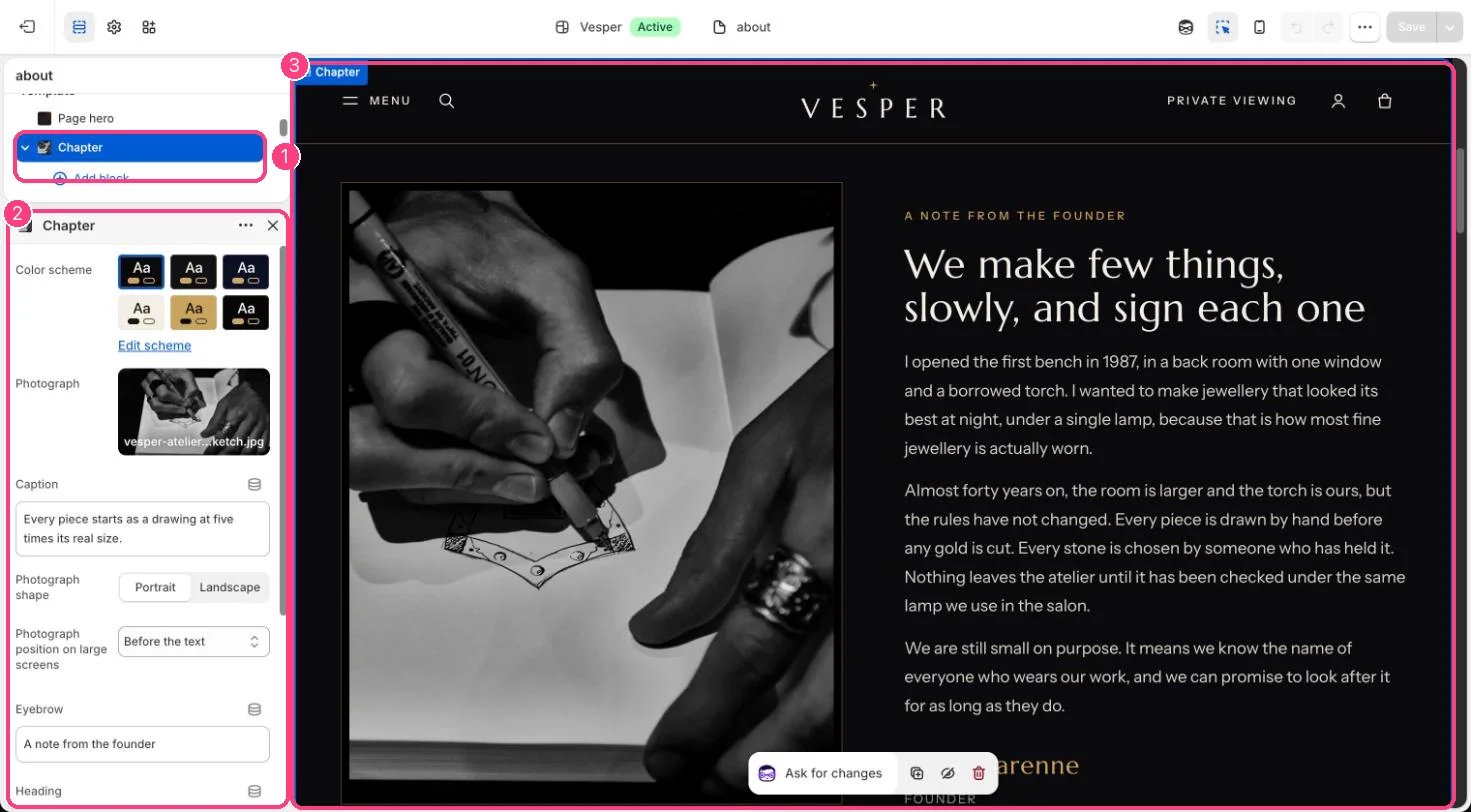
In the theme editor: 1 the section in the sidebar · 2 its settings · 3 the section in the preview
Edit it
- Upload a Photograph, choose Photograph shape (Portrait or Landscape) and position, and add a Caption.
- Edit Eyebrow and Heading, then add Text, Signature, List link and Link blocks.
- Type an Anchor such as founder so other links can jump here with #founder.