
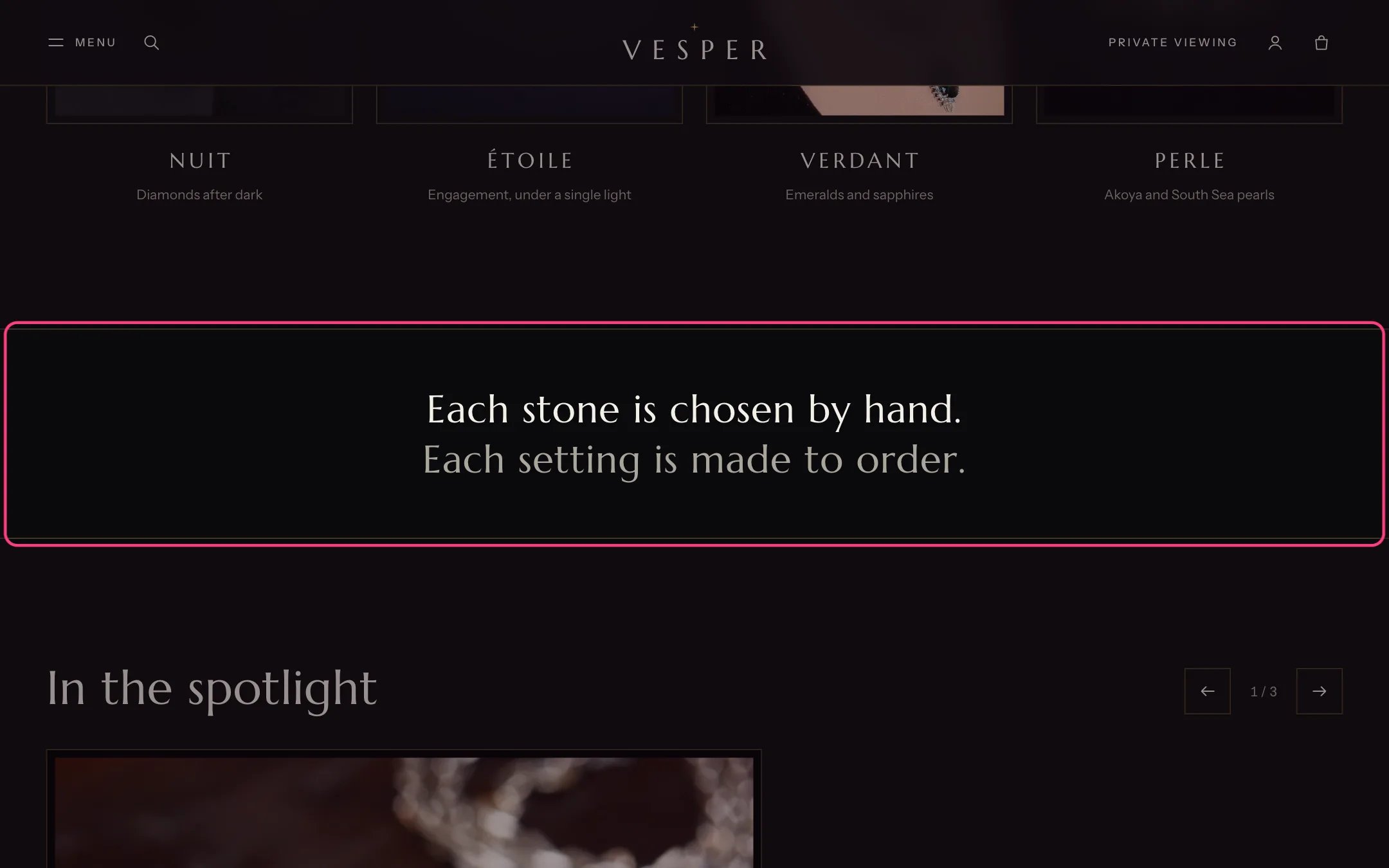
Statement, highlighted with the demo content
Where to find it
Home page, between the arched collections and the slideshow. In the theme editor choose Home page, then select Statement.How it works
- The first line shows in the main text color, the second on its own line in a quieter color.
- Space around sets the room above and below the gold lines. None sits the lines right against the sections next to it.
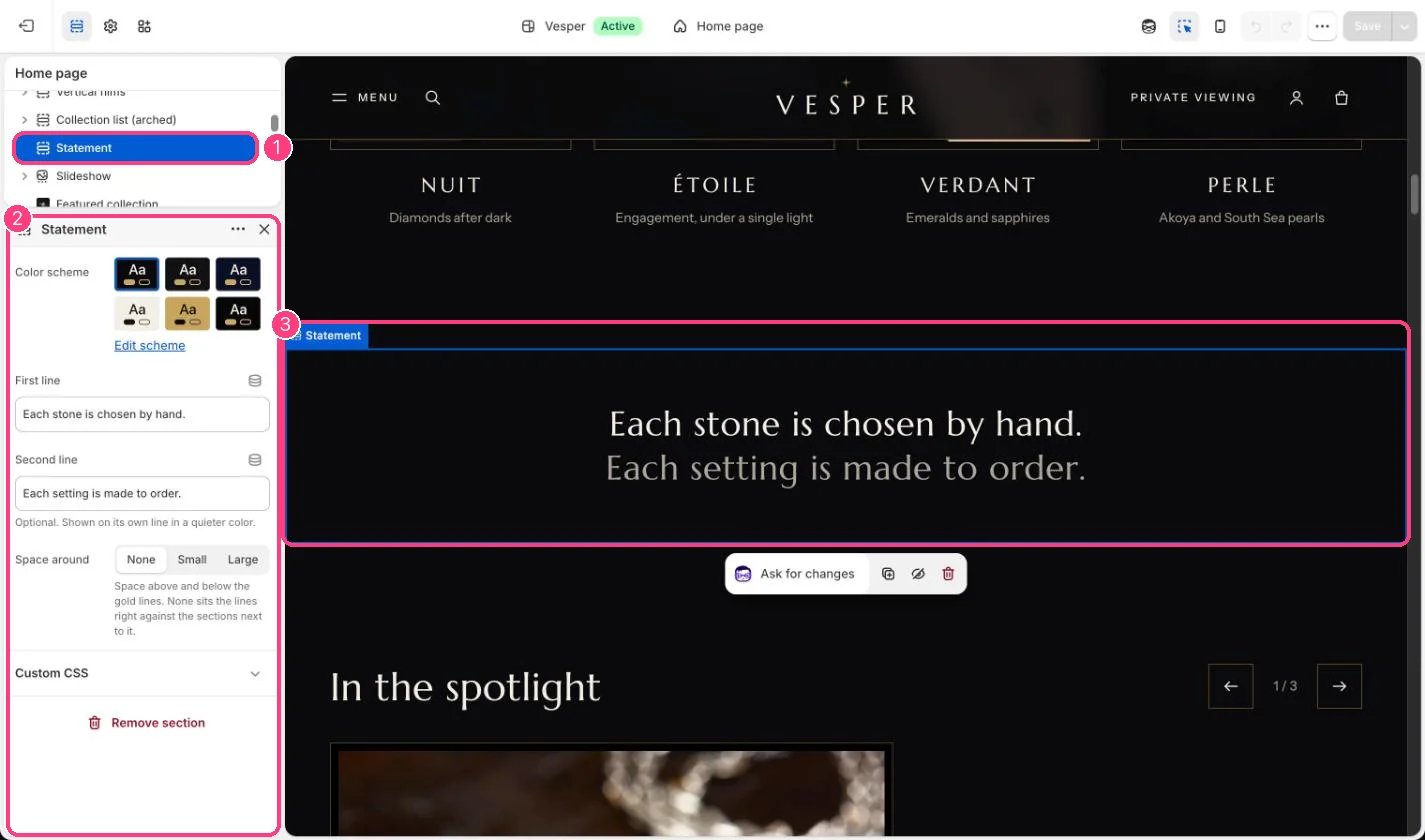
In the theme editor: 1 the section in the sidebar · 2 its settings · 3 the section in the preview
Edit it
- Edit First line and Second line. Leave the second line empty for a single line.
- Choose Space around: None, Small or Large.