
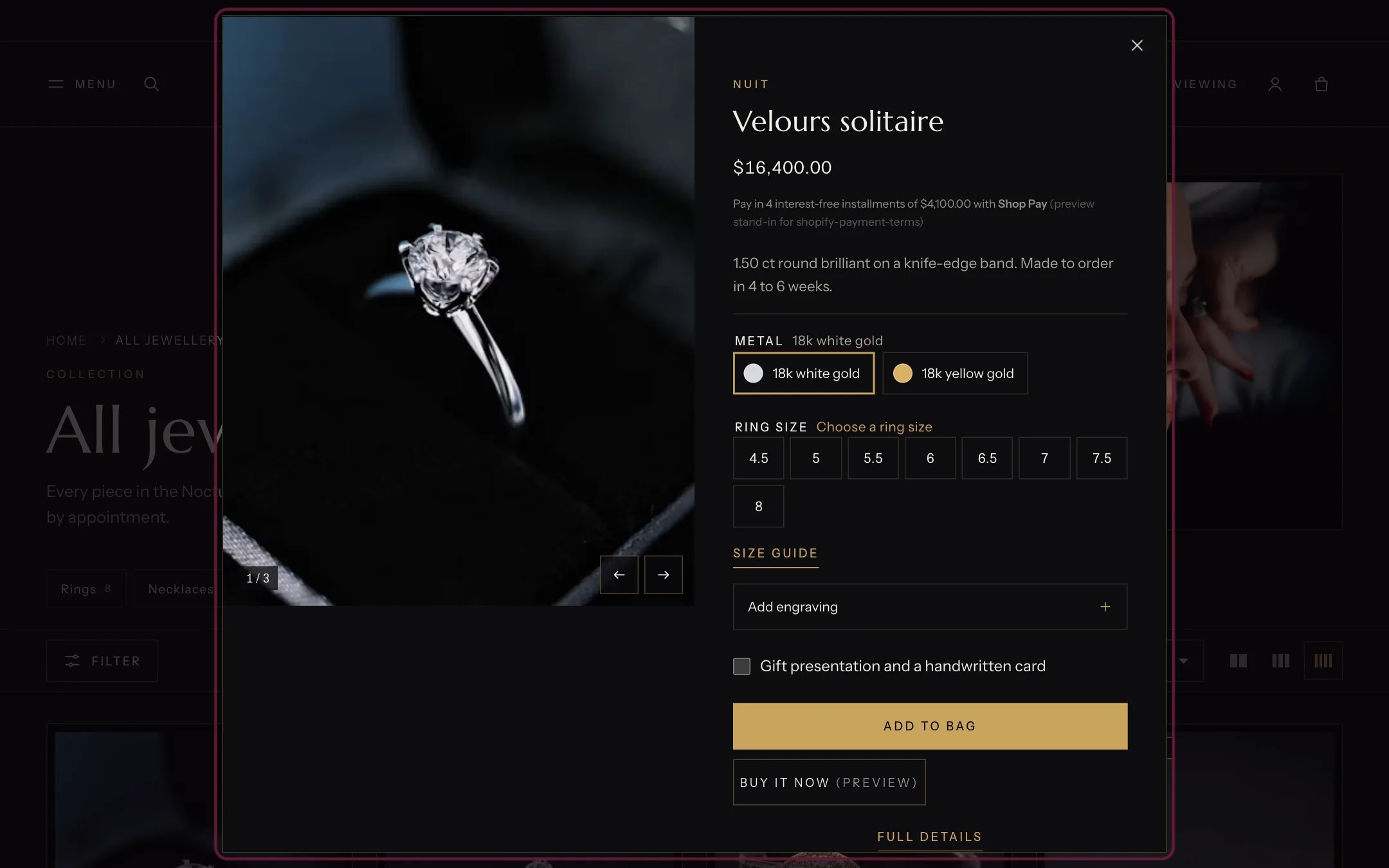
Quick view, highlighted with the demo content
Where to find it
On every product card when Theme settings, Product cards, Show quick view button is on. It has no settings of its own and does not appear in the theme editor sidebar.How it works
- The eye button on a card opens the dialog without leaving the page.
- It shows the product’s gallery (films and 3D models included), price, options, engraving, gift options, the gift card recipient form, Add to bag and Buy it now.
- After Add to bag the dialog closes and the bag drawer opens.
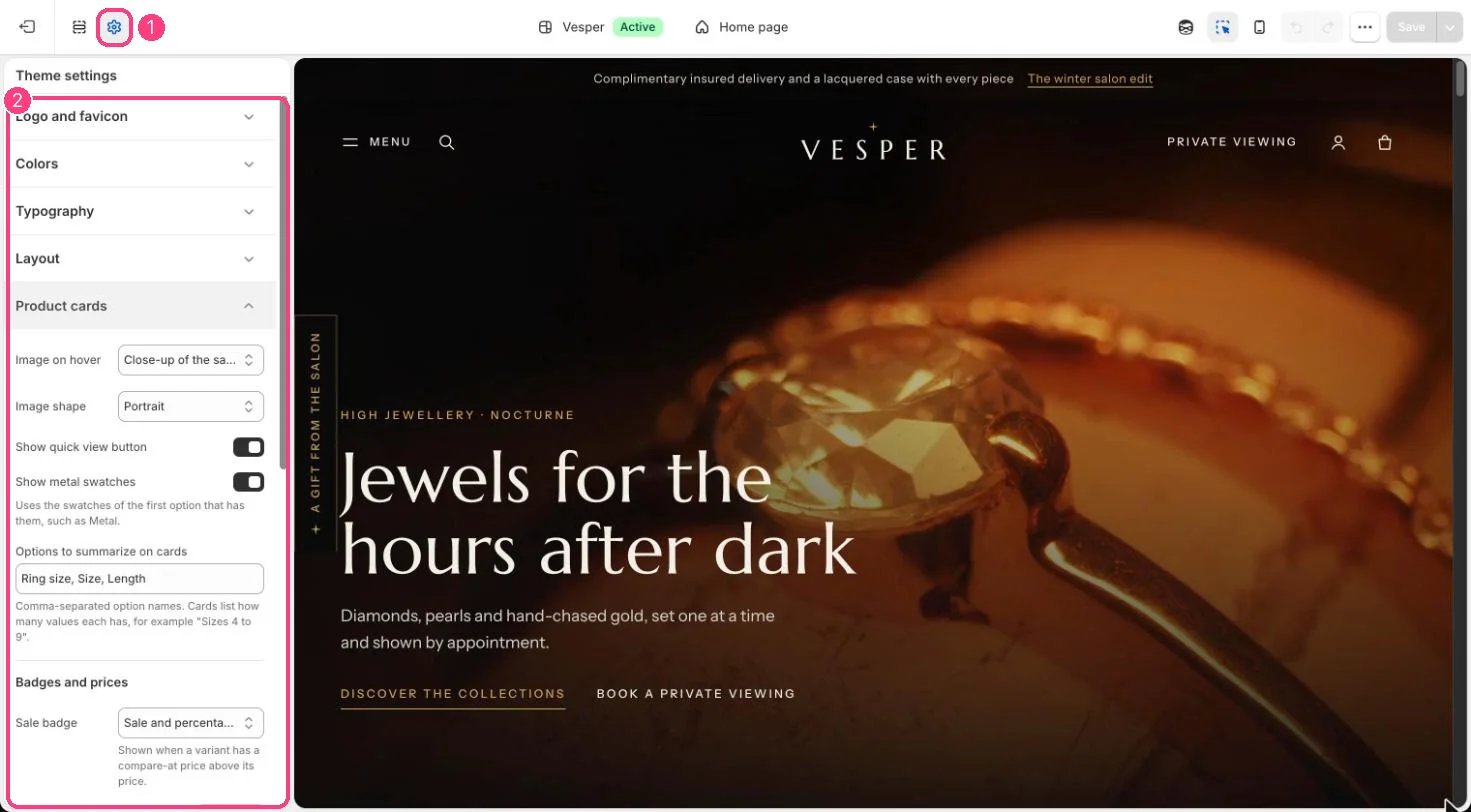
Show quick view button is in 1 Theme settings · 2 Product cards
Edit it
- Turn the button on or off in Theme settings, Product cards, Show quick view button.