
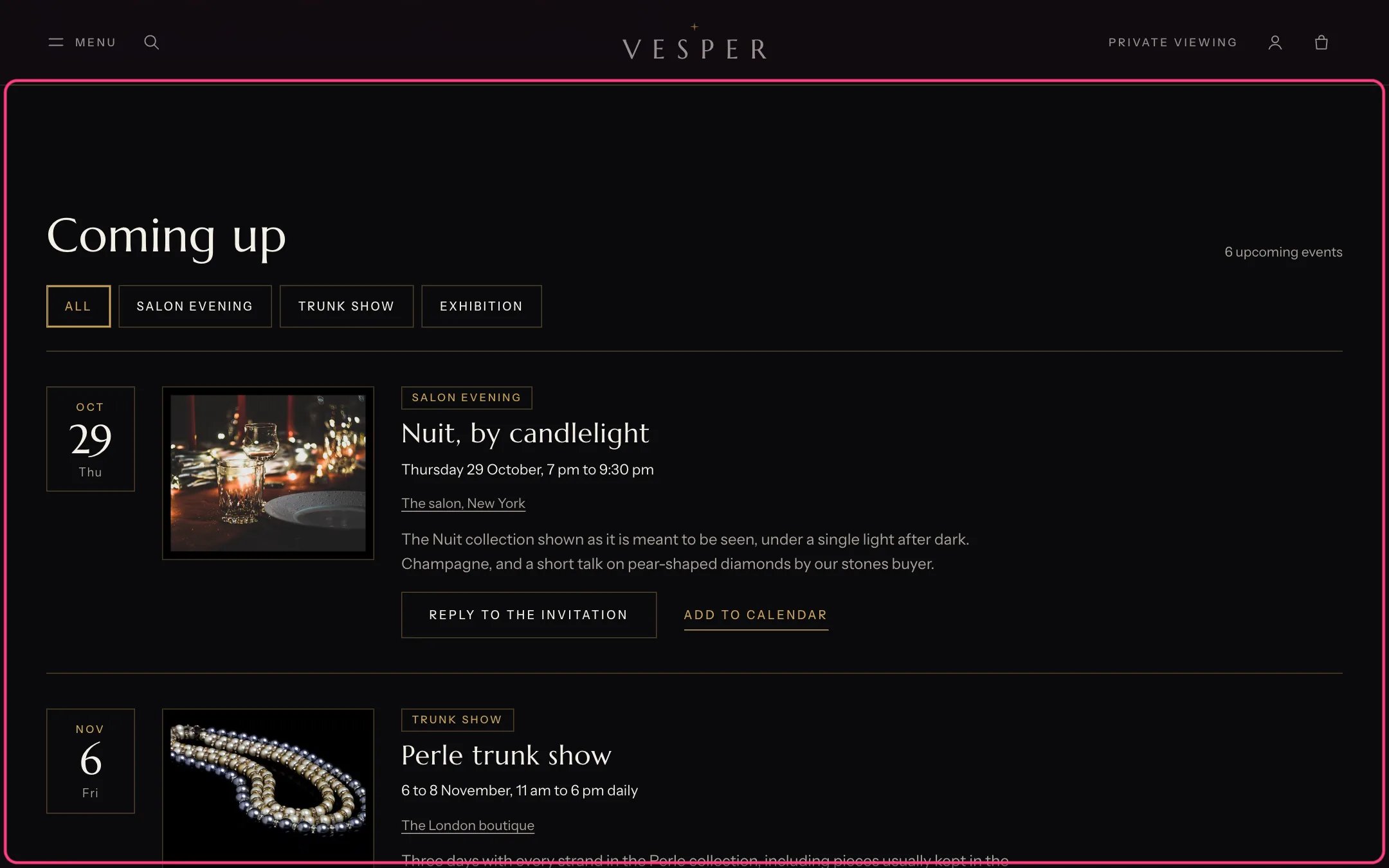
Events, highlighted with the demo content
Where to find it
The Events template (page.events). In the theme editor choose Pages, then events, and select Events.How it works
- Each Event block is one event with a start, an optional end, title, kind, place, photograph and description.
- Each event moves to Past evenings by itself once its end has passed.
- Filters by kind appear when events have two or more kinds.
- Replies are contact form messages that name the event. No booking, seat count or payment is involved.
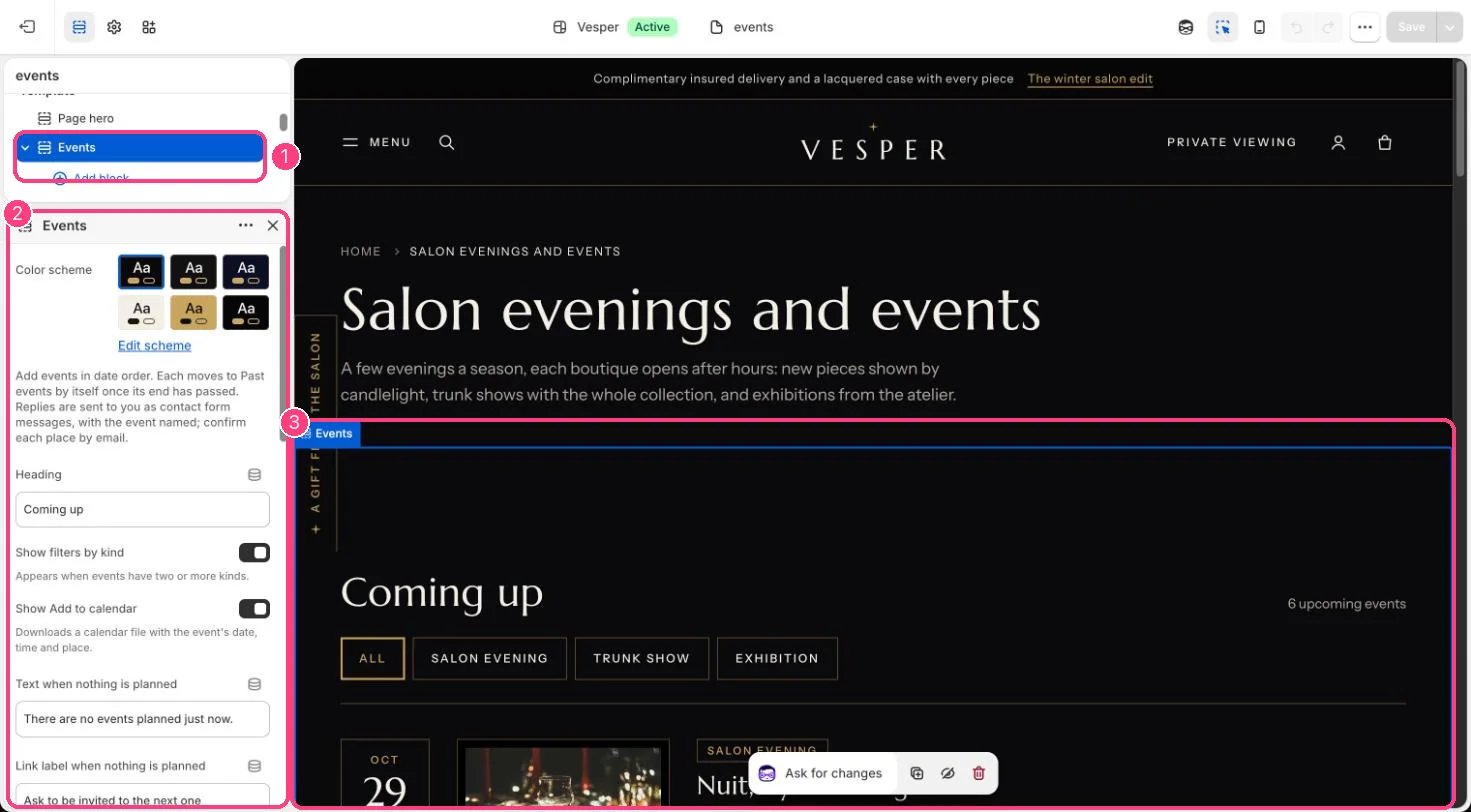
In the theme editor: 1 the section in the sidebar · 2 its settings · 3 the section in the preview
Edit it
- Add an Event block per event, in date order (up to 40 blocks in all).
- Type Starts with the date, time and time zone offset, for example 2026-11-20T19:00-05:00, or the date alone for an all-day event.
- Add Reply form field blocks for the reply form.
- Edit Heading, the past events heading and link, and the reply form texts.
Settings
Past events
Reply form