
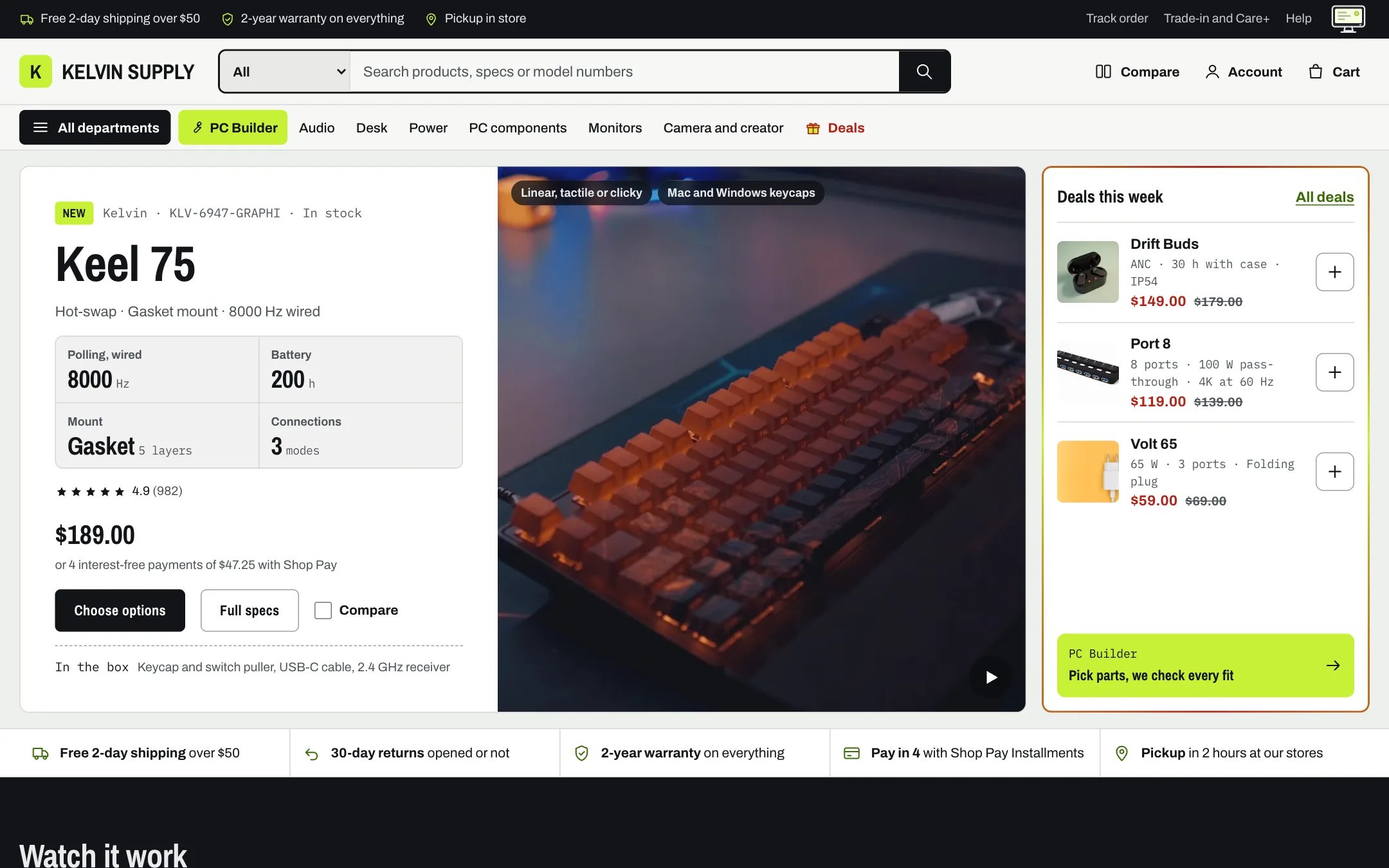
The Kelvin home page on the demo, in light mode
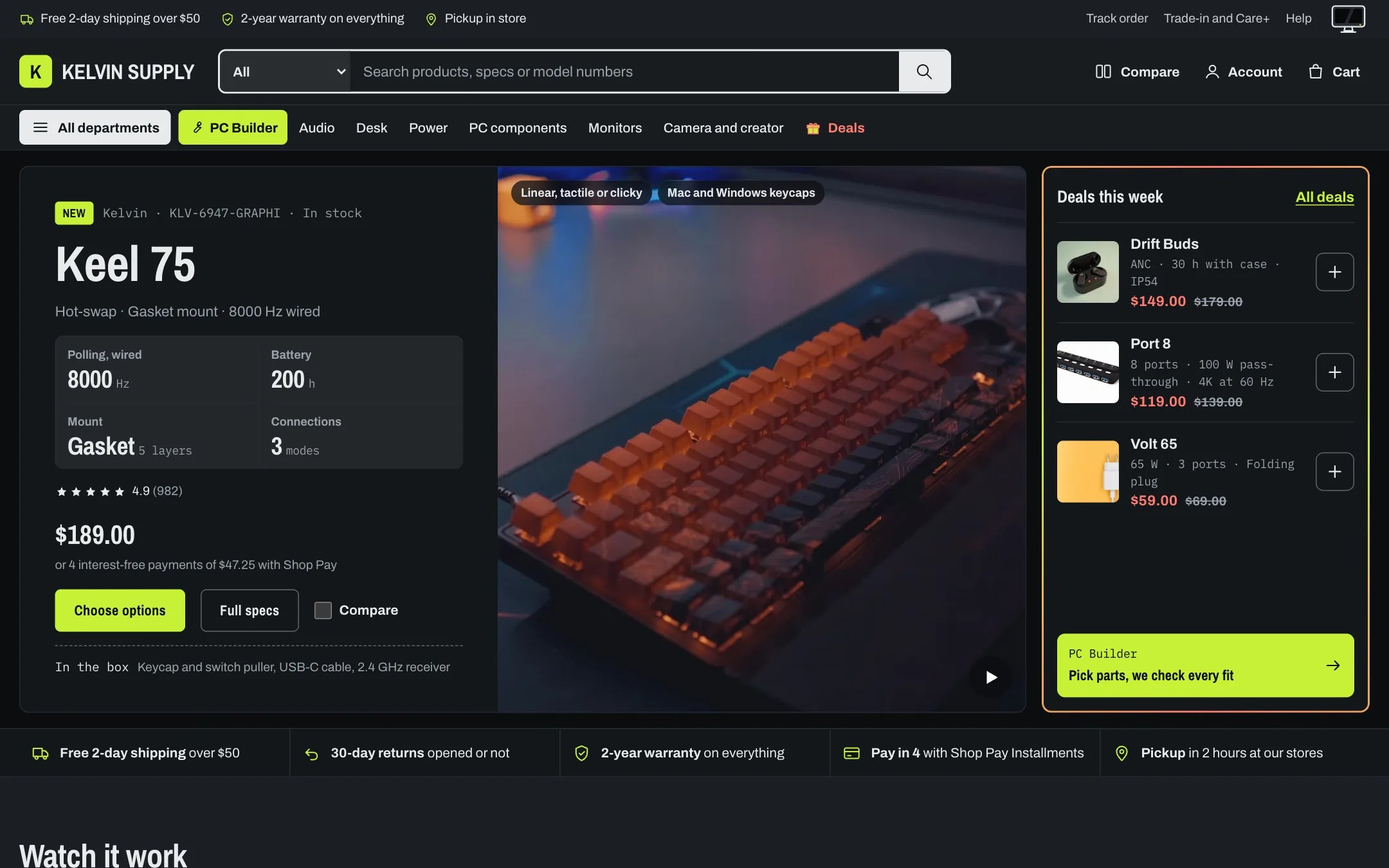
The same page in dark mode: the monitor switch is powered off
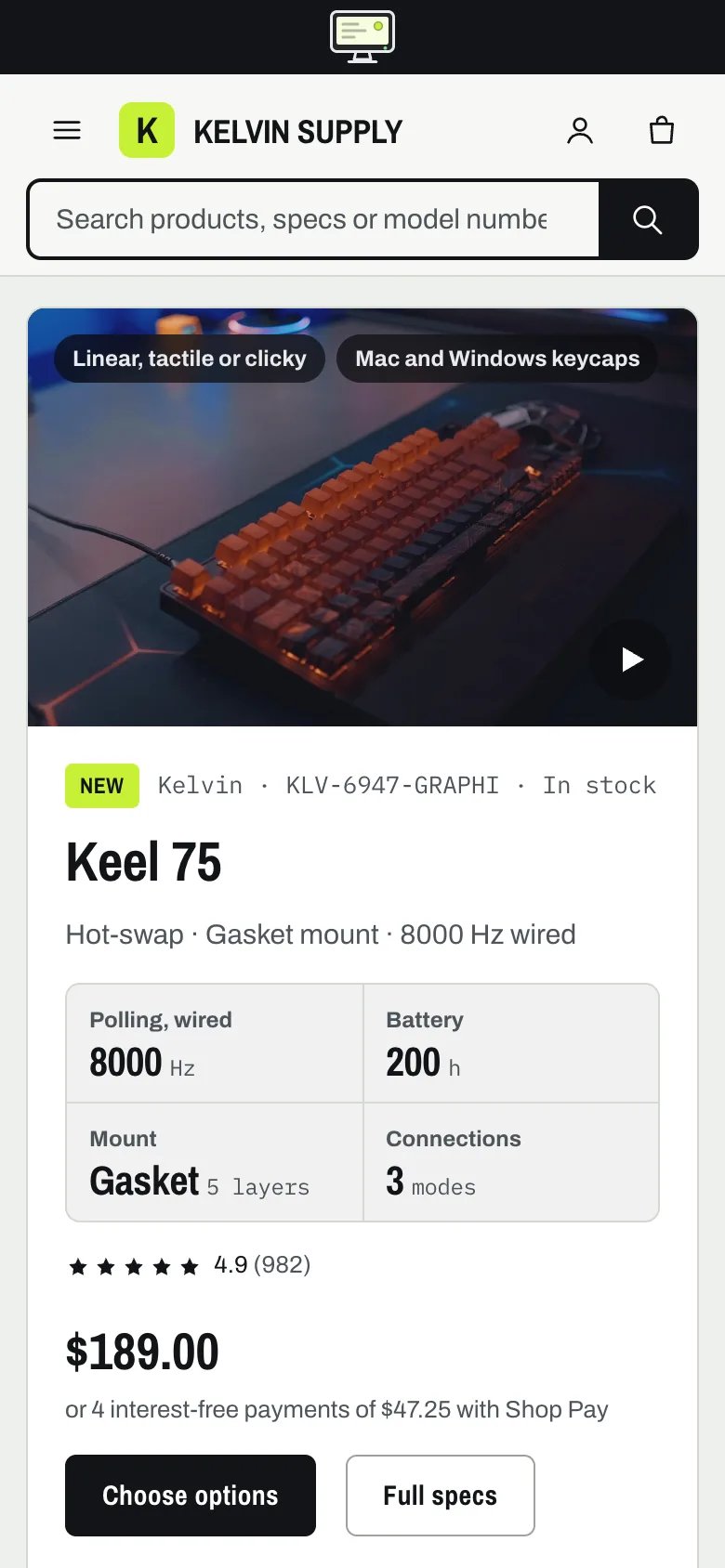
The home page on a phone
Install the theme
Upload Kelvin to your store and preview it before publishing.
Set up your products
Spec metafields, options and swatches, badges, stock and media.
PC Builder
Slots, compatibility checks, power estimate, presets and builds in the cart.
Light and dark mode
Two palettes in every scheme and the monitor switch.
Compare
Compare boxes on cards, the tray and the compare page.
Product reviews
Review cards with a Verified purchase badge, and a Write a review form.
What makes Kelvin different
- Light and dark mode. Every color scheme holds a light and a dark palette. Visitors switch with a monitor in the utility bar: screen on is light, powered off is dark. See Light and dark mode.
- Spec-forward cards. Cards show up to four spec rows from your product metafields, and the same list feeds the compare table. See Spec rows.
- PC Builder. A page where shoppers pick parts slot by slot, with compatibility checks, a power estimate, presets, saved builds and the whole build added to the cart as one group. See PC Builder.
- Compare. Compare boxes on cards, a tray that follows the shopper, a compare picker on the home page and a compare page. See Compare.
- Deal highlights. A flowing border on deal sections, an animated gift box on the Deals menu item and a shine on sale badges. See Deal highlights.
- Care+ plans. Protection plans offered on the product page and in the cart. See Care+ protection plans.
- Product reviews with Verified purchase. Reviews you publish from a metaobject, with a Verified purchase badge and a Write a review form that recognizes customers who bought the product. See Product reviews and Verified purchase.
- 22 home page sections, including a looping strip of vertical films. See Vertical films.
What you need
- A Shopify store on any plan with the Online Store sales channel.
- Your products, photographs and prices. A fresh install shows Shopify’s drawn placeholders until you add your own.
- Optional: Shopify’s free Search & Discovery app, for filters and the frequently bought together products.
Off until you turn them on
Every promotion in Kelvin starts off or empty, so nothing on your store claims an offer you have not made:- the Promo popup and the Age verifier, in the Overlays group;
- the Deal countdown on the home page, which needs the real end time of your offer;
- the Press section, which is on no page until you add it with real coverage;
- the New badge, in Theme settings → Badges (0 days on install);
- the free shipping progress bar and the Pay in 4 line on cards and in the cart, in Theme settings → Cart and Theme settings → Product cards: turn them on only when they are true for your store.