
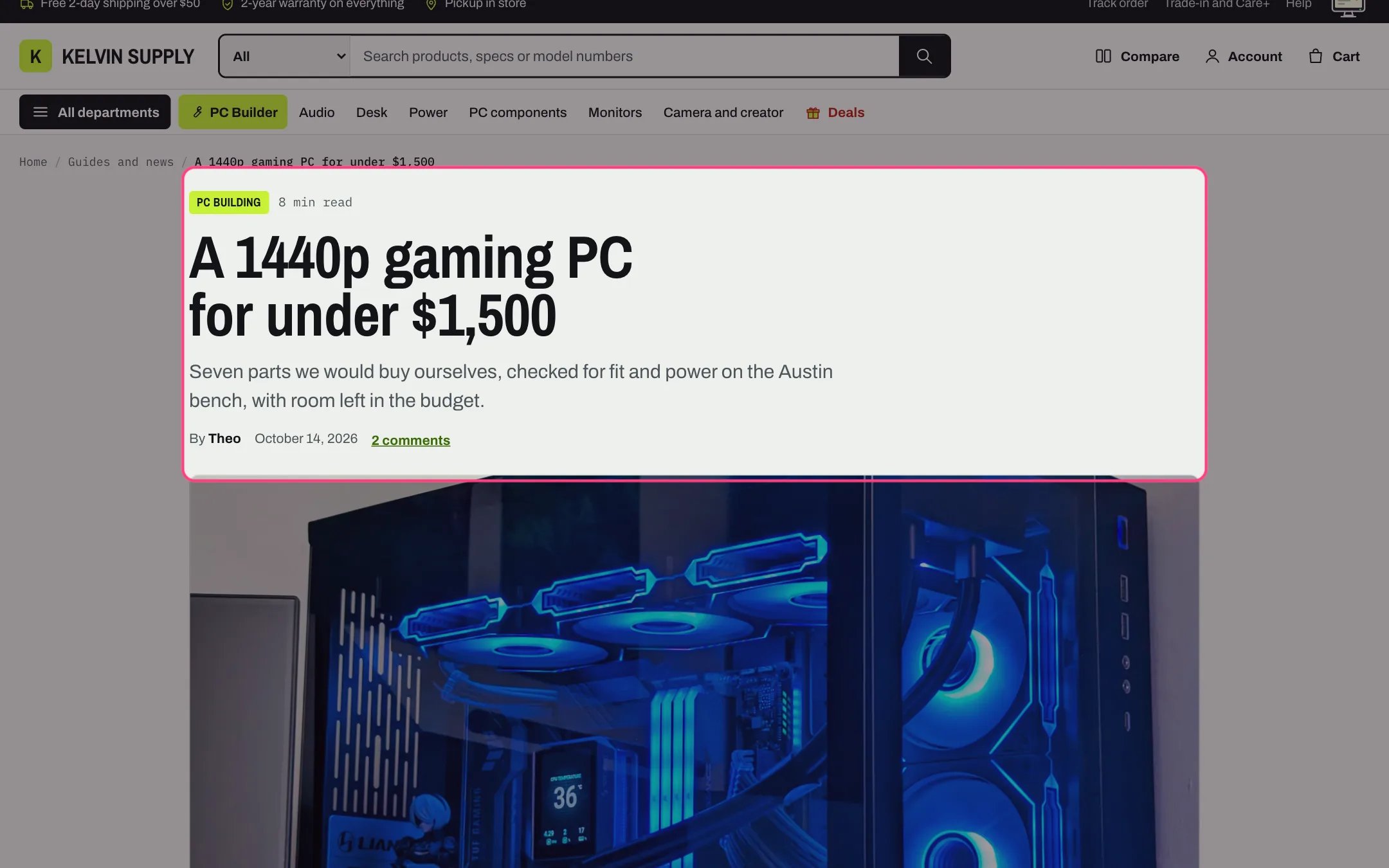
Article, highlighted with the demo content
Where to find it
The article template (article.json), used by every blog post, such as the demo’s /blogs/journal/build-1440p. In the theme editor choose Blog posts in the page selector, then Default blog post, and select Article.How it works
- The header shows the first tag as a link to that tag’s page, the reading time, the title, the excerpt, the author, the date and, when comments are on, a comment count that jumps to them.
- The featured image shows as a wide strip, cropped to about 2.2 to 1.
- The table of contents (On this page) is built from the article’s Heading 2 and Heading 3 when it has two or more. Heading 2 entries are numbered, and the heading being read is marked as shoppers scroll. It sits open beside the article from 1000 px and folds above it on smaller screens.
- The author card (Written by) beside the article uses the photo and bio from the author’s staff account, or the first letter of the name. It is hidden under 1000 px; the byline stays.
- In the article text, Heading 1 to Heading 6 and lists follow the theme’s text styles, a quote becomes a callout box (bold words at its start become its label), images with captions are styled as figures, and tables scroll sideways inside a labeled frame.
- Share links: Copy link, Share (where the shopper’s device offers it), Email, X, Facebook and LinkedIn. They are plain links; no social scripts load.
- Comments show when the blog allows them: 50 per page, then Shopify’s comment form with name, email (never published) and comment (up to 1,500 characters). On a moderated blog the form says comments appear once approved.
- Related articles shows three articles from the same blog, those sharing the first tag first, with an All articles link.
- Apps can add blocks under the article text: click Add block and choose one from the Apps tab.
- A Custom Liquid block adds your own code under the article text, such as a snippet an app gives you to paste. App blocks and Custom Liquid blocks show in the order you drag them into.
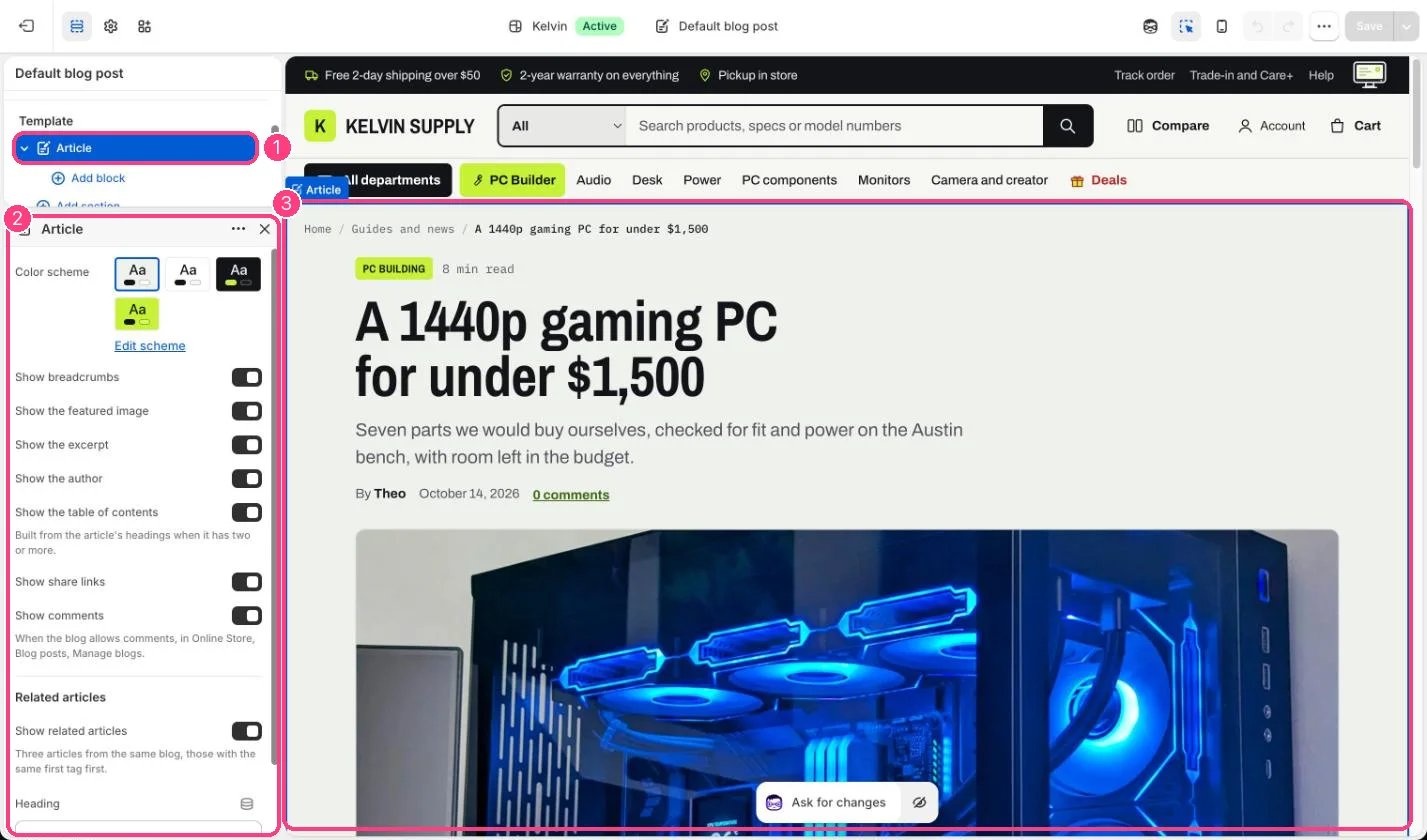
In the theme editor: 1 the section in the sidebar · 2 its settings · 3 the section in the preview
Edit it
- Turn on or off Show the featured image, Show the excerpt, Show the author, Show the table of contents, Show share links and Show comments.
- Structure long articles with Heading 2 and Heading 3 in the article editor so the table of contents is useful.
- Allow comments per blog in Online Store → Blog posts → Manage blogs; Show comments only shows them when the blog allows them.
- Edit Heading for related articles, or untick Show related articles.
- Add a photo and a bio to each author’s staff account to fill in the author card.
Settings
Related articles