
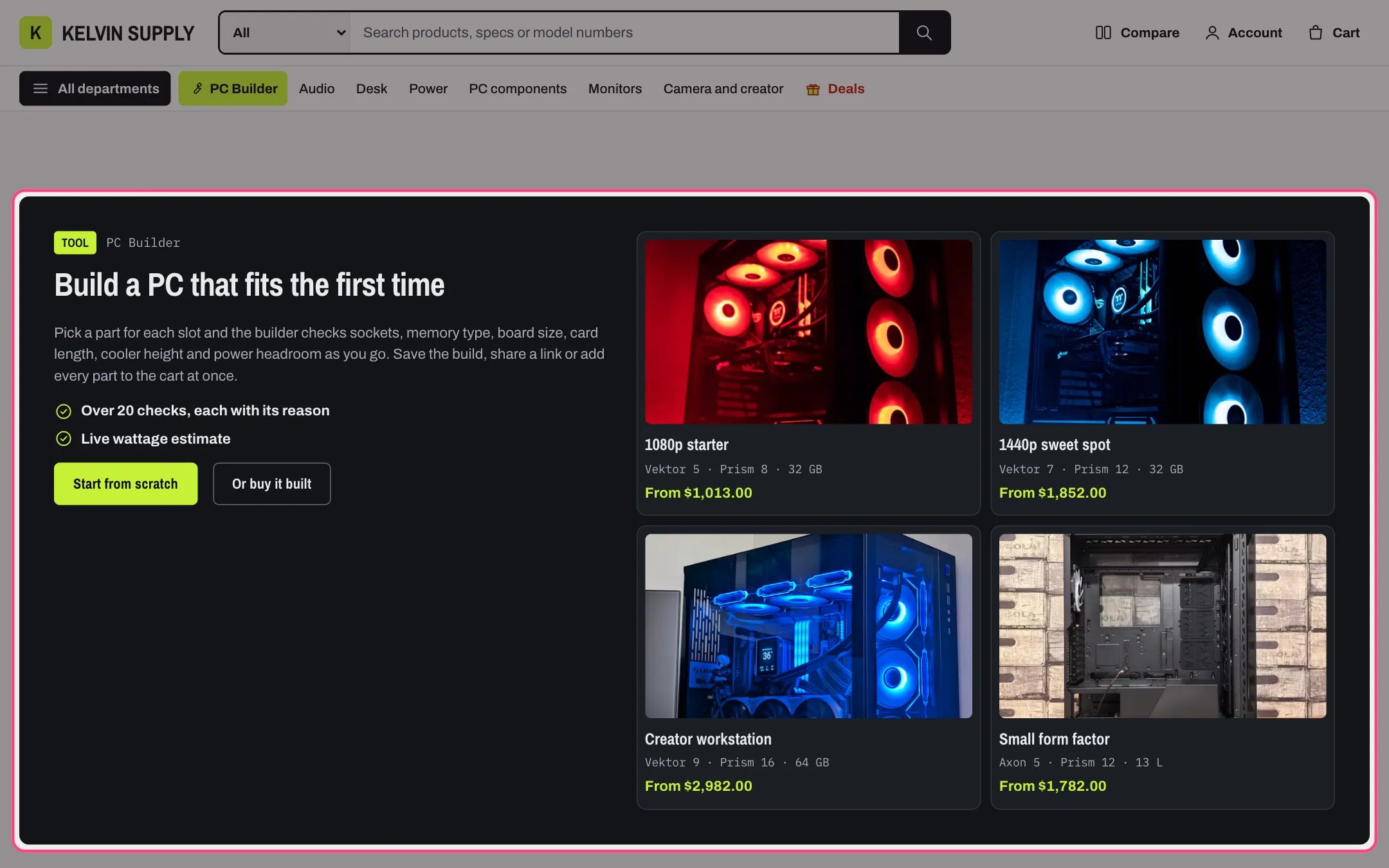
PC Builder entry, highlighted with the demo content
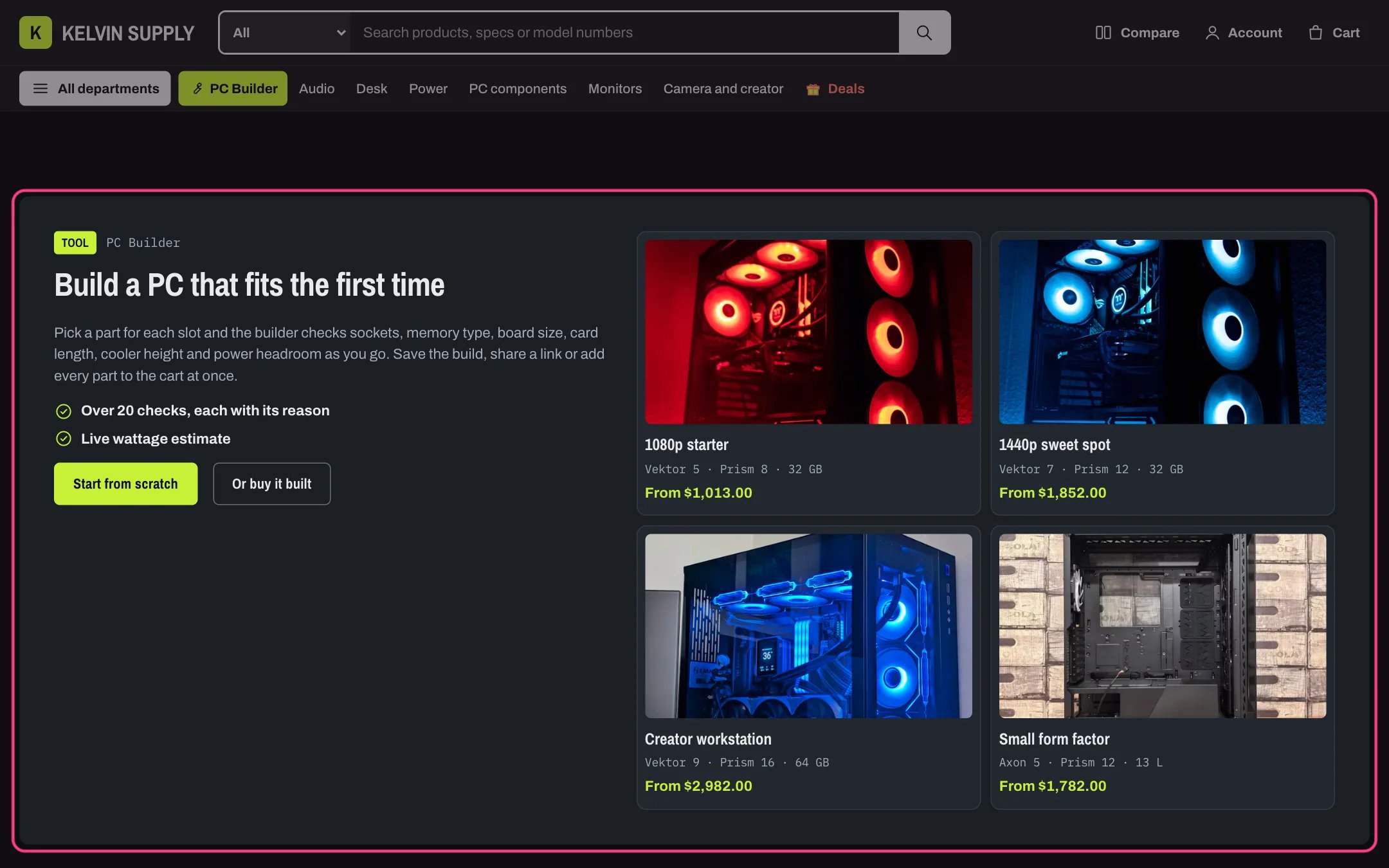
PC Builder entry in dark mode
Where to find it
Sixth section of the Home page template. In the theme editor choose Home page in the page selector, then select PC Builder entry. Its buttons need the PC Builder page chosen in Theme settings → PC Builder: a page that uses the pc-builder template (page.pc-builder).How it works
- The copy side shows the Label and Small heading, the Heading, the Text and the Checks list with a tick before each line.
- Button label opens the PC Builder page. Second button label and Second button link add another button, such as a prebuilt PC; with either empty it is hidden.
- Each Preset build block is a card with its image, Name, Note and a From price, the sum of the current prices of its Parts. The card opens the PC Builder with those parts already in their slots.
- When a shopper has a build in progress, saved on their device by the PC Builder, a line such as Continue your build: 7 parts, with the total, links back to it.
- Without a PC Builder page the start button is hidden and the presets are not links; the theme editor shows a note.
- The panel uses the dark Stage color scheme (Scheme 3) by default. Presets sit in two columns beside the copy, move under it in four columns below 1100 px, and go back to two columns below 900 px.
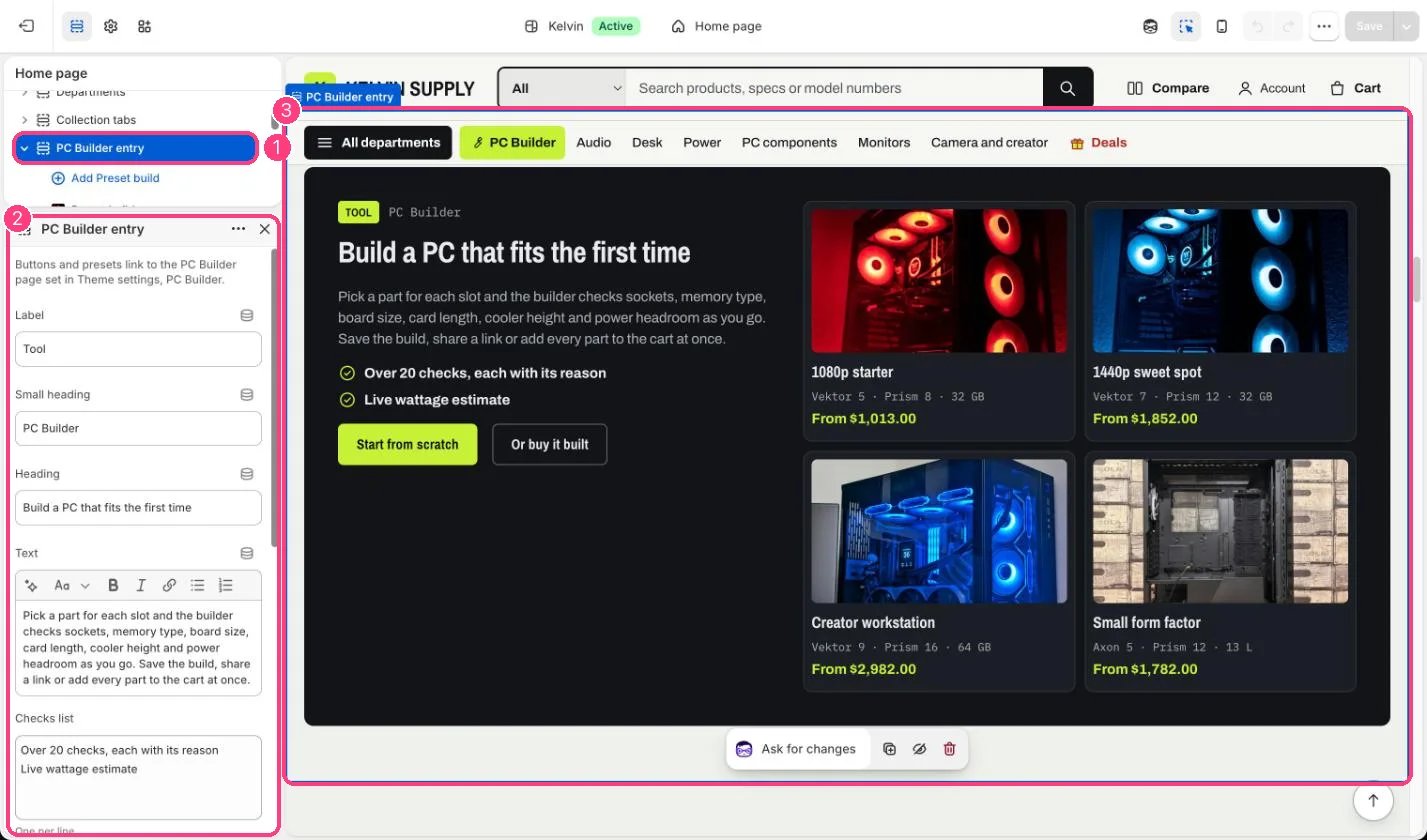
In the theme editor: 1 the section in the sidebar · 2 its settings · 3 the section in the preview
Edit it
- Create the PC Builder page first: Online Store → Pages → Add page, choose the pc-builder template, then pick the page in Theme settings → PC Builder → PC Builder page.
- Add up to six Preset build blocks. Name each by what it is for, such as 1440p sweet spot, and use Note for the main parts.
- Choose the Parts (up to 12 products), one per builder slot, all in stock. The builder puts each part in the first slot whose collection holds it and tells the shopper about any part it had to leave out, such as one that is sold out or in no slot.
- Use an Image of the finished build in 16:9. Empty, the first part’s photo is used.
- Keep the Checks list to two or three short lines.
Settings
Blocks
Up to 6 blocks. Add a block with Add block under the section in the sidebar; drag blocks to reorder them.Preset build
The From price counts every part at its current price, sold out or not. Keep preset parts in stock so the total matches what the builder adds.The four presets on install have names but no parts, so they show no price. Add parts or delete them before you launch.