
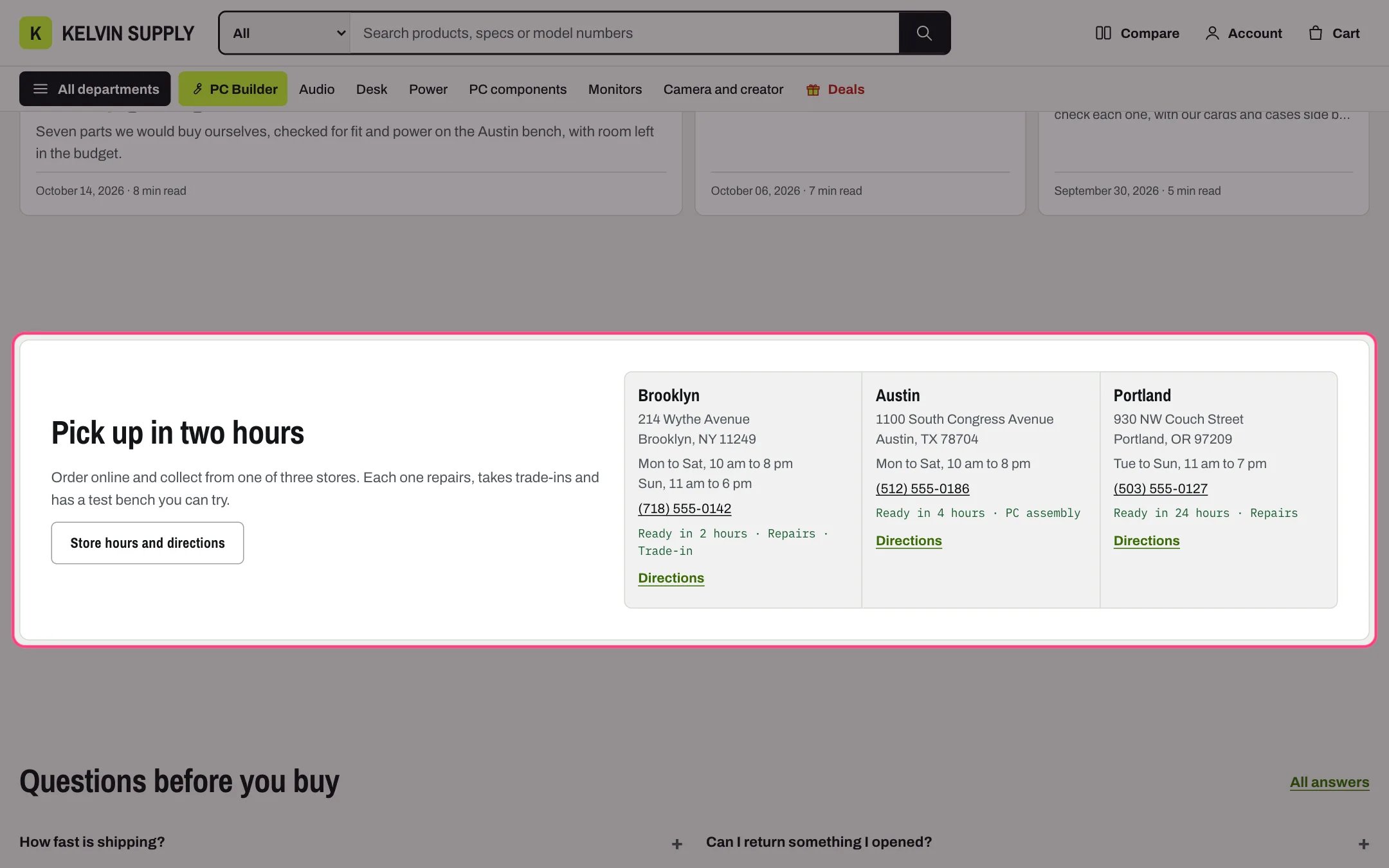
Stores band, highlighted with the demo content
Where to find it
Home page. In the theme editor choose Home page in the page selector, then select Stores band.How it works
- Heading, Text and a button sit on one side, your stores on the other.
- Each Store block shows the name, address, opening hours, a phone number shoppers can tap to call, a services line and a link that reads Directions unless you set Link label.
- Everything in the band is typed text: it does not read your Shopify locations or pickup settings.
- Up to 3 stores per row. Under 900 px the text sits above the stores; on phones each store takes a full row.
- The button shows only when both Button label and Button link are filled.
- The section is hidden when it has no Store blocks.
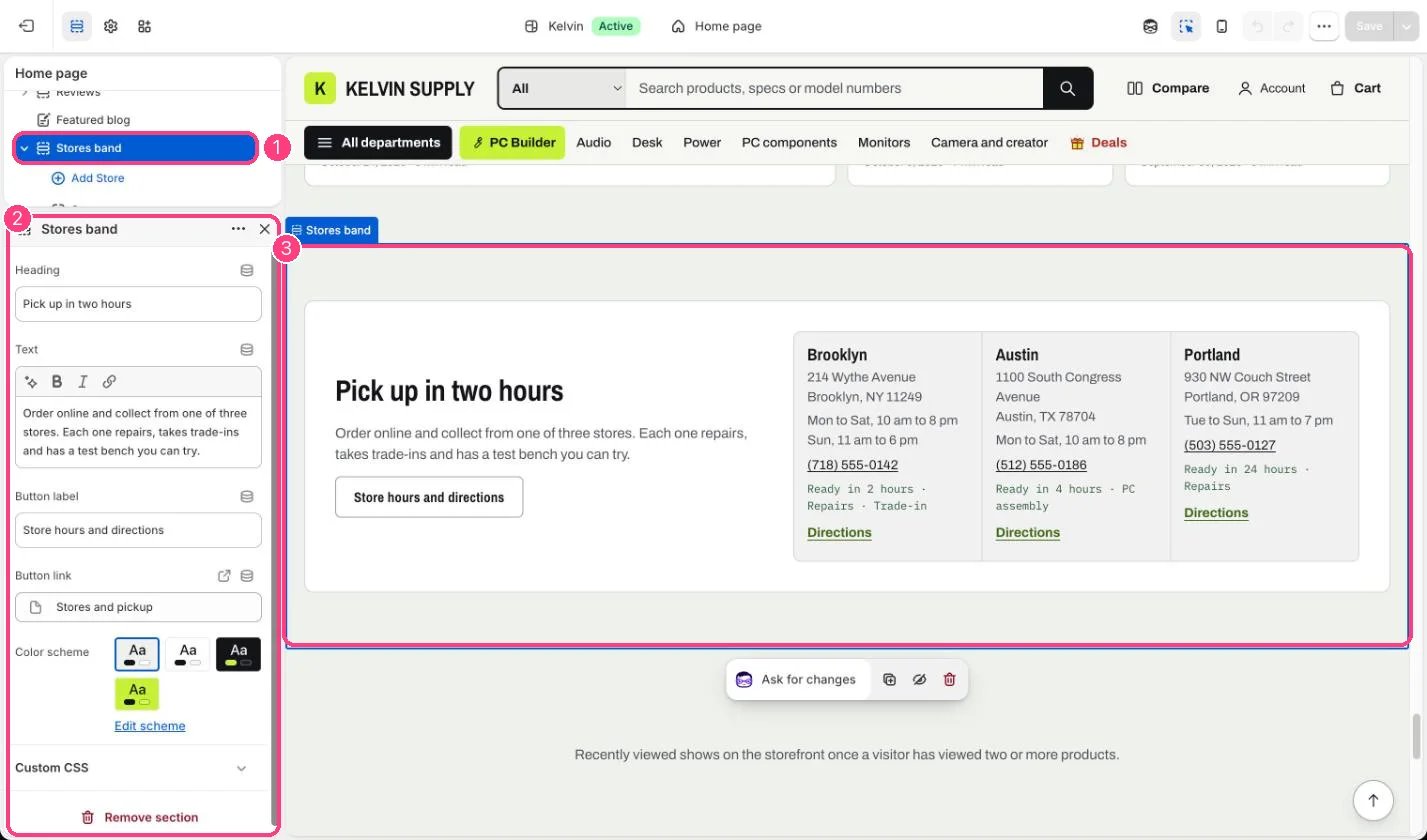
In the theme editor: 1 the section in the sidebar · 2 its settings · 3 the section in the preview
Edit it
- Add a Store block per shop (up to 6) and fill in Name, Address, Opening hours (one line per group of days) and Phone.
- In Services, list only what that store really offers. Pickup times should match Settings → Shipping and delivery → Local pickup.
- Set each store’s Link to a map or your stores page, and Button link to your stores page.
- Edit Heading and Text.
Settings
Blocks
Up to 6 blocks. Add a block with Add block under the section in the sidebar; drag blocks to reorder them.Store
On install the band shows two placeholder stores called Store name. Fill them in, or hide the section with the eye icon if you only sell online.