
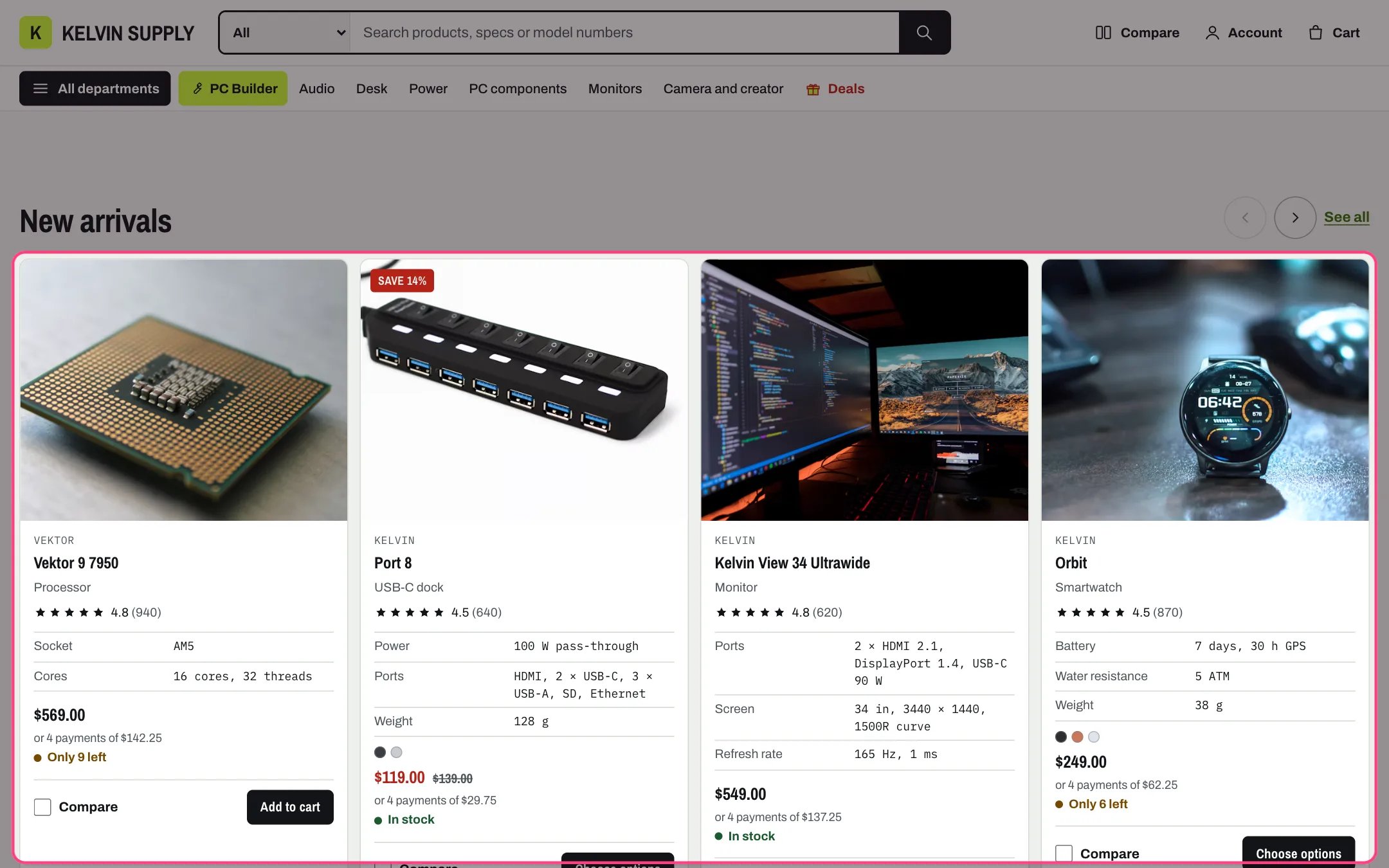
Product row, highlighted with the demo content
Where to find it
Tenth section of the Home page template, headed New arrivals on install. In the theme editor choose Home page in the page selector, then select Product row. Add it again, to this or other pages, with Add section.How it works
- Shows the first products of the Collection, up to Products (4 to 16, default 8), as Kelvin product cards in one row.
- Shoppers scroll or swipe the row. The previous and next buttons move it one card at a time and are dimmed at either end.
- Link label links to the collection.
- Four cards show at once on wide screens, three below 1100 px, and on phones one card plus the edge of the next.
- With no collection chosen the section is hidden on the store, and the theme editor shows example cards. An empty collection says No products in this collection yet.
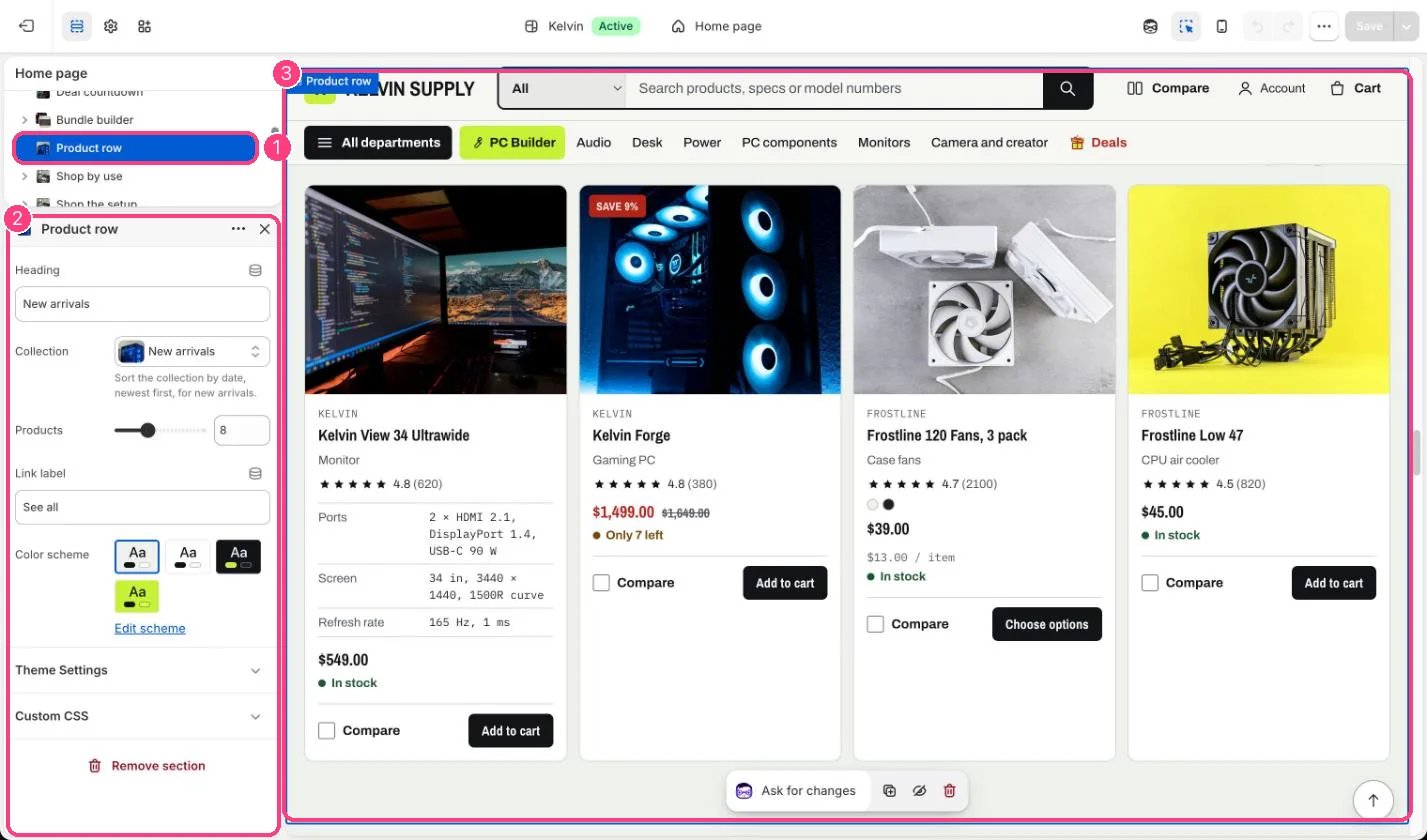
In the theme editor: 1 the section in the sidebar · 2 its settings · 3 the section in the preview
Edit it
- For new arrivals, choose a collection sorted newest first (Products → Collections → the collection → Sort).
- Set Products to 8 or more so the row has something to scroll on wide screens.
- Keep Link label short, such as See all.
- Add more rows for other collections, such as Back in stock or Under $50.
Settings
On install no collection is chosen, so the row is hidden on the store until you pick one.