
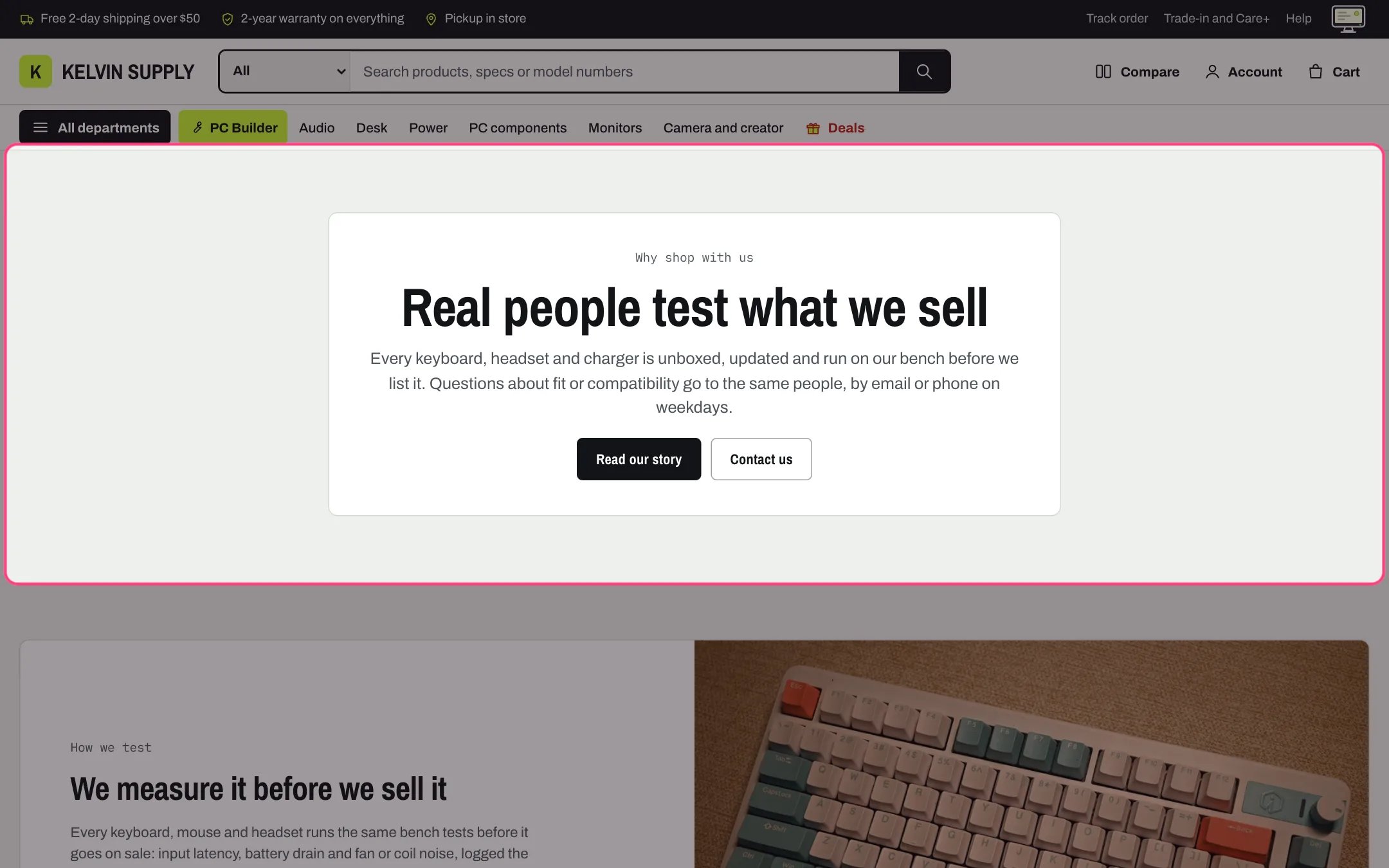
Rich text, highlighted with the demo content
Where to find it
Not on any page when the theme is installed. In the theme editor open any page, click Add section and choose Rich text.How it works
- Shows the Kicker, the Heading (Medium or Large), the Text and the buttons, in that order.
- Each button shows only when both its label and its link are filled. The first is solid, the second outlined.
- Alignment places everything at the start or centered. Width Narrow keeps a readable column up to 760 px; Wide uses the full page width.
- Show on a panel puts the content on a framed panel.
- A Large heading grows and shrinks with the screen.
- The section is hidden, on the storefront and in the theme editor, when Kicker, Heading and Text are all empty.
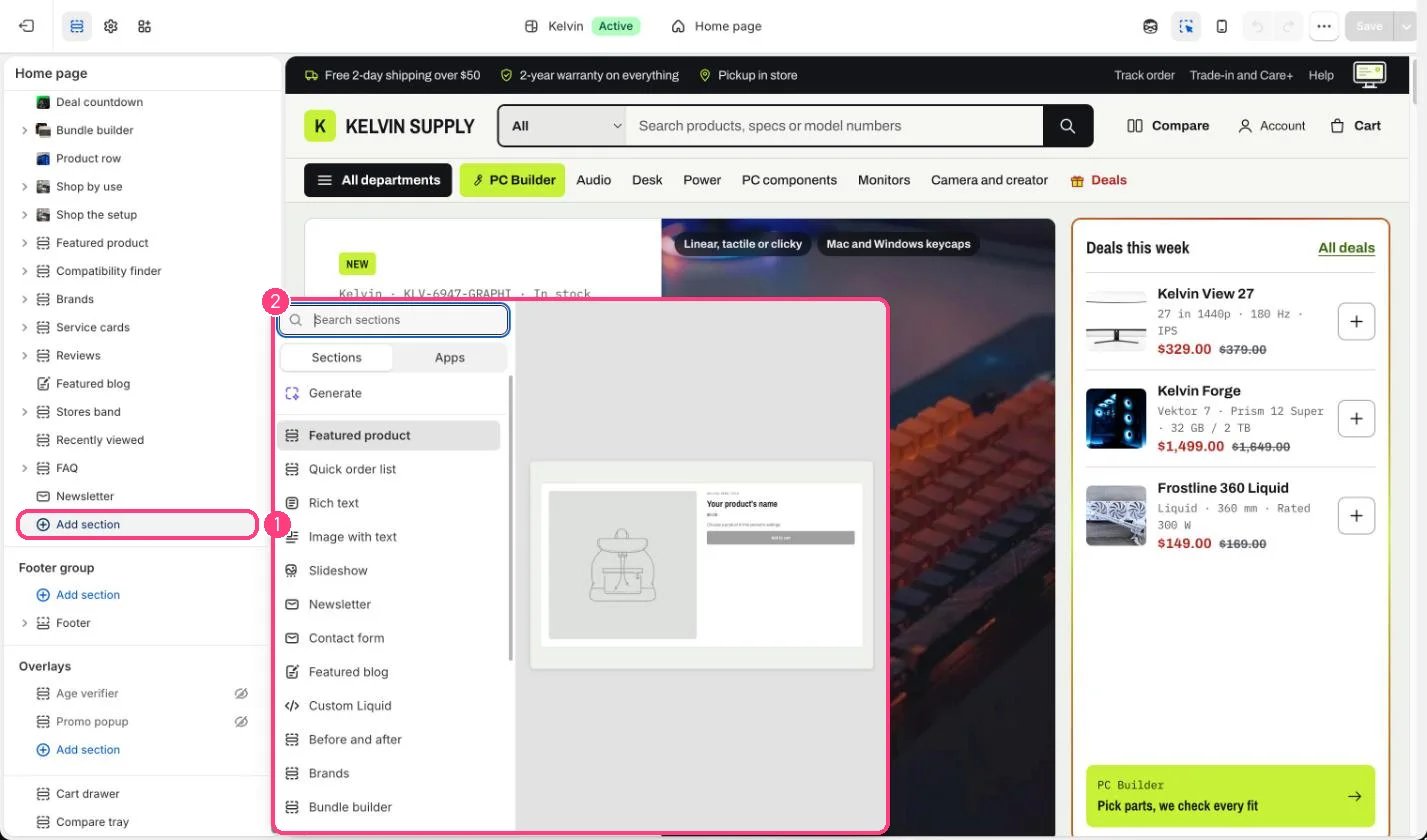
Not on the demo pages: add it with 1 Add section, then pick it in 2 the list
Edit it
- Type a Heading and two or three sentences of Text.
- Add a First button label and First button link, and optionally a Second button label and Second button link.
- For a short statement between product sections, choose Center for Alignment and turn on Show on a panel.
- Pick a Color scheme to set it apart from the sections around it.
Settings
Layout