
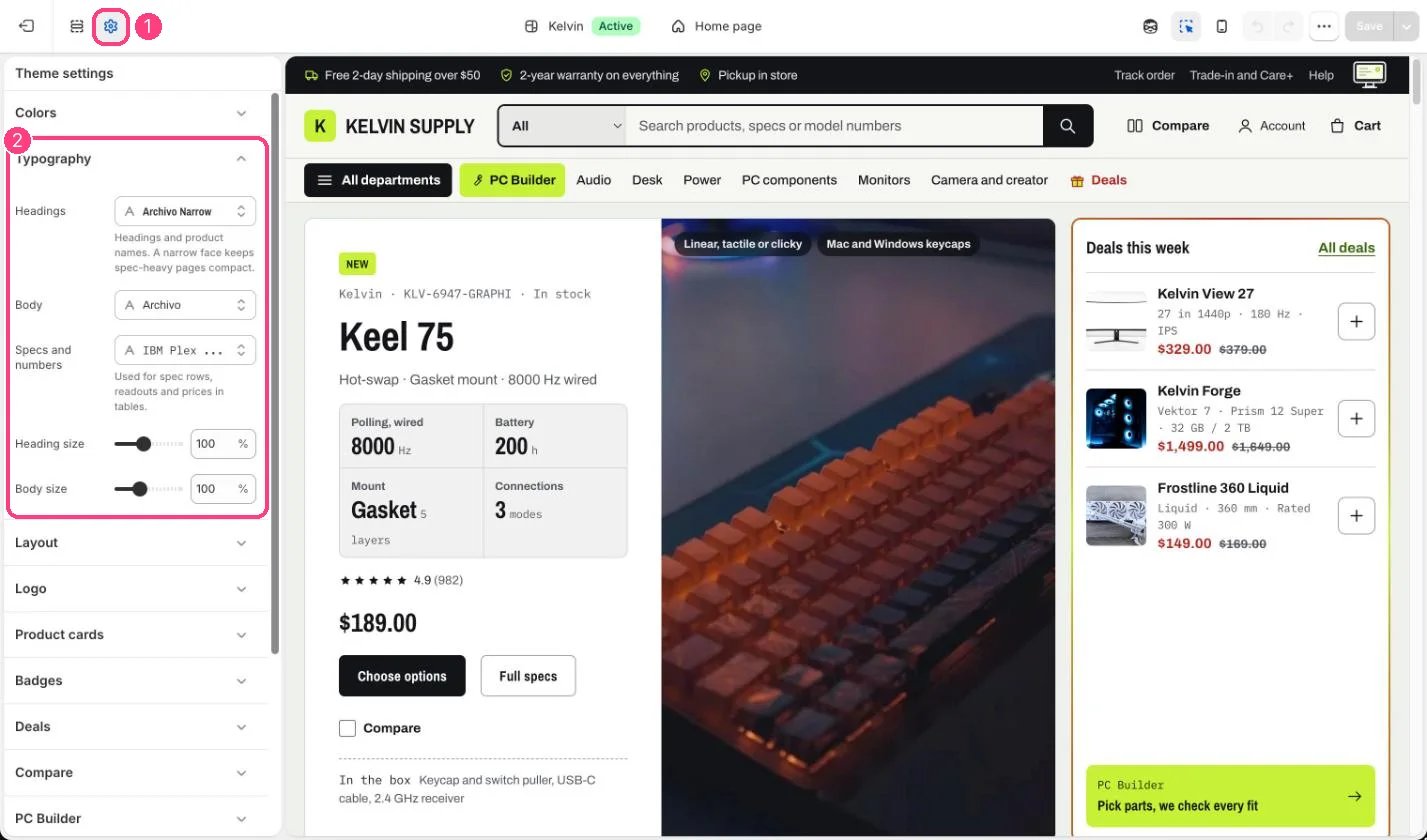
1 Theme settings (the gear icon) · 2 Typography, opened in the sidebar
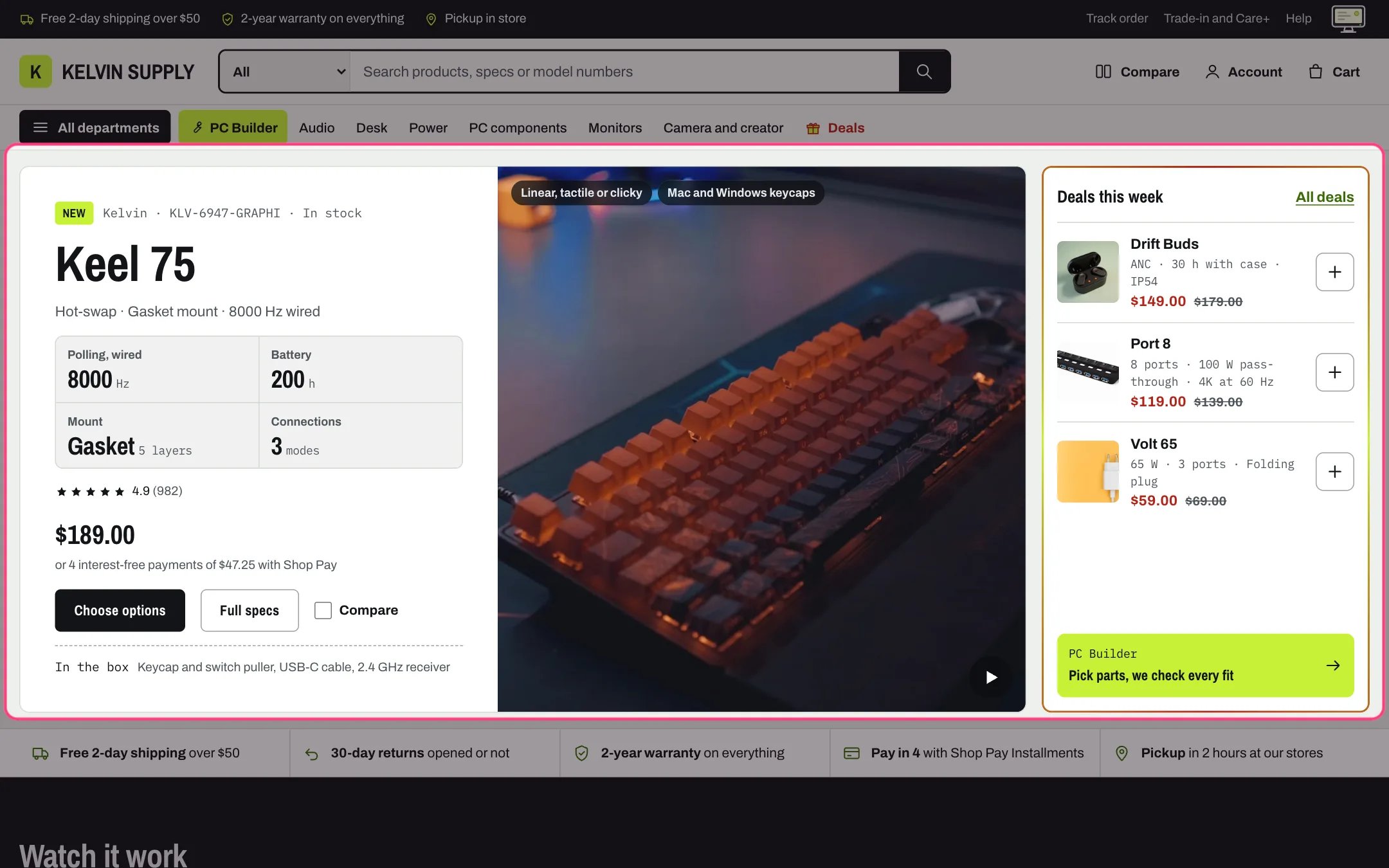
Archivo Narrow headings, Archivo body text and IBM Plex Mono for specs, the defaults
How it works
- Headings default to Archivo Narrow in bold, Body to Archivo and Specs and numbers to IBM Plex Mono, all from Shopify’s font library.
- Headings uses the bold weight of the chosen font when it has one. It sets headings, product names, card prices, buttons and the text logo, which shows in capitals.
- Body also loads its medium, bold, italic and bold italic styles when the chosen family has them, so bold and italic words in your text use the font’s own faces.
- Specs and numbers sets the spec rows on cards, the compare table, readouts, unit prices and the product counts in the menus.
- Heading size scales section headings and page titles from 80 to 130 percent. Body size scales body text from 90 to 120 percent.
Edit it
- Pick a narrow or condensed heading font: long product names then stay on one or two lines.
- Keep a monospaced font for Specs and numbers so figures line up in spec rows and tables.
- Lower Heading size if long product names wrap awkwardly on phones.