
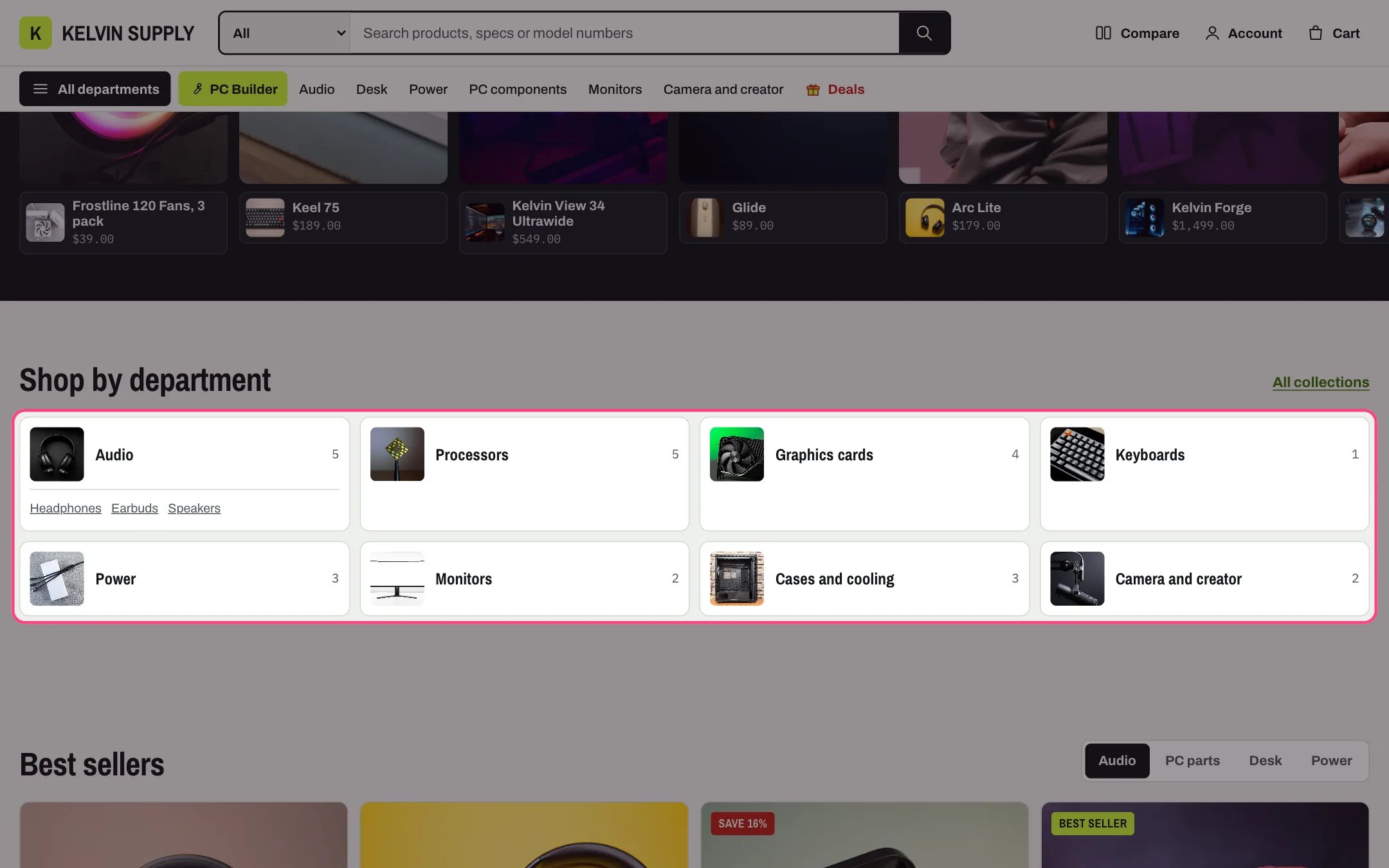
Departments, highlighted with the demo content
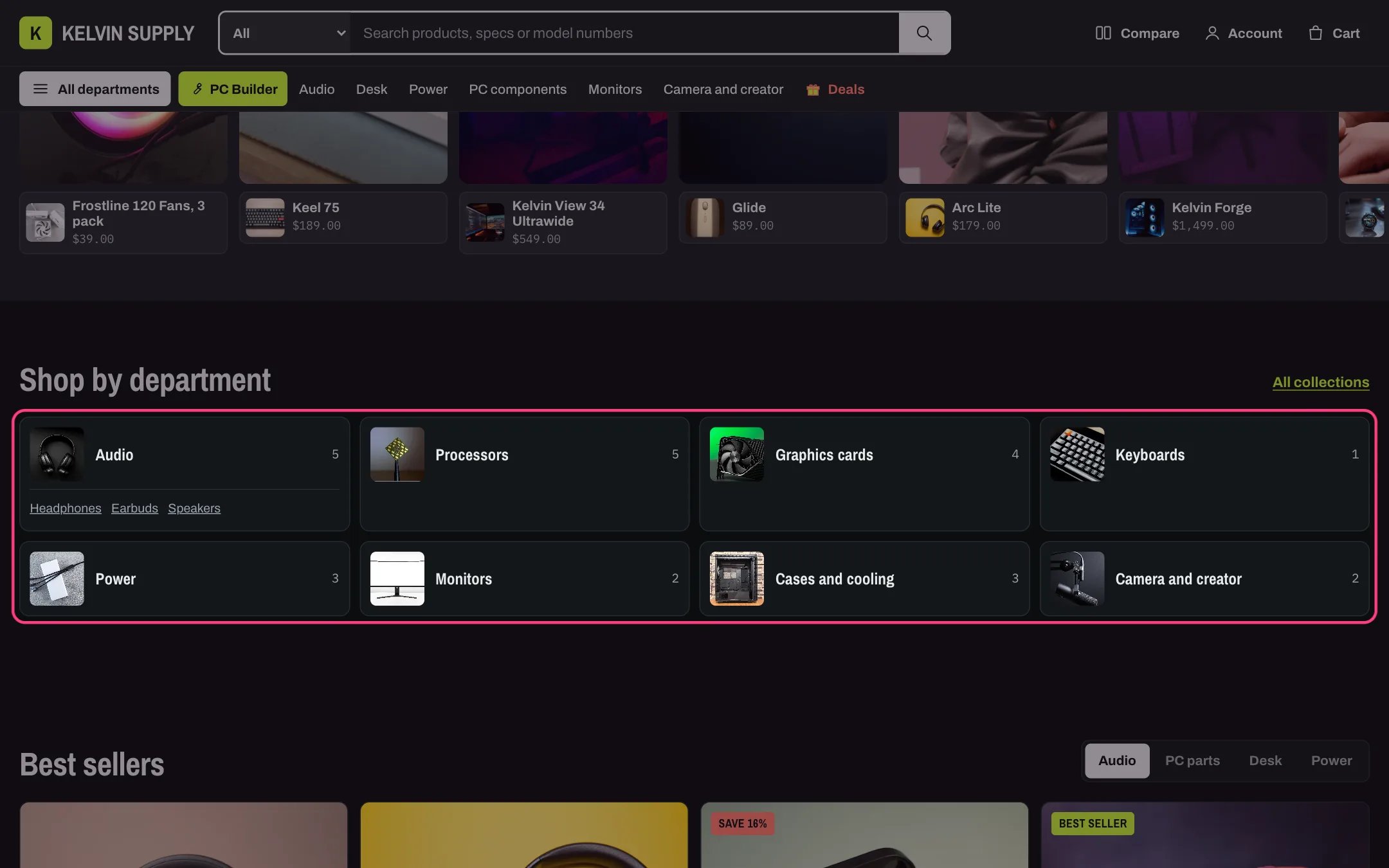
Departments in dark mode
Where to find it
Fourth section of the Home page template. In the theme editor choose Home page in the page selector, then select Departments. Add it to other pages with Add section.How it works
- Each Department block is a tile with a small square photo, the title and the number of products, linking to its collection.
- The title is the block’s Heading, else the collection title. The photo is the block’s Image, else the collection image, else the photo of the collection’s first product.
- The count is the total number of products in the collection, sold out ones included. It shows when Show product counts is on and the collection has products.
- Sub-links come from the block’s Sub-links menu. Without one, Kelvin looks in the section’s Sub-links menu for the item that links to the block’s collection and shows that item’s child links. Sub-links per department caps them (1 to 6).
- Link label shows a link beside the heading, to Link or, when Link is empty, to the list of all collections.
- Four tiles per row, two below 1000 px. On phones the tiles stay two per row but drop the count and the sub-links.
- A block without a collection shows a Department placeholder that links to all collections.
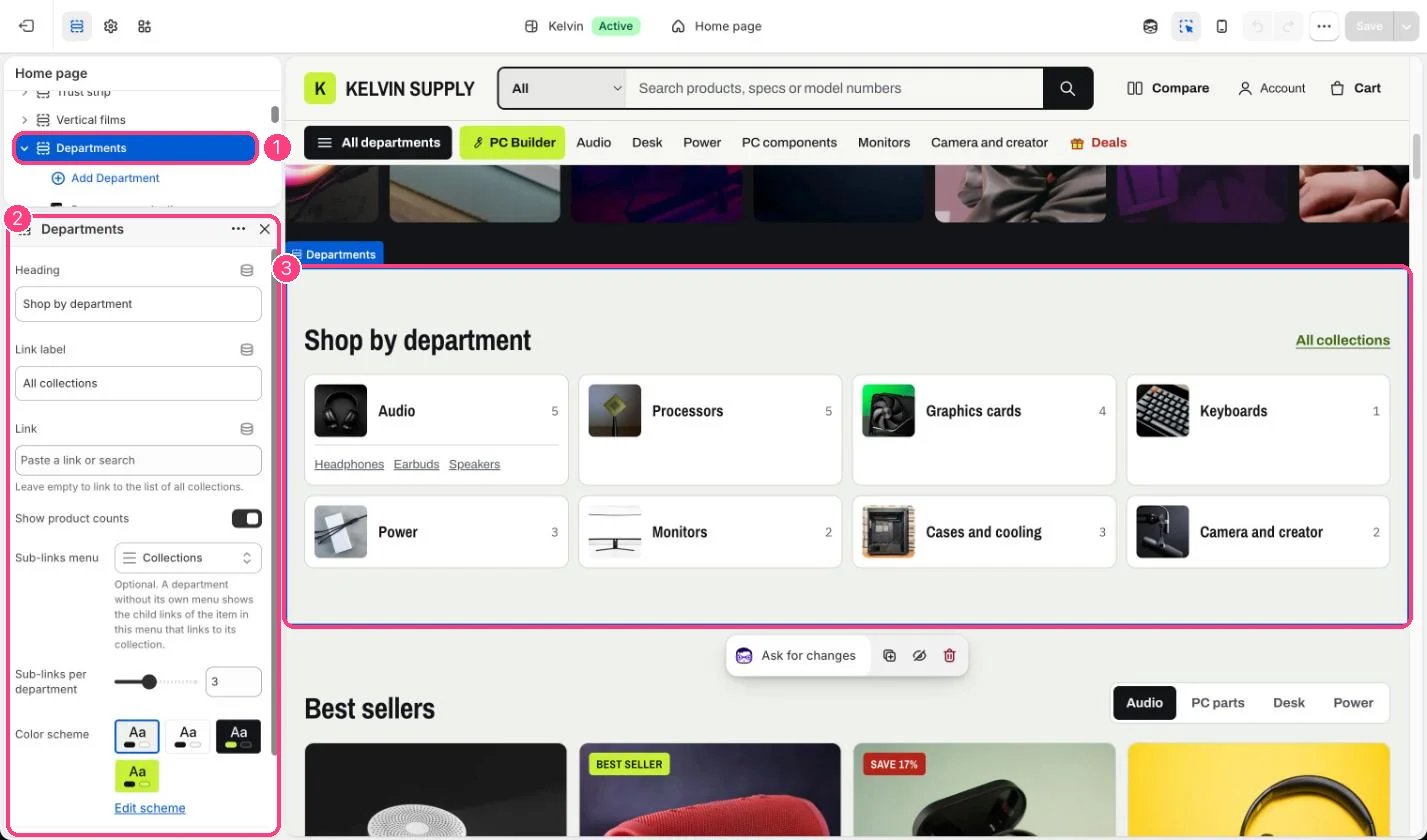
In the theme editor: 1 the section in the sidebar · 2 its settings · 3 the section in the preview
Edit it
- Add a Department block per main collection (up to 12) and choose its Collection. Eight or twelve tiles fill the rows evenly.
- Use square Images with the product on a plain background: the tile shows them small.
- For sub-links with no extra work, choose your main menu as the section’s Sub-links menu. Each department then shows the child links of its menu item.
- Give a block its own Sub-links menu for a different list, such as the most-used subcategories.
- Shorten long collection names with Heading, such as Cases and cooling.
Settings
Blocks
Up to 12 blocks. Add a block with Add block under the section in the sidebar; drag blocks to reorder them.Department
On install the eight Department blocks have no collections, so the store shows Department placeholders until you choose them.