
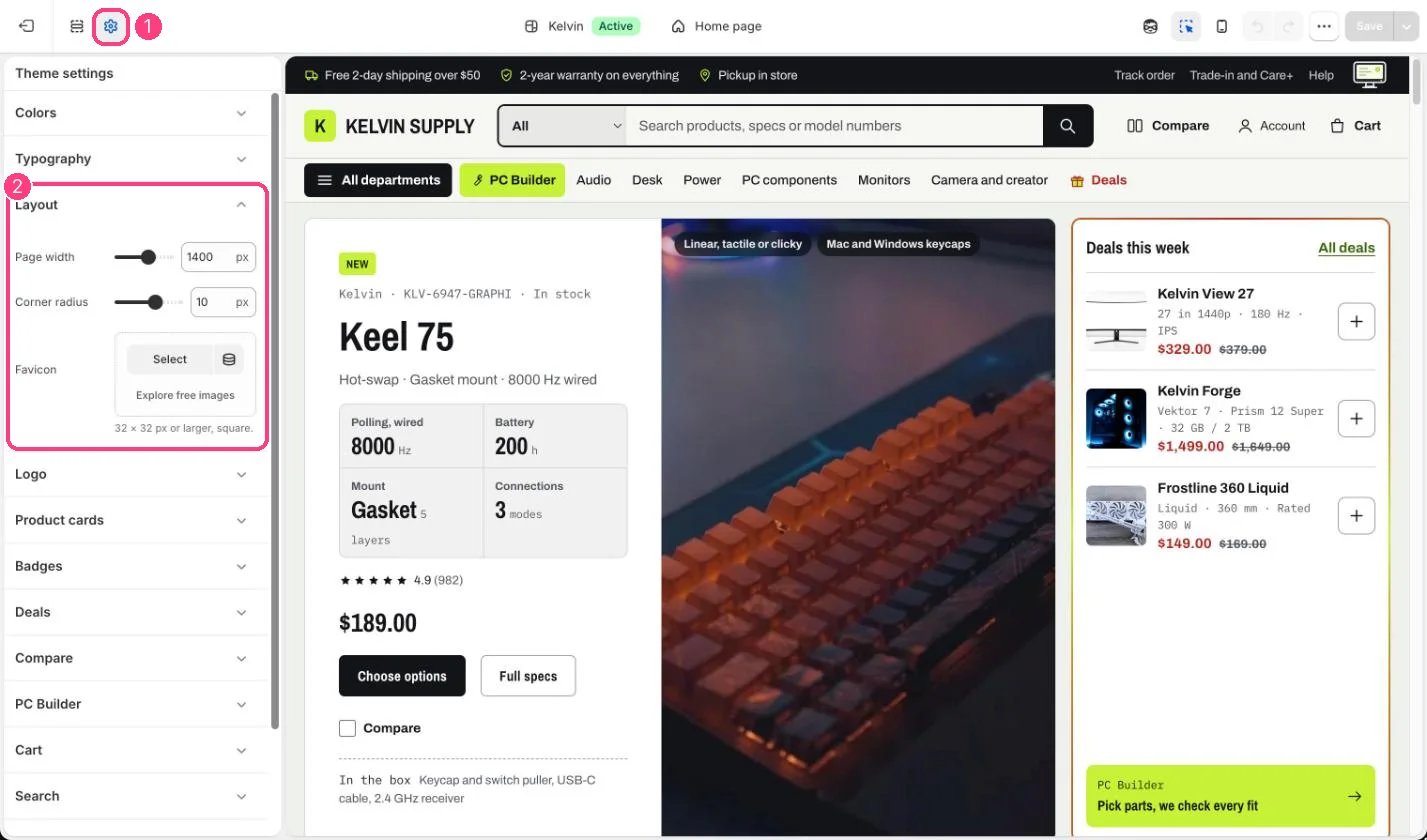
1 Theme settings (the gear icon) · 2 Layout, opened in the sidebar
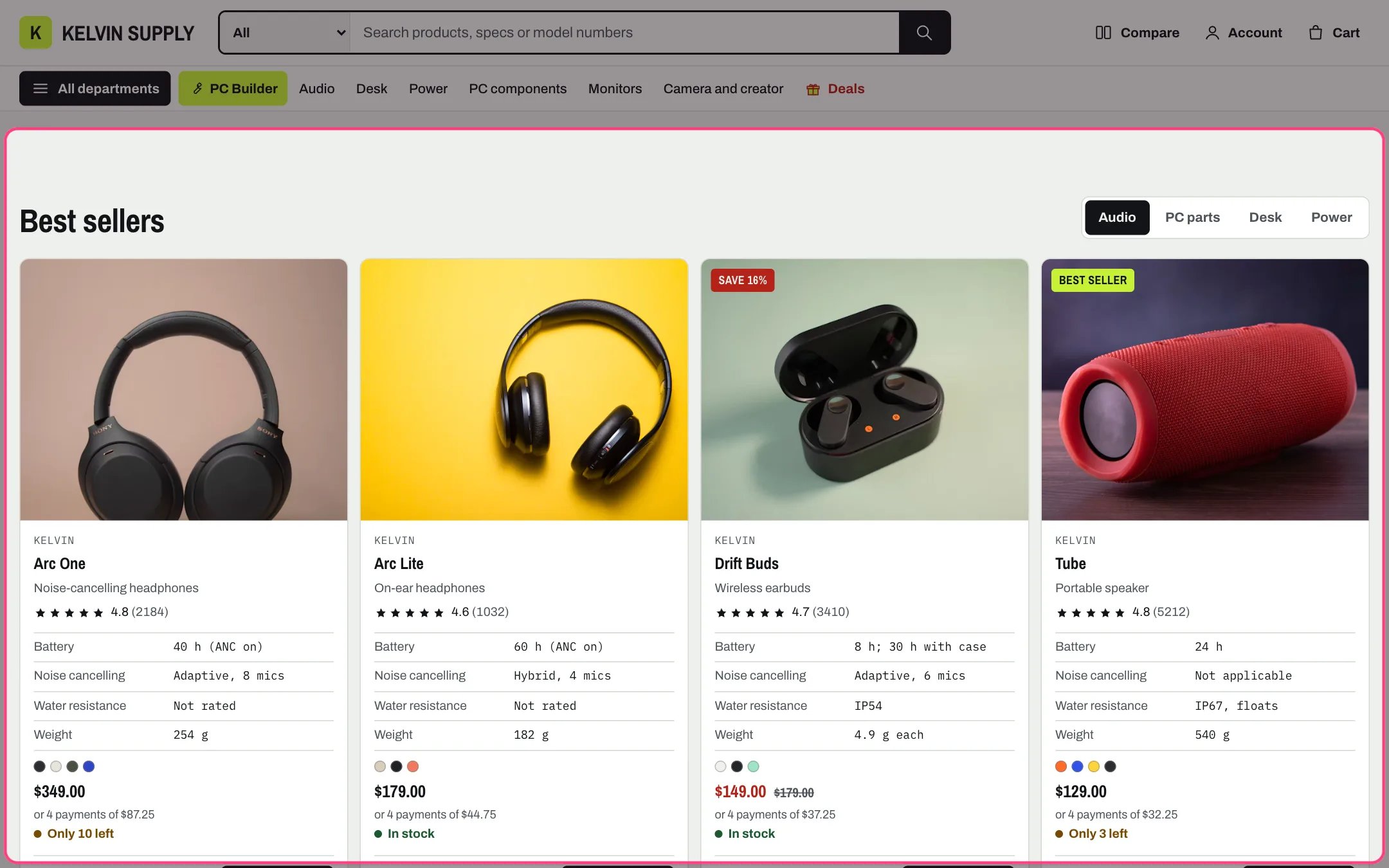
The default page width (1,400 px) and corner radius (10 px)
How it works
- Page width sets the widest the content gets, from 1100 to 1600 px (default 1400). The page keeps a 20 px margin at each side, 14 px on phones under 750 px.
- Corner radius rounds cards, panels and boxes, from 0 (square) to 16 px (default 10). Buttons and form fields keep their small 6 px corners.
- Without a favicon, the browser tab shows the theme’s own icon: a lime square with a dark mark.
Edit it
- Upload a square favicon, 32 x 32px recommended, such as your logo mark.
- Set Corner radius to 0 for a squarer, more technical look.
- 1400 px suits most stores. A wider page helps long spec tables on large screens.