
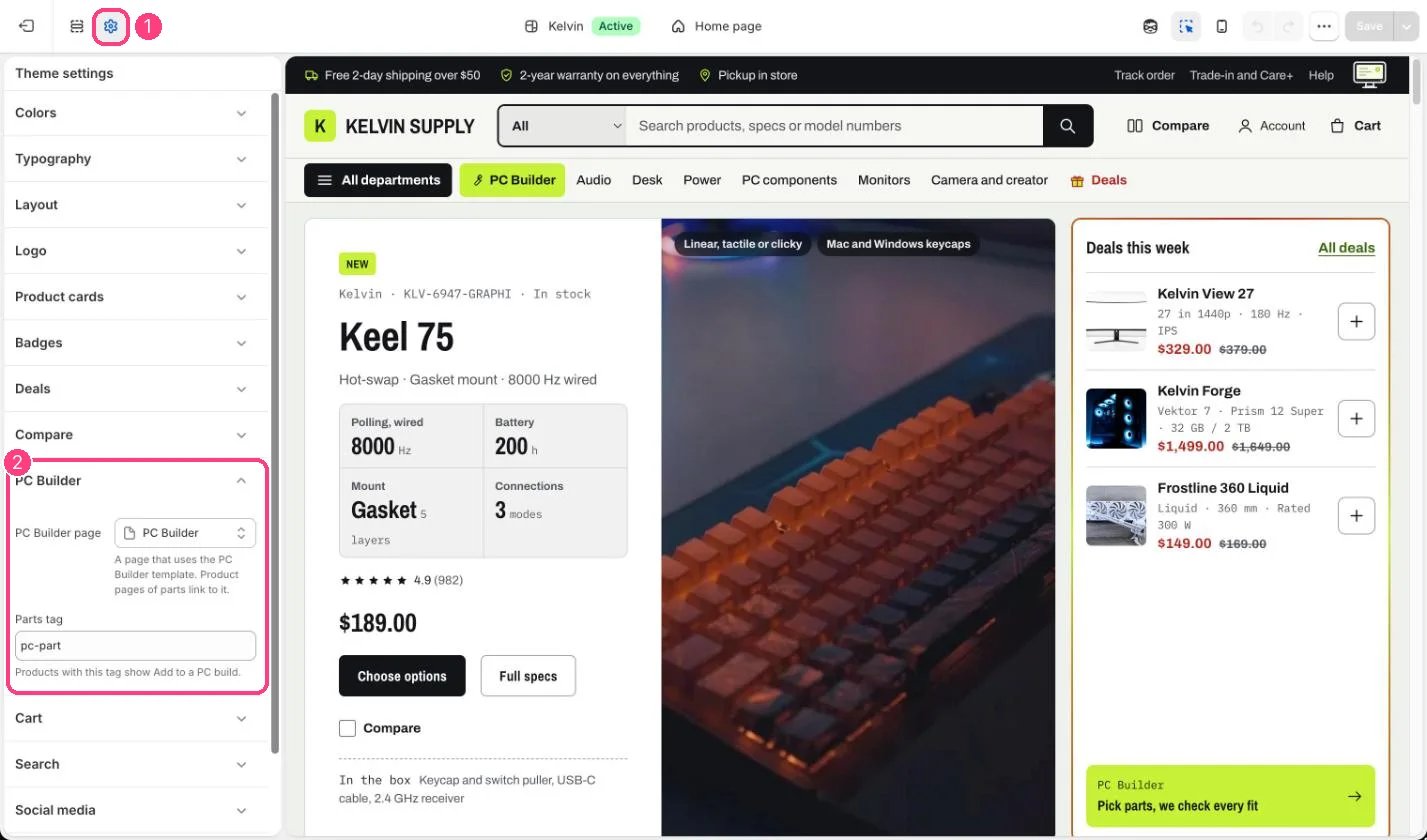
1 Theme settings (the gear icon) · 2 PC Builder, opened in the sidebar
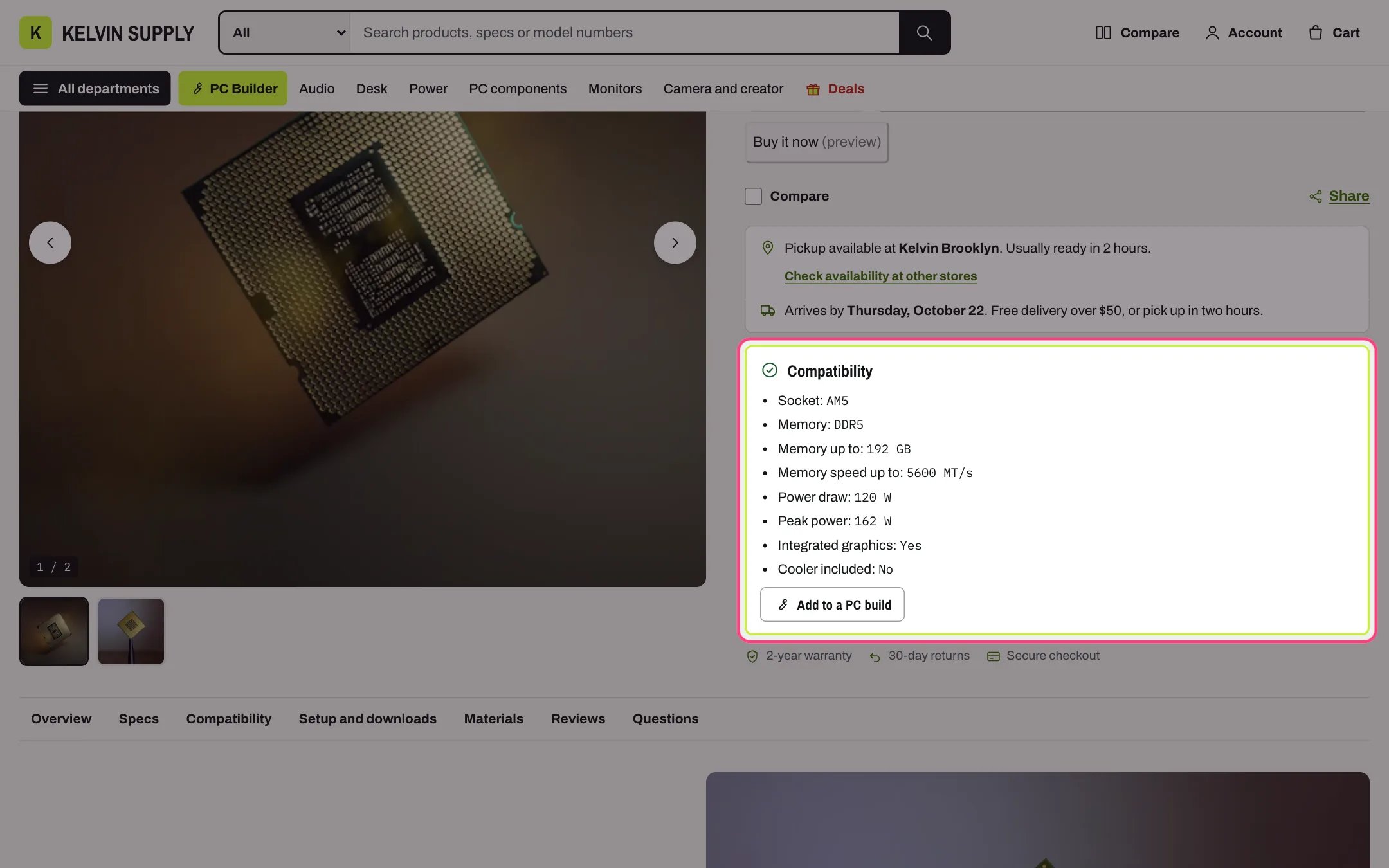
Products with the Parts tag show Add to a PC build
How it works
- PC Builder page is the page that uses the PC Builder template. Kelvin links to it from the header’s PC Builder link, the cart’s Edit build, saved builds on the account page, the empty search page and the 404 page; those links stay hidden until a page is chosen.
- Parts tag (pc-part on install): product pages of tagged products show a compatibility box with the specs the builder checks and Add to a PC build, which opens the builder with that part in its slot.
Edit it
- Create a page (for example PC Builder), choose the template page.pc-builder and save, then pick it under PC Builder page.
- Tag every part the builder sells with the Parts tag, or change the tag to one your parts already carry.
- Set up the slots, parts collections and specs as described in PC Builder.