
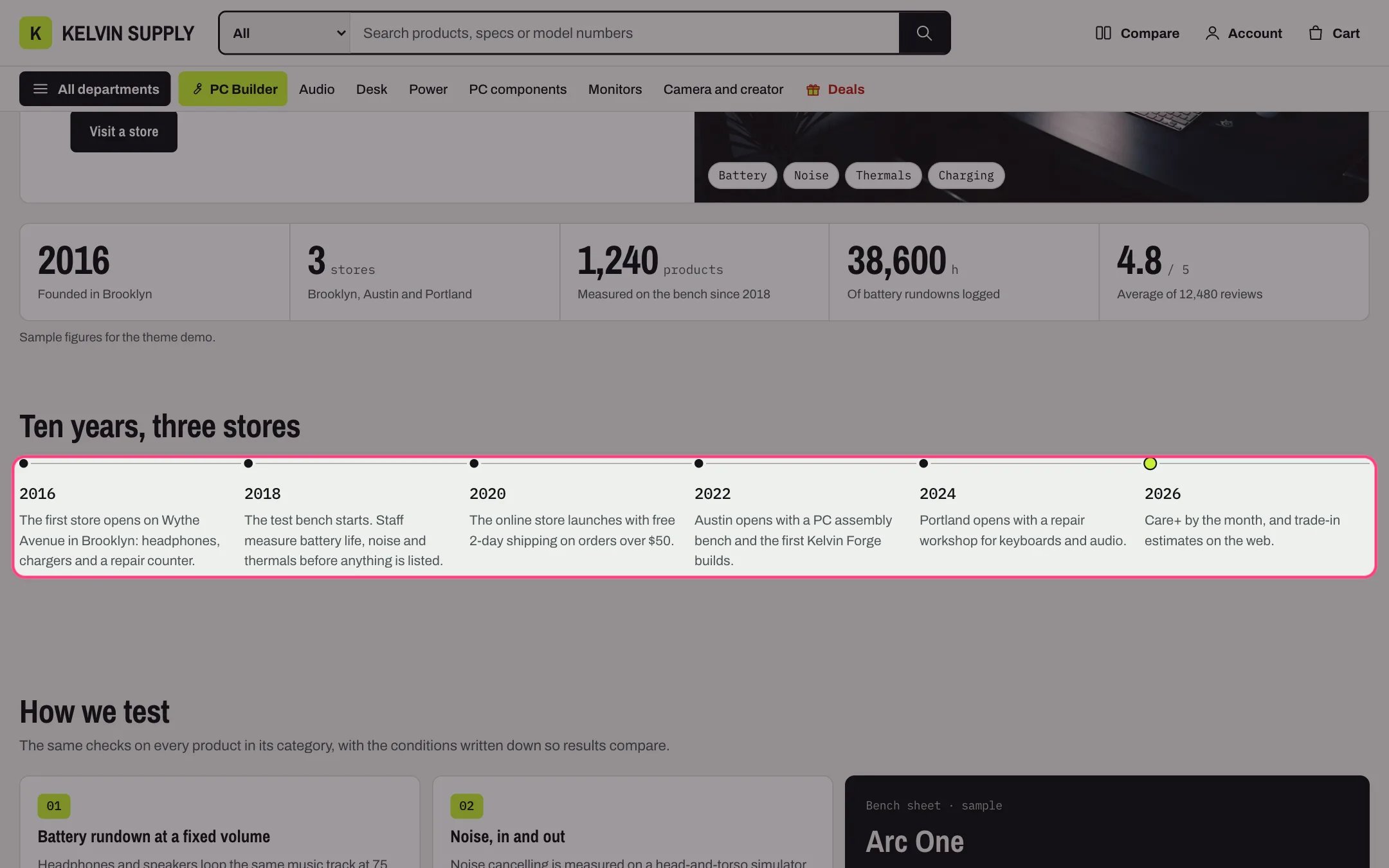
Timeline, highlighted with the demo content
Where to find it
The about template (page.about). Create a page in Online Store → Pages with Theme template about, then in the theme editor choose Pages, then about, and select Timeline.How it works
- Events run across the page on a line, up to six per row; the last event gets a larger accent dot.
- Under 1180 px it shows up to three per row; under 750 px the line runs down the page with the events beside it.
- Year is set in the monospace font; Heading and Text show under it when filled in.
- Events are an ordered list, so screen readers hear them in order.
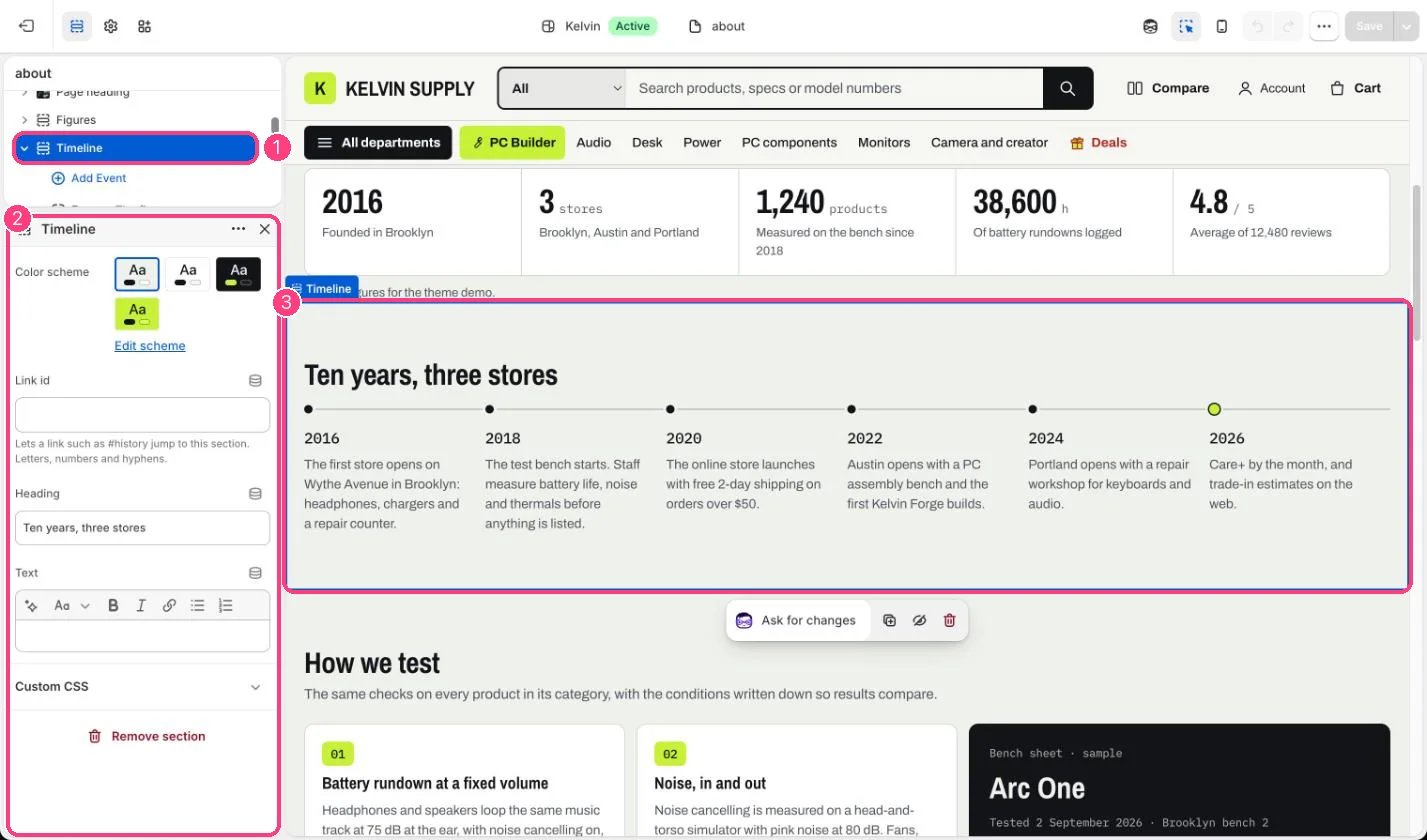
In the theme editor: 1 the section in the sidebar · 2 its settings · 3 the section in the preview
Edit it
- Add an Event block per moment (up to 12) with Year, Heading and Text. Keep Text to one or two sentences.
- Drag events into date order; the theme does not sort them.
- Edit Heading and Text, and set a Link id such as history if another page links here.
Settings
Blocks
Add a block with Add block under the section in the sidebar; drag blocks to reorder them.Event (up to 12)
On install the four events are placeholders: each Year reads Year, there is no Heading, and the Text is guidance such as Say when and where the store started. Replace them with your own dates.