
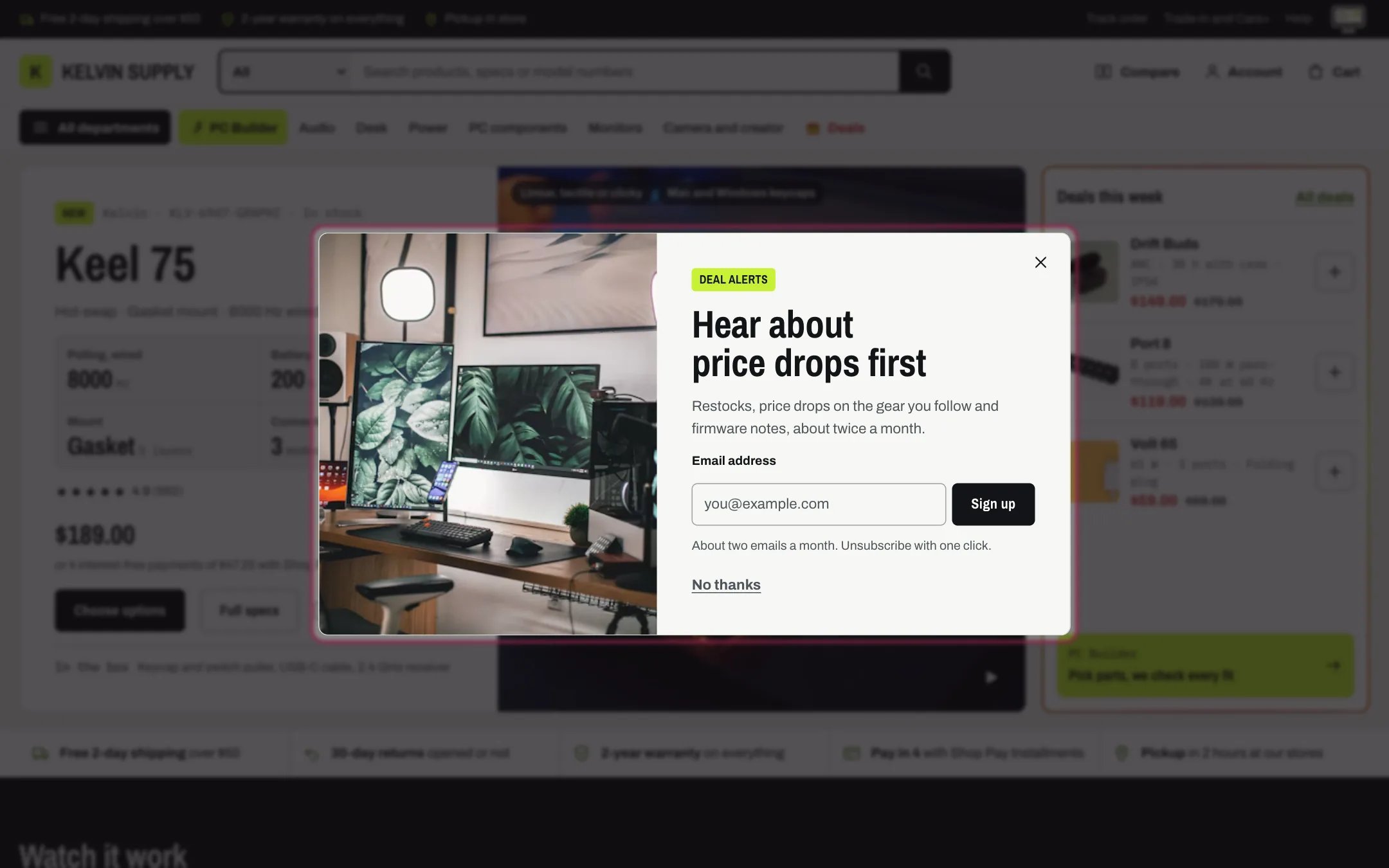
Promo popup, highlighted with the demo content
Where to find it
The Overlays group. It ships hidden: in the theme editor open any page, find Promo popup under Overlays in the sidebar, and click the eye icon to show it. There can be only one; if you deleted it, add it back with Add section in the Overlays group.How it works
- It opens Open after seconds (0 to 60, 8 by default) after a page loads, on every page except the cart and the account page, or only on the home page when Show on is Home page only.
- It never opens on top of another dialog: while the cart drawer, a menu, quick view or the age verifier is open, it waits and tries again a little later.
- Closing it with the close button, No thanks, Escape or a click outside keeps it away on that device for Show again after it is closed (1 to 90 days, 14 by default).
- Signing up saves the visitor as a customer who accepts marketing, tagged newsletter and popup. Shopify reloads the page and the popup opens straight away with the Message after signing up and, when you set one, the discount code with a Copy code button. It never opens by itself again on that device.
- The address is checked before it is sent, and Shopify’s errors show under the field with the popup open.
- The discount code is only in the page after a signup. The theme does not create the code, check that it exists, or email it.
- An Image sits beside the text on screens 750 px and wider, and above it, cropped wide, on phones.
- With Show email signup off it is a plain announcement with No thanks.
- In the theme editor it opens only while the section is selected.
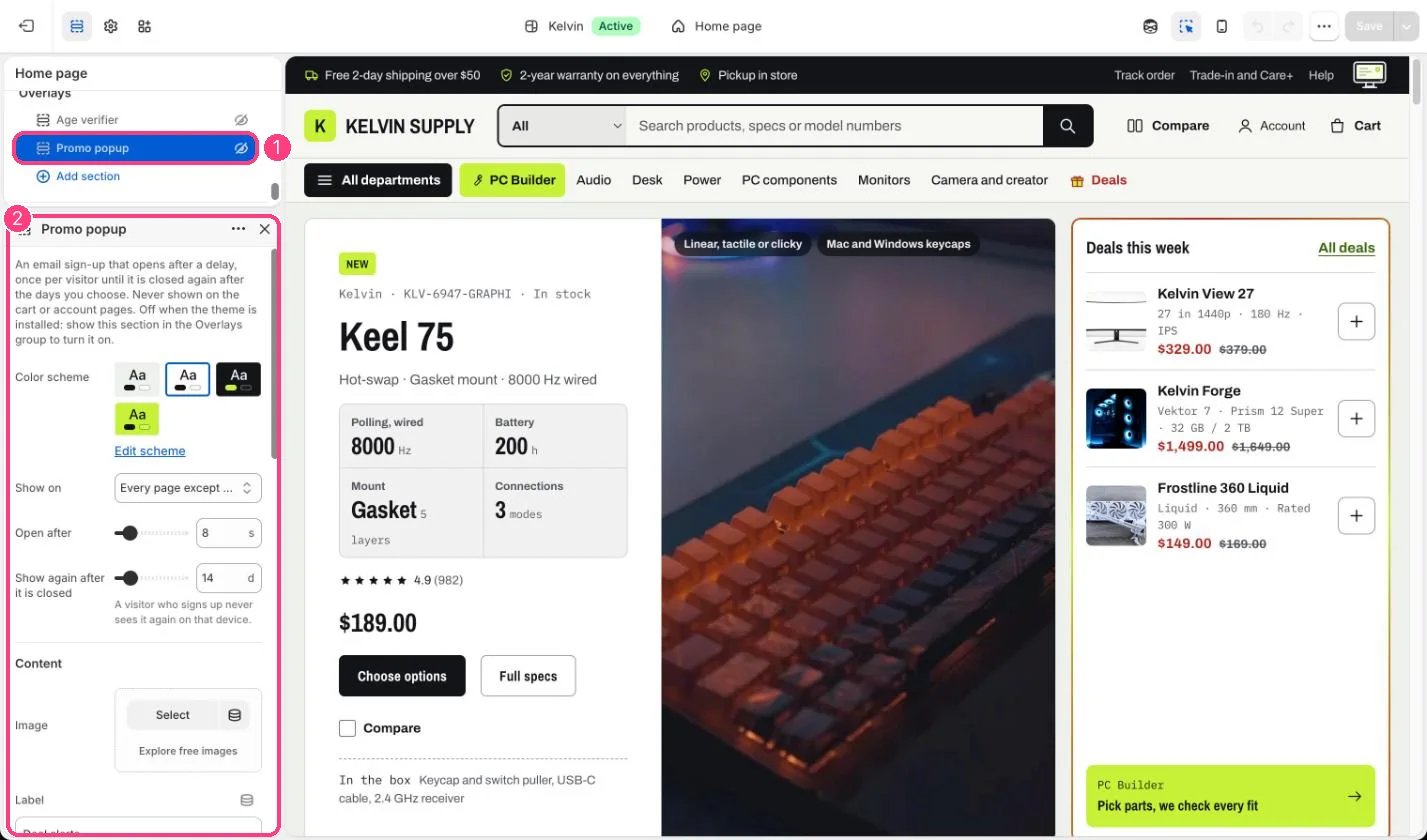
In the theme editor: 1 Promo popup, under Overlays, hidden on install (the eye icon) · 2 its settings
Edit it
- Create the discount in Discounts first, then type it exactly in Discount code shown after signing up and edit Text above the code.
- Write a Heading and Text that say what subscribers get and how often you write.
- Keep Open after at 8 seconds or more so visitors see the page first.
- Edit Note under the field with how often you email and how to unsubscribe.
- Show the section with the eye icon in the sidebar, then save.
Settings
Content
Email signup
On install, Text and Note under the field hold guidance, not words for shoppers: replace them with what subscribers get and how often you really email.Whether a visitor closed the popup or signed up is saved on their device: after clearing the browser’s site data they see it again.