
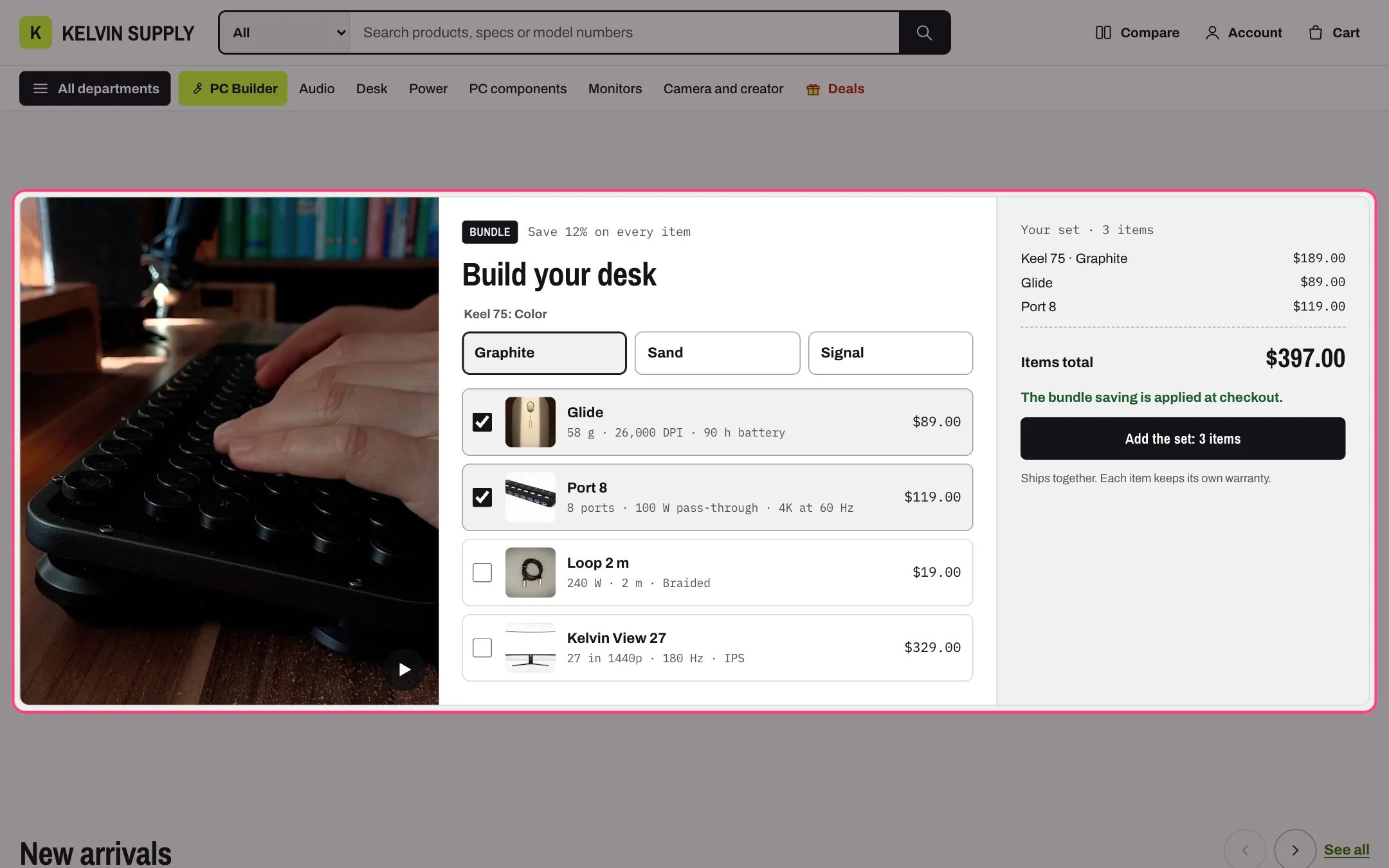
Bundle builder, highlighted with the demo content
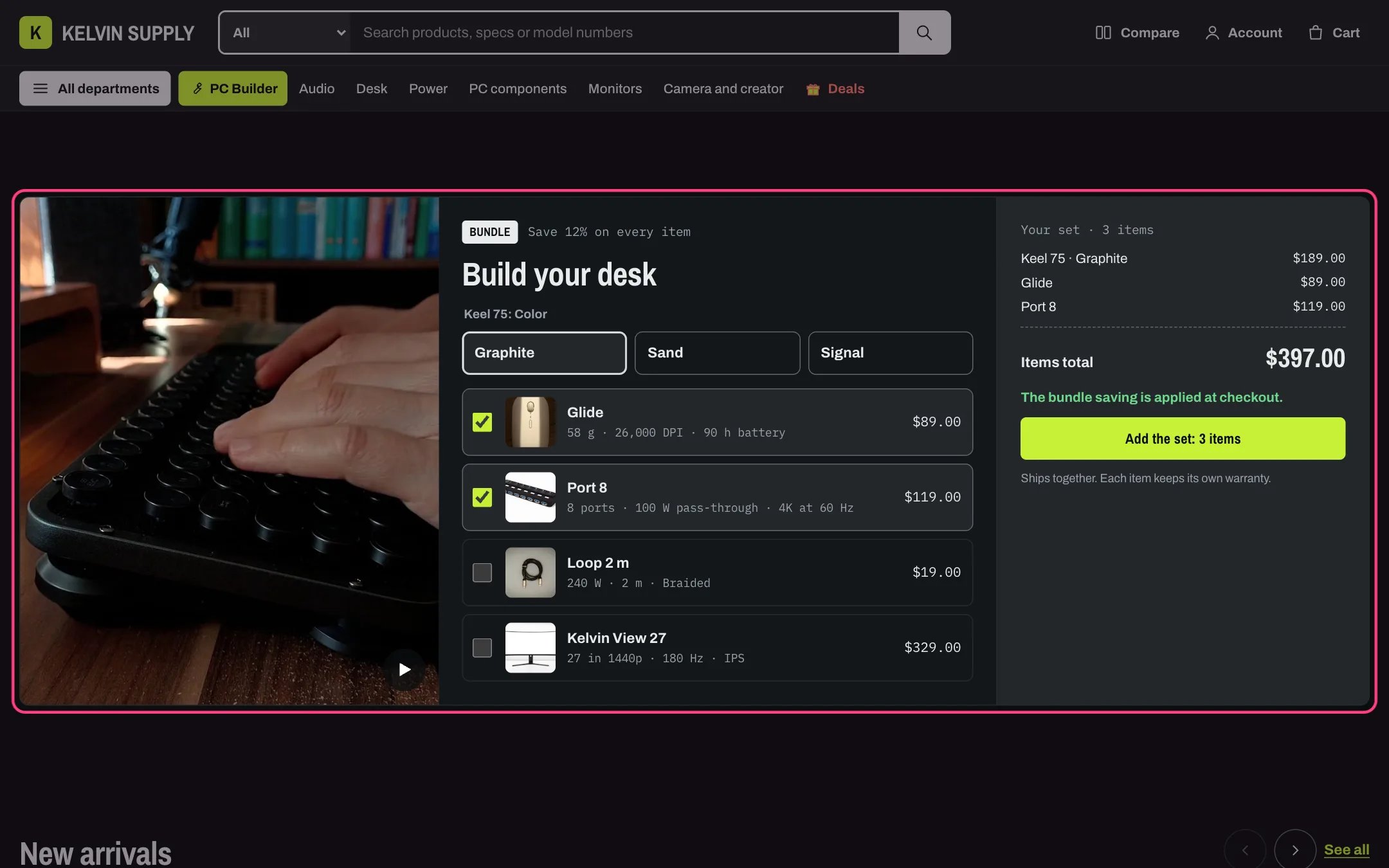
Bundle builder in dark mode
Where to find it
Ninth section of the Home page template. In the theme editor choose Home page in the page selector, then select Bundle builder. Add it to other pages with Add section.How it works
- The Base product is always in the set. With one variant it shows as a line with its price; with several, its variants show as choice buttons (sold out ones are disabled), under Choices heading or, when that is empty, the product title and option name.
- Each Add-on block is a row shoppers tick, with the product’s photo, title, specs.summary metafield and price. Selected to start with ticks it when the page loads; sold out add-ons cannot be ticked.
- The summary lists the chosen items with their prices, the Items total and a button such as Add the set: 3 items. It updates as shoppers change their choices.
- The button adds every chosen item to the cart in one step, each as its own line with a quantity of 1. Without JavaScript the form sends the same items to the cart.
- Add-ons are added in their first available variant: shoppers cannot choose an add-on’s options here.
- The total only adds up prices. Kelvin does not create a discount: Offer line is text, and when it is filled the summary says The bundle saving is applied at checkout.
- An uploaded Film plays muted while on screen, with a pause button; a YouTube or Vimeo link loads after a click; otherwise the Image shows. With none of them the layout drops that column.
- Three columns (film, choices, summary) on wide screens, two below 1180 px, one on phones.
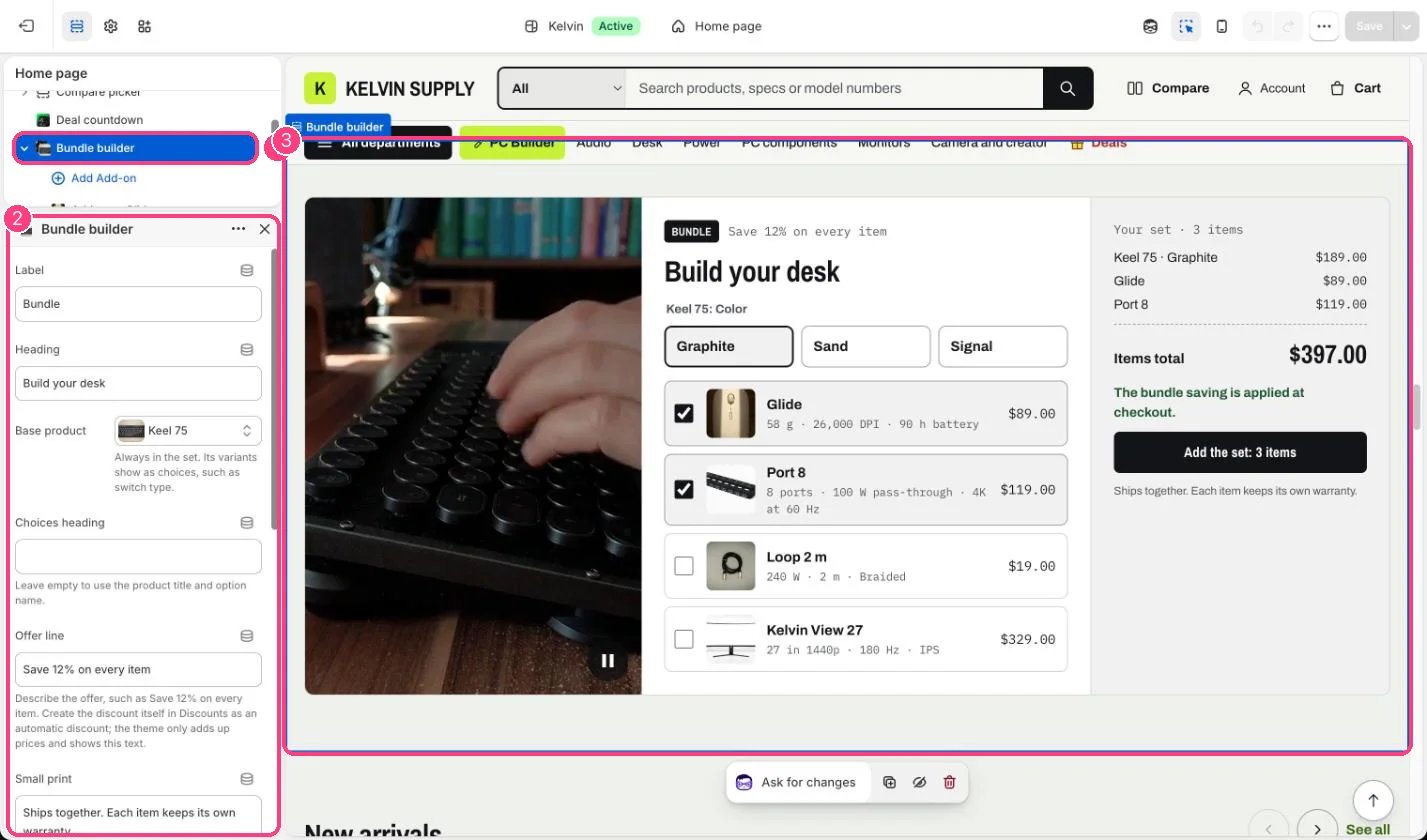
In the theme editor: 1 the section in the sidebar · 2 its settings · 3 the section in the preview
Edit it
- Choose a Base product whose variants are the main choice, such as a keyboard’s switch types. Three variants fit on one row.
- Add up to six Add-on blocks, with products that have a single variant.
- Leave Selected to start with off unless shoppers really need the add-on: pre-ticked extras feel pushy.
- Create the saving in Discounts as an automatic discount on these products, then describe it in Offer line, such as Save 12% on every item. Leave Offer line empty when there is no discount.
- Small print is empty on install. Use it for how the set ships, such as Ships together.
- Pick a Film or Image that shows the set together; it is cropped to fit its column.
Settings
Film
Blocks
Up to 6 blocks. Add a block with Add block under the section in the sidebar; drag blocks to reorder them.Add-on
The section shows on the store once the Base product or an Add-on has a product. On install none is chosen, so it is hidden on the store, and the theme editor shows notes on what to pick.