
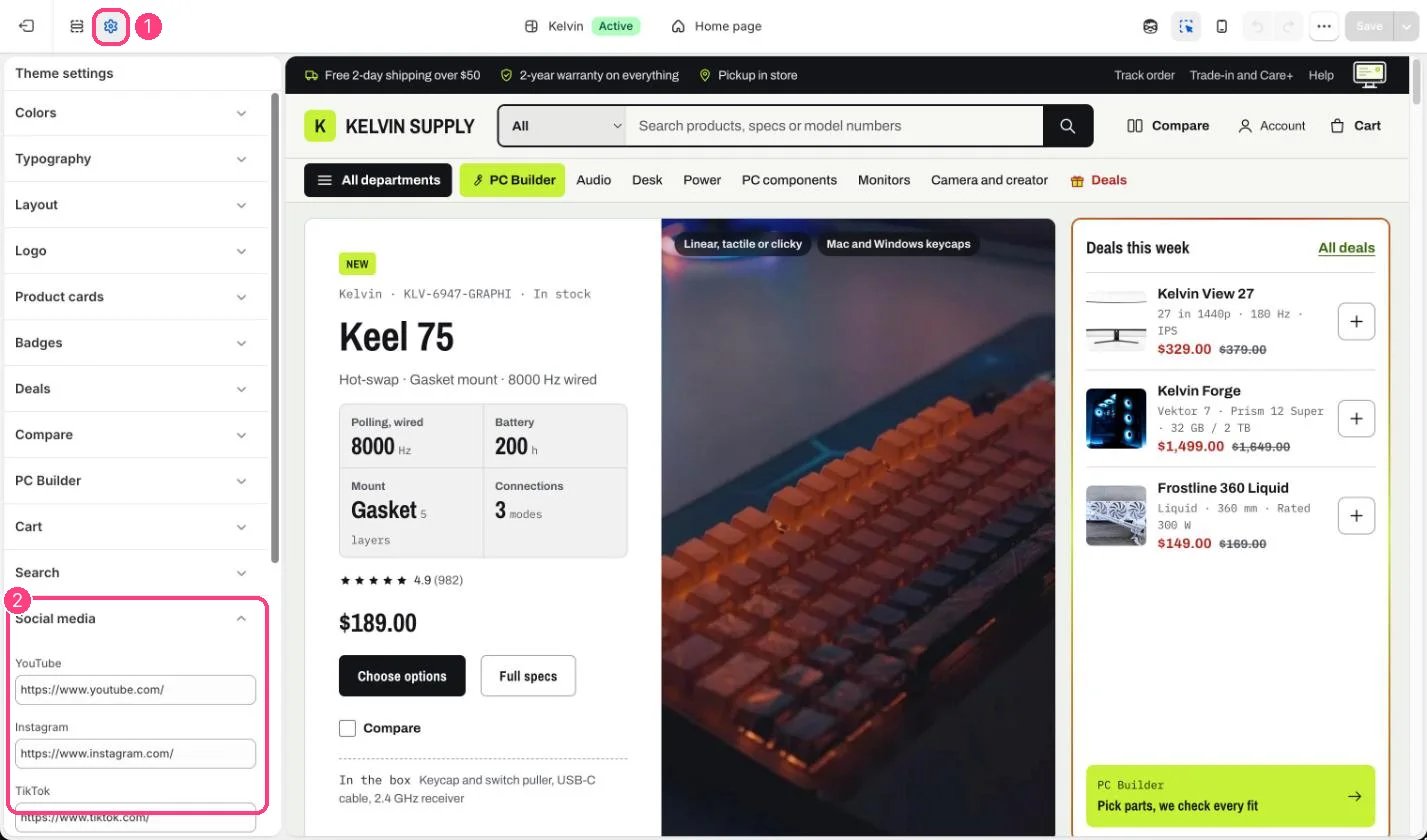
1 Theme settings (the gear icon) · 2 Social media, opened in the sidebar
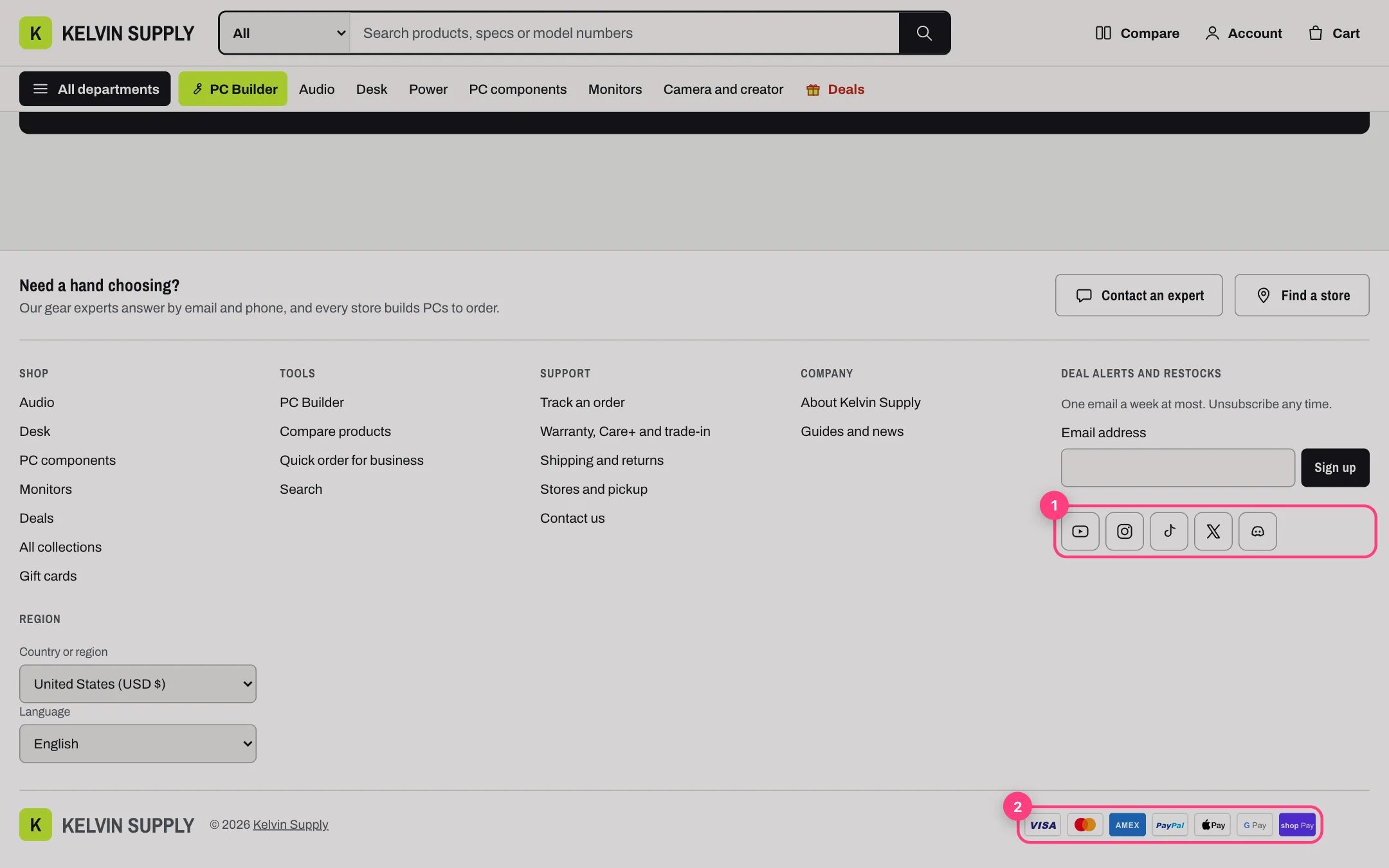
1 Social icons · 2 payment icons, in the footer
How it works
- YouTube, Instagram, TikTok, X, Facebook, Discord, Reddit and Twitch are supported, always in that order.
- Each link you fill in shows a 40 px icon button in the footer: under the Email signup block, or in the footer’s last column (under the country and language selectors when there are any) when the footer has no Email signup block.
- The icons are line drawings in the footer’s text color, and the border turns to the accent color on hover. Screen readers hear each network’s name.
- The links open in the same tab. Empty fields show nothing, and every field is empty on install.
Edit it
- Paste the full address of each account, for example https://www.youtube.com/@yourstore or a Discord invite such as https://discord.gg/yourinvite.
- For a network that is not listed, add a Menu block to the footer with a text link to it.