
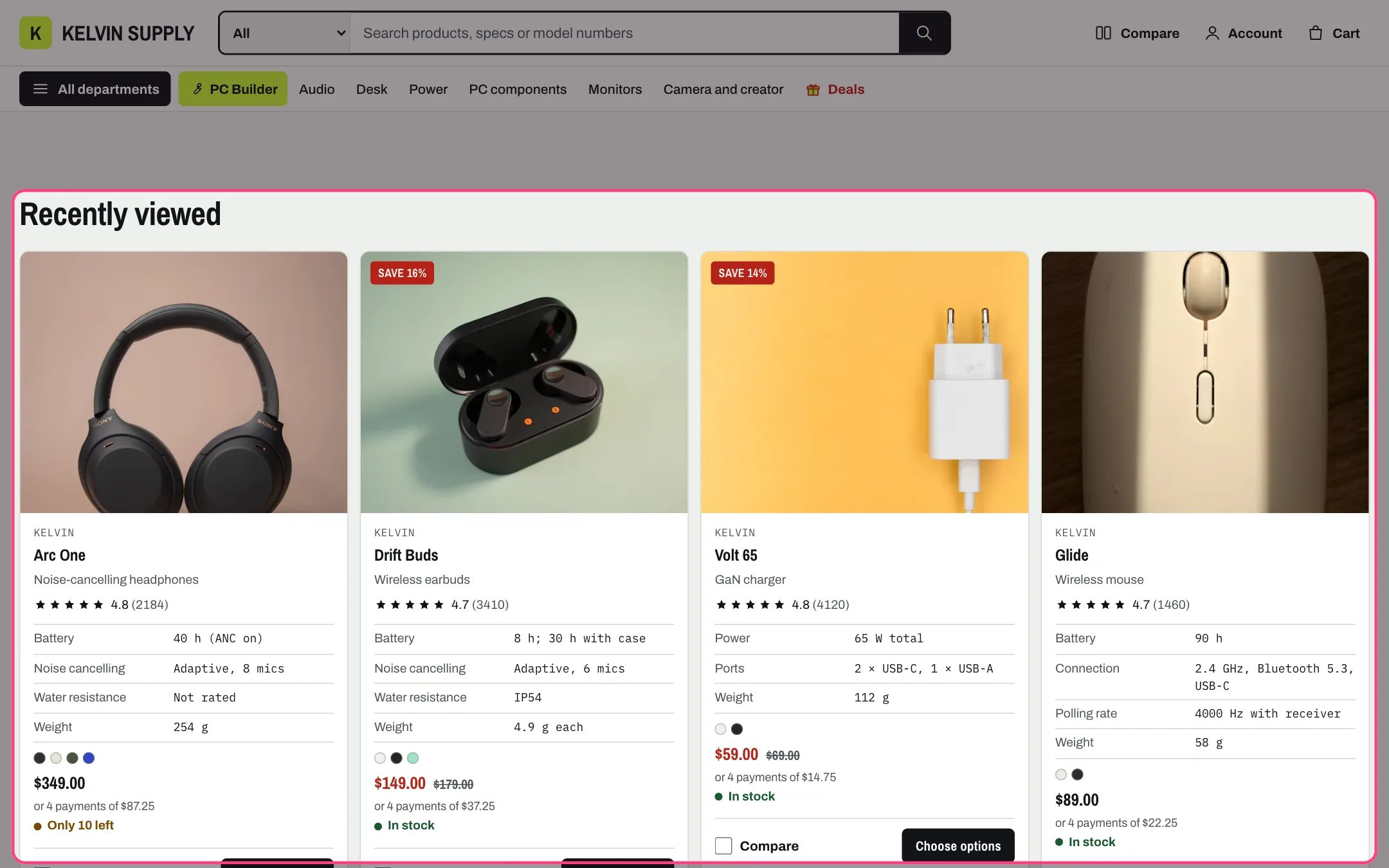
Recently viewed, highlighted with the demo content
Where to find it
Home page, product pages and collection pages. In the theme editor choose Home page, Products or Collections in the page selector, then select Recently viewed. Hide it on one template with the eye icon.How it works
- Product pages remember the last 12 products a shopper opened, saved on the shopper’s device only. Nothing is sent to your store.
- The section stays hidden until at least two products can be shown. On a product page the product on screen is left out.
- It shows up to Products to show cards, newest first, using the same product cards as collection pages, so quick view, quick add and compare follow Theme settings → Product cards.
- Cards load just after the page opens. Products that were deleted or are no longer published drop out of the list.
- Four cards per row on desktop and two on tablets; on phones each card is a row with the image beside the text.
- In the theme editor a note shows in its place until the preview has products to show.
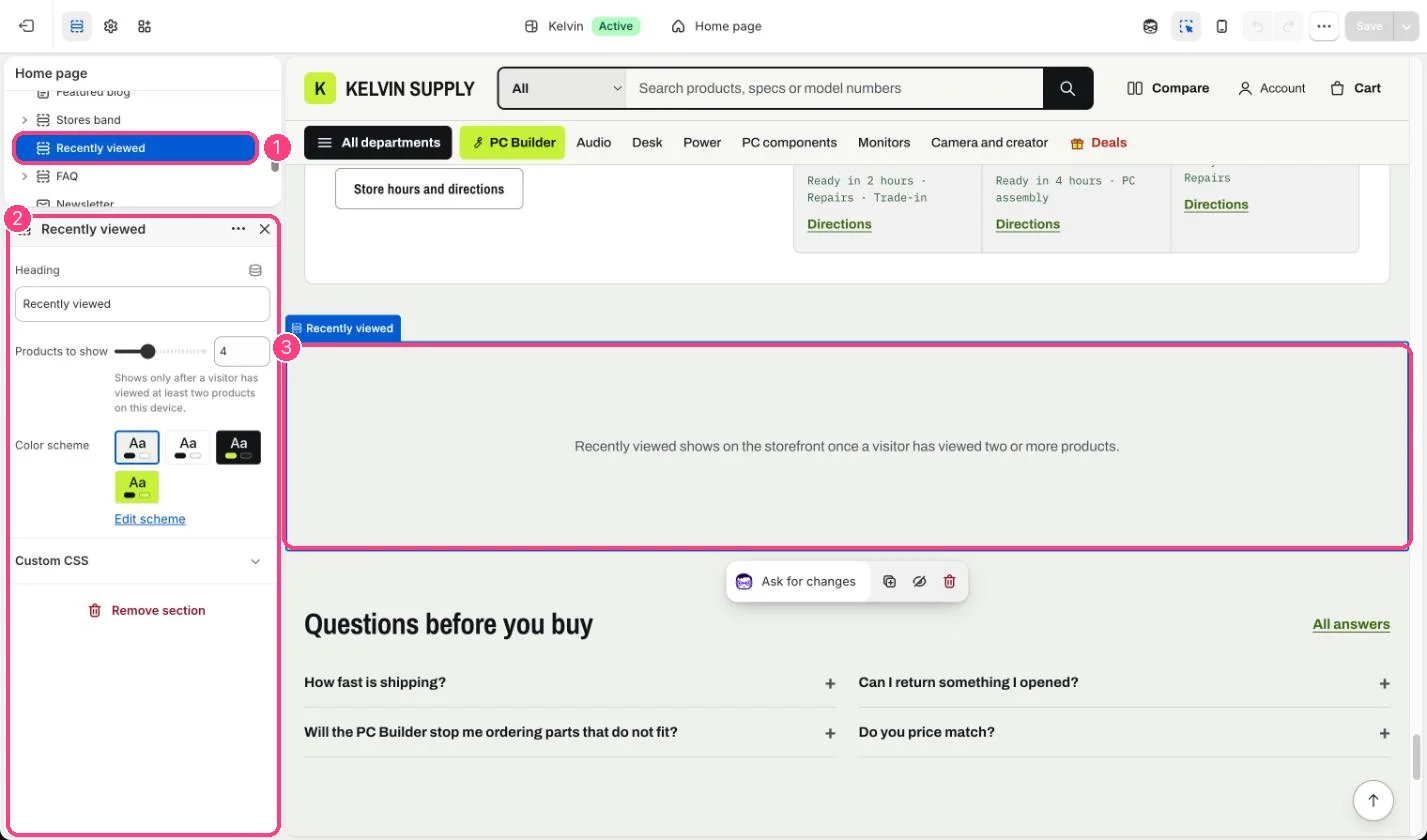
In the theme editor: 1 Recently viewed · 2 its settings · 3 the note shown in its place, only in the editor
Edit it
- Edit Heading and set Products to show (2 to 8). Four fills one row on desktop.
- Choose a Color scheme, or keep the page’s.
- Each template has its own copy of the section: edit it on Home page, Products and Collections separately.