
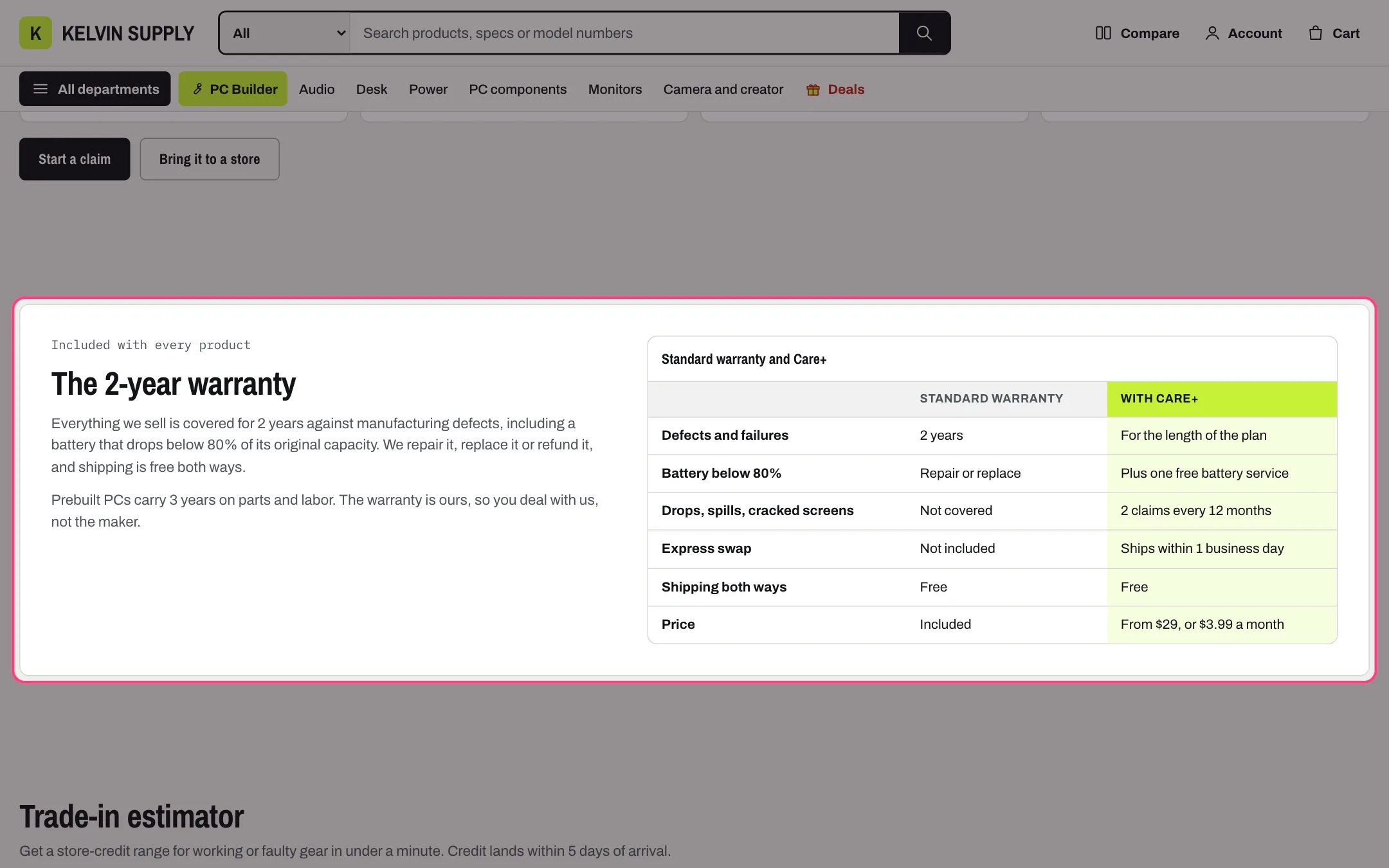
Comparison table, highlighted with the demo content
Where to find it
The care template (page.care), as The warranty. Create a page in Online Store → Pages with Theme template care, then in the theme editor choose Pages, then care, and select Comparison table. Add it to other templates with Add section.How it works
- Kicker, Heading and Text sit beside the table on wide screens and above it under 1000 px. With all three empty, the table fills the panel.
- Each Row block is one line: Label, then a value for each column.
- A blank Third column makes it a two-column table.
- Highlighted column tints one column in the accent color, such as the plan you recommend.
- Caption names the table above it and for screen readers; a blank Caption uses the Heading.
- On small screens the table scrolls sideways inside its frame, which keyboard users can focus and scroll.
- Link id warranty lets the page heading’s Warranty link jump here.
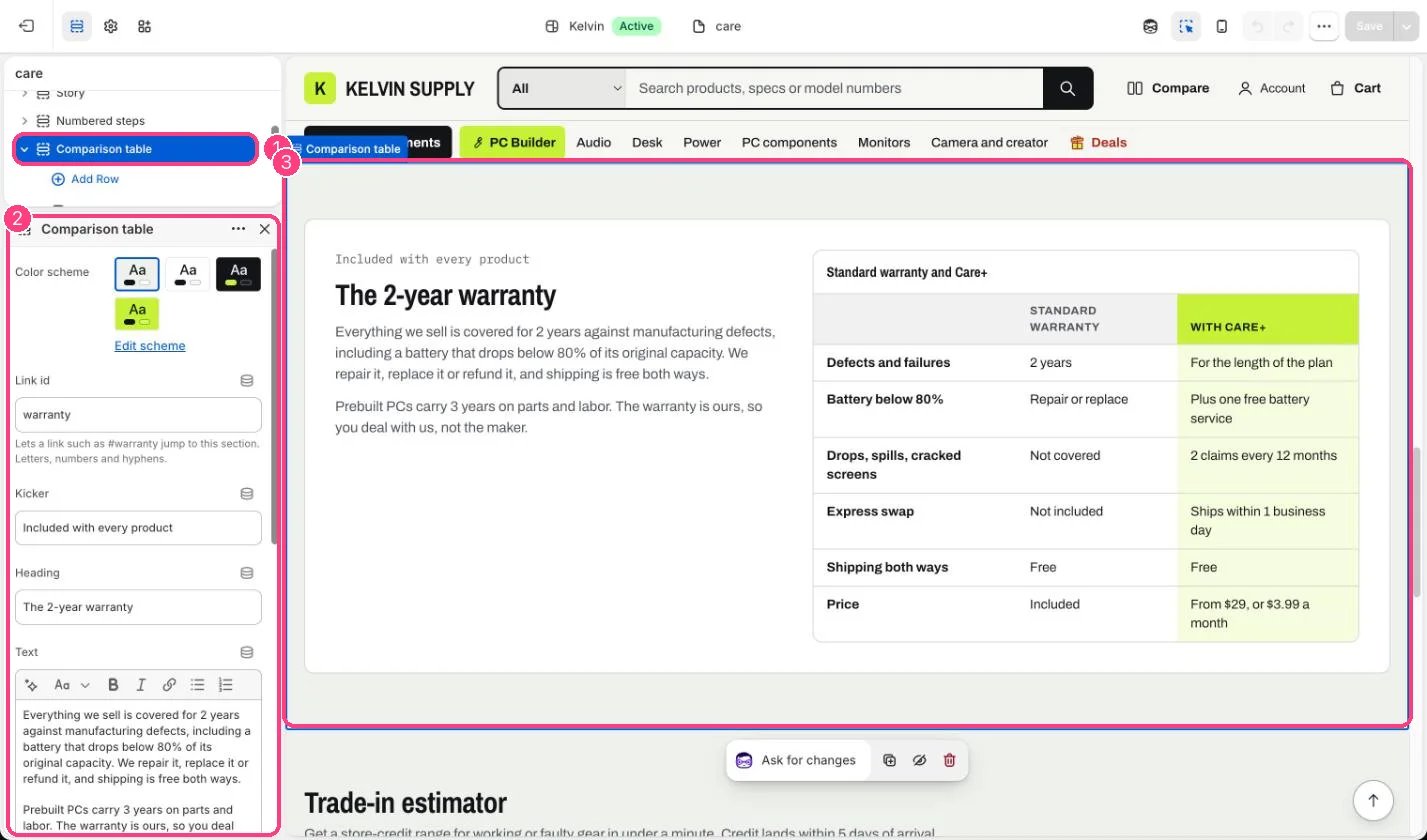
In the theme editor: 1 the section in the sidebar · 2 its settings · 3 the section in the preview
Edit it
- Name the columns in First column, Second column and, if needed, Third column.
- Add a Row block per line (up to 20) with Label and the values. Keep values short, such as 2 years or Not covered.
- Choose Highlighted column, or None.
- Edit Kicker, Heading, Text and Caption.
Settings
Table
Blocks
Add a block with Add block under the section in the sidebar; drag blocks to reorder them.Row (up to 20)
On install several values in the care template’s rows are placeholder guidance, such as Your warranty length and Say who pays: replace them with your own terms.