
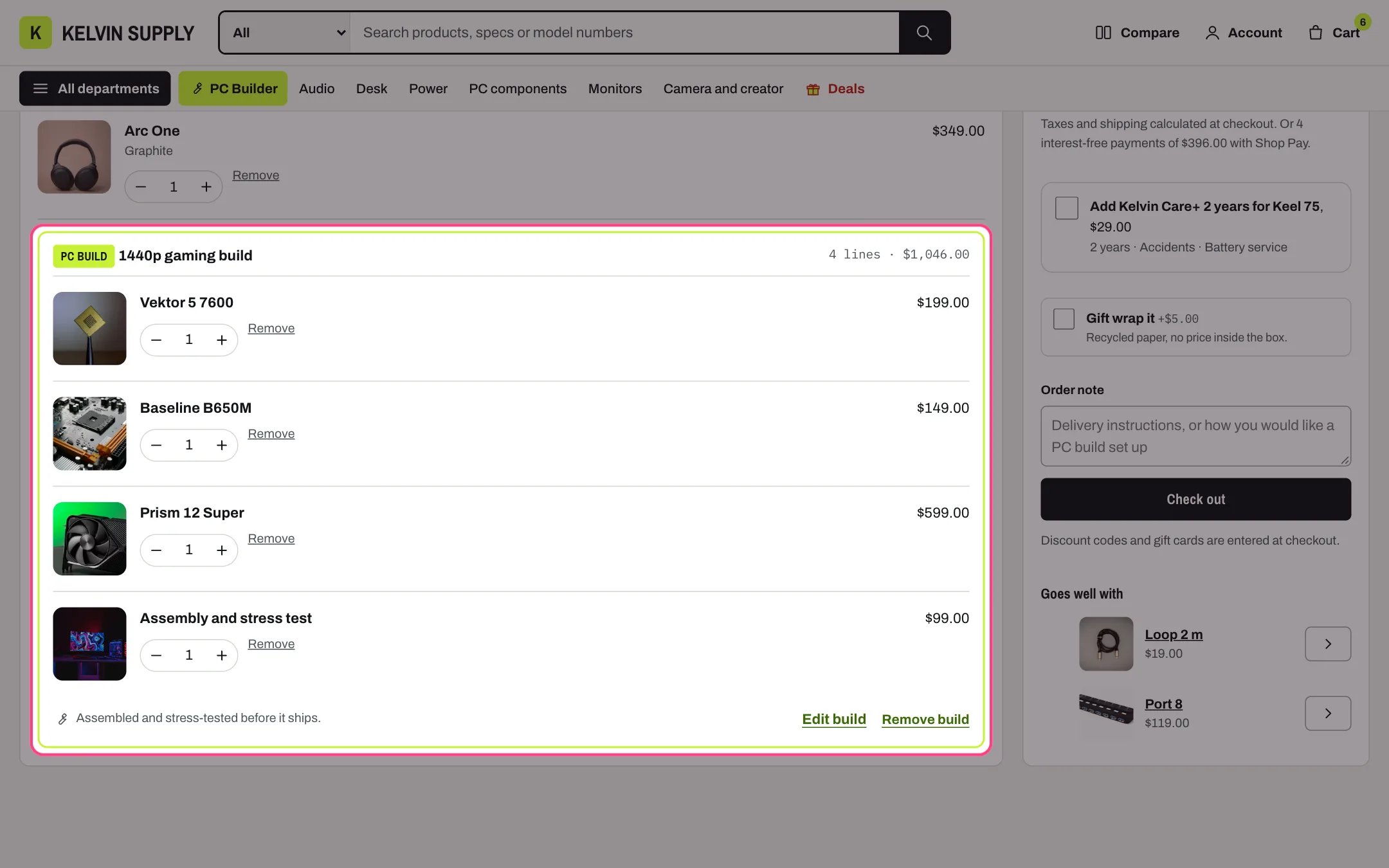
Cart, highlighted with the demo content
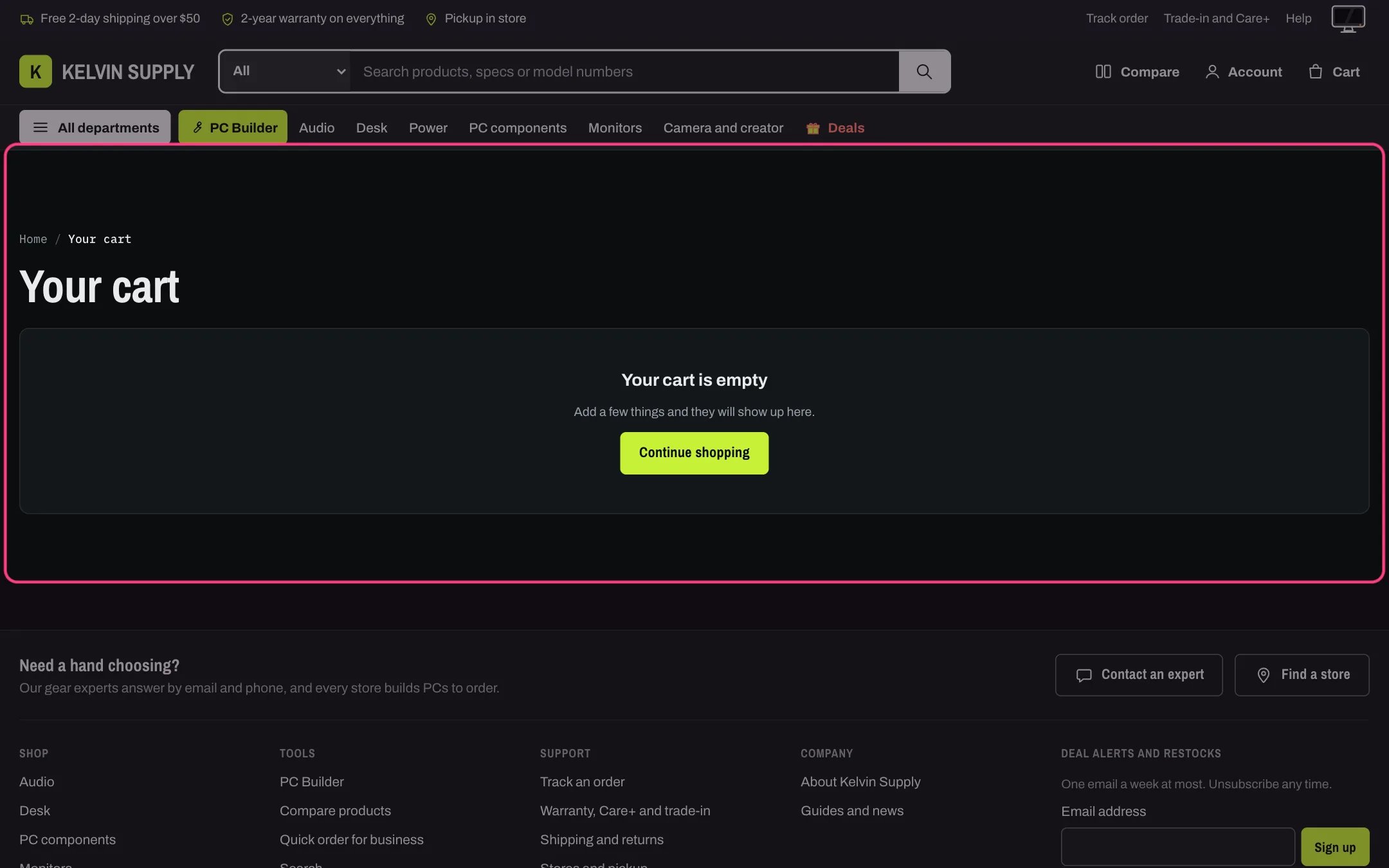
Cart in dark mode
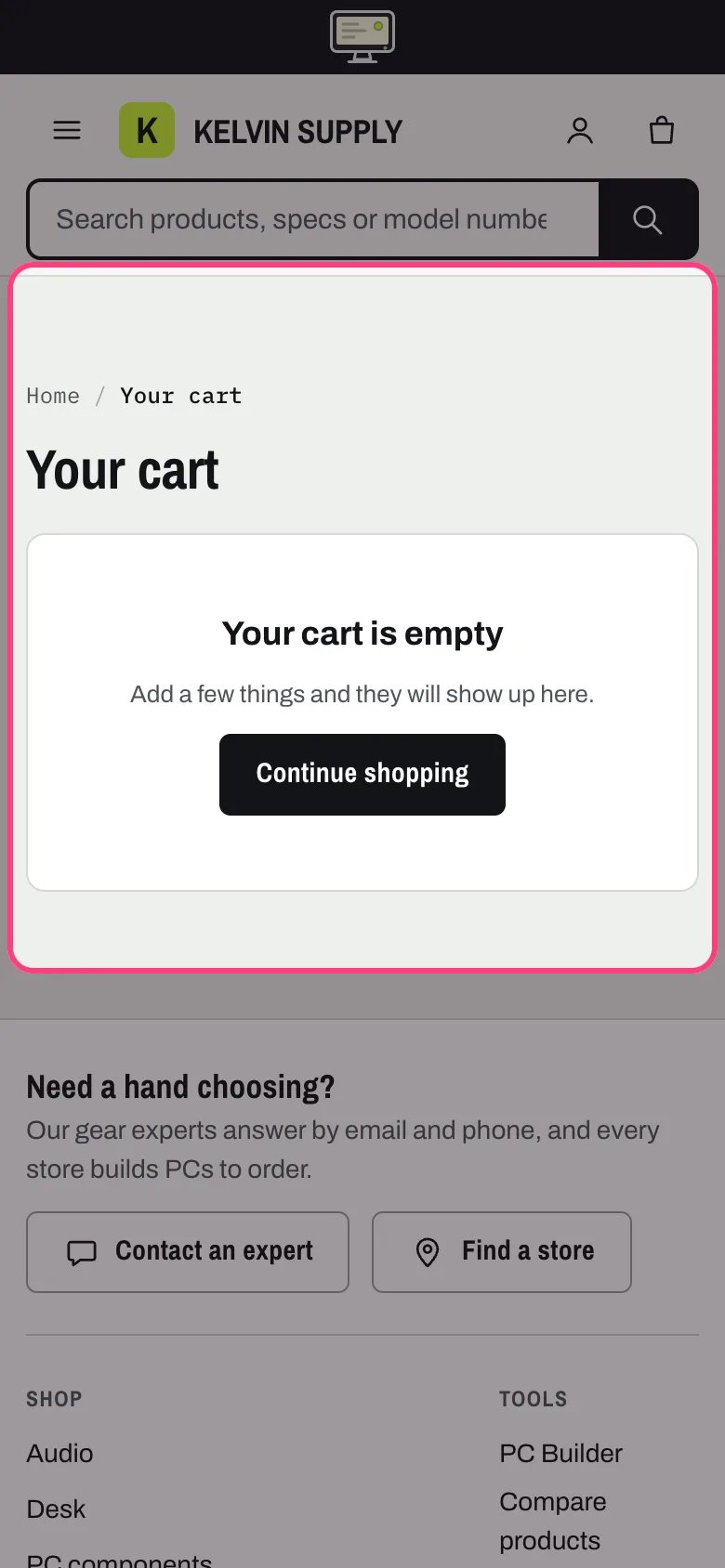
Cart on a phone
Where to find it
The cart page (/cart), on the Cart template. In the theme editor choose Cart in the page selector, then select Cart. The cart drawer is never shown on this page.How it works
- Breadcrumbs and the title Your cart with the number of items come first, then the free shipping bar across the page when it is on in Theme settings → Cart.
- Lines sit on the left and the Order summary on the right. The summary stays in view while a long cart scrolls; under 1000 px it moves under the lines.
- Lines that are not part of a PC build come first. Each build follows in its own outlined box: a PC build tag with the build’s name, the number of lines and their total, the parts, and a note saying whether it ships assembled (the build includes the assembly service) or as parts.
- Edit build opens the PC Builder with the build’s parts chosen, so the shopper can change it and add it again. It shows only when a PC Builder page is chosen in Theme settings → PC Builder. Remove build takes every line of that build out in one step, and each part’s quantity can still be changed on its own.
- The summary lists automatic discounts, Savings, the Subtotal with the currency code, the tax and shipping note and the Shop Pay line when it applies, then the Care+ offer, gift wrapping, the gift message, the order note, Check out, the express checkout buttons and, at the bottom, Goes well with.
- Under the button: Discount codes and gift cards are entered at checkout. The cart has no discount code field; shoppers enter codes on Shopify’s checkout.
- Quantity, Remove, gift wrap and the Care+ box update the page in place. Without scripts the quantity boxes, Remove links and an Update cart button still work, and Check out still sends the order note and gift message.
- An empty cart shows Your cart is empty with a Continue shopping button to Link when the cart is empty, or to all products while it is blank.
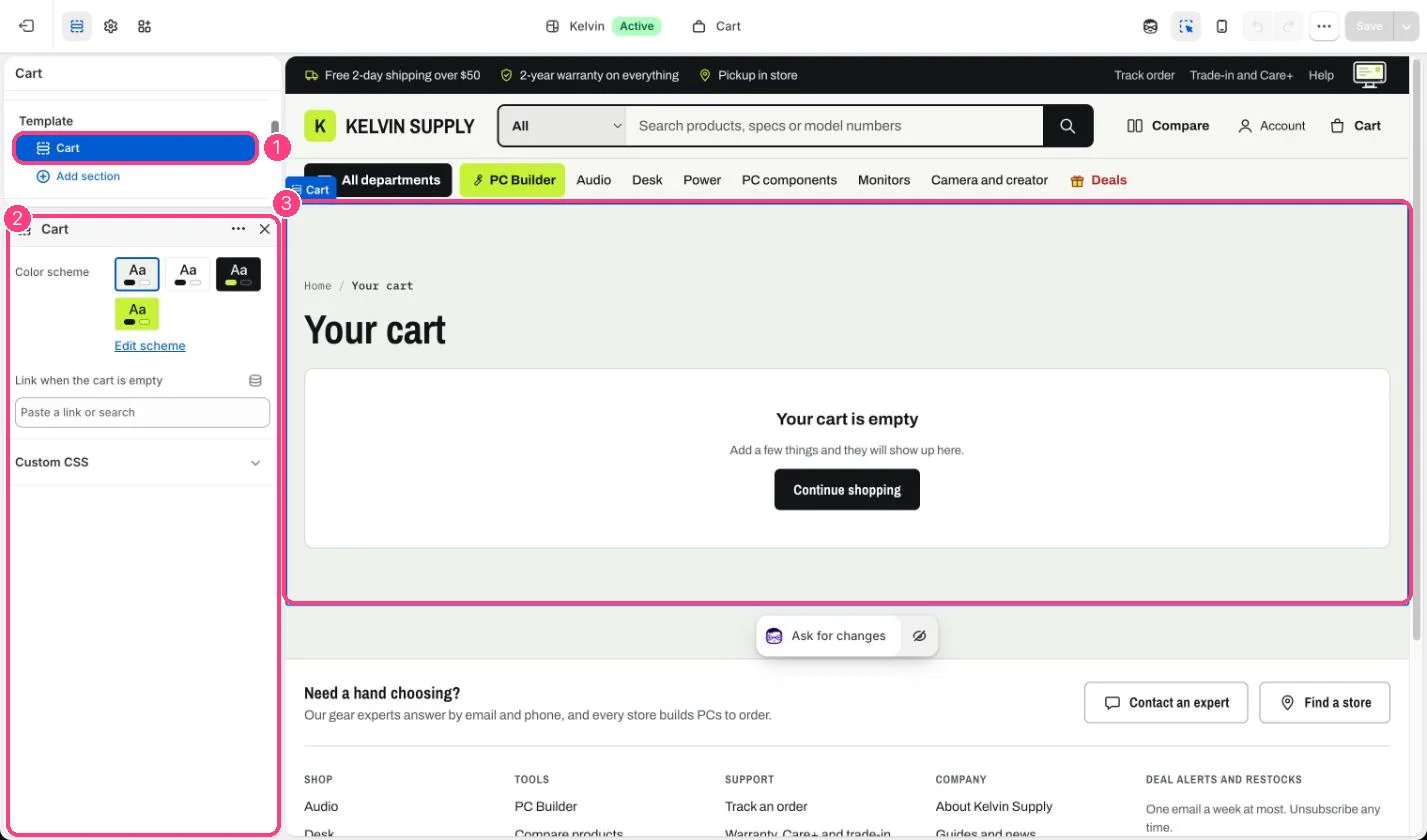
In the theme editor: 1 the section in the sidebar · 2 its settings · 3 the section in the preview
Edit it
- Set Link when the cart is empty, for example to your best sellers collection. Left blank, Continue shopping goes to all products.
- Choose a Color scheme for the page (Scheme 1 on install).
- Turn the free shipping bar, gift wrapping, the gift message, the order note and express checkout on or off in Theme settings → Cart. See Gift wrap, gift message and order notes.
- Choose the PC Builder page in Theme settings → PC Builder so builds get their Edit build link.
Settings
Goes well with at the bottom of the order summary is the same list as in the drawer; see Cart suggestions.Line item properties that start with an underscore, such as
_Build and _Slot, stay on the order for your team but are not shown in the cart.