
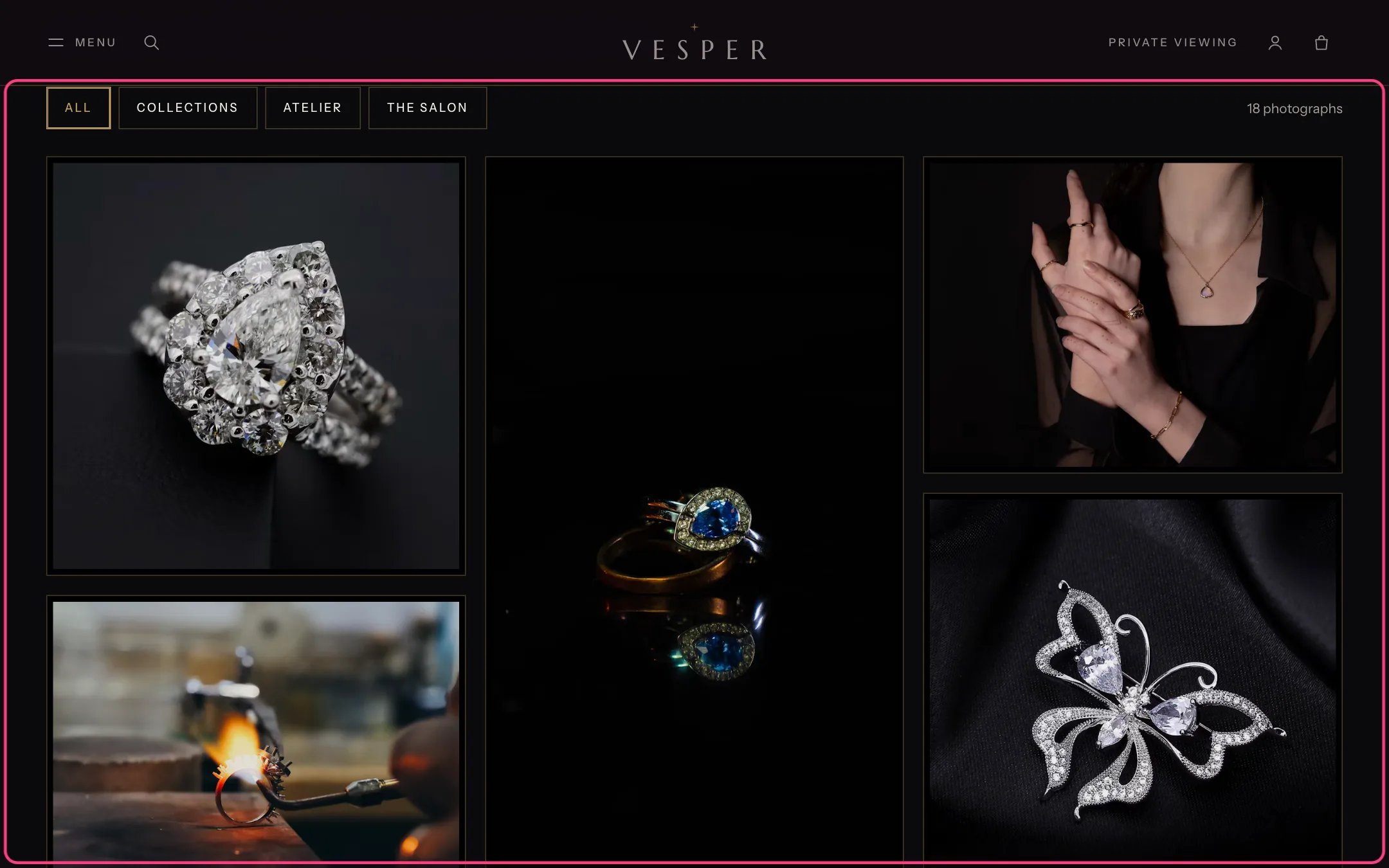
Gallery, highlighted with the demo content
Where to find it
The Gallery template. In the theme editor choose Pages, then gallery, and select Gallery.How it works
- Photographs fill two, three or four columns on large screens.
- Category buttons appear when photographs have two or more categories. They filter the photographs in place.
- A click opens the photograph larger. Shoppers move through them with arrows, the arrow keys, Home and End, or a swipe.
- A photograph with a product gets a Shop this piece link under its caption; without a product, the Other link is used.
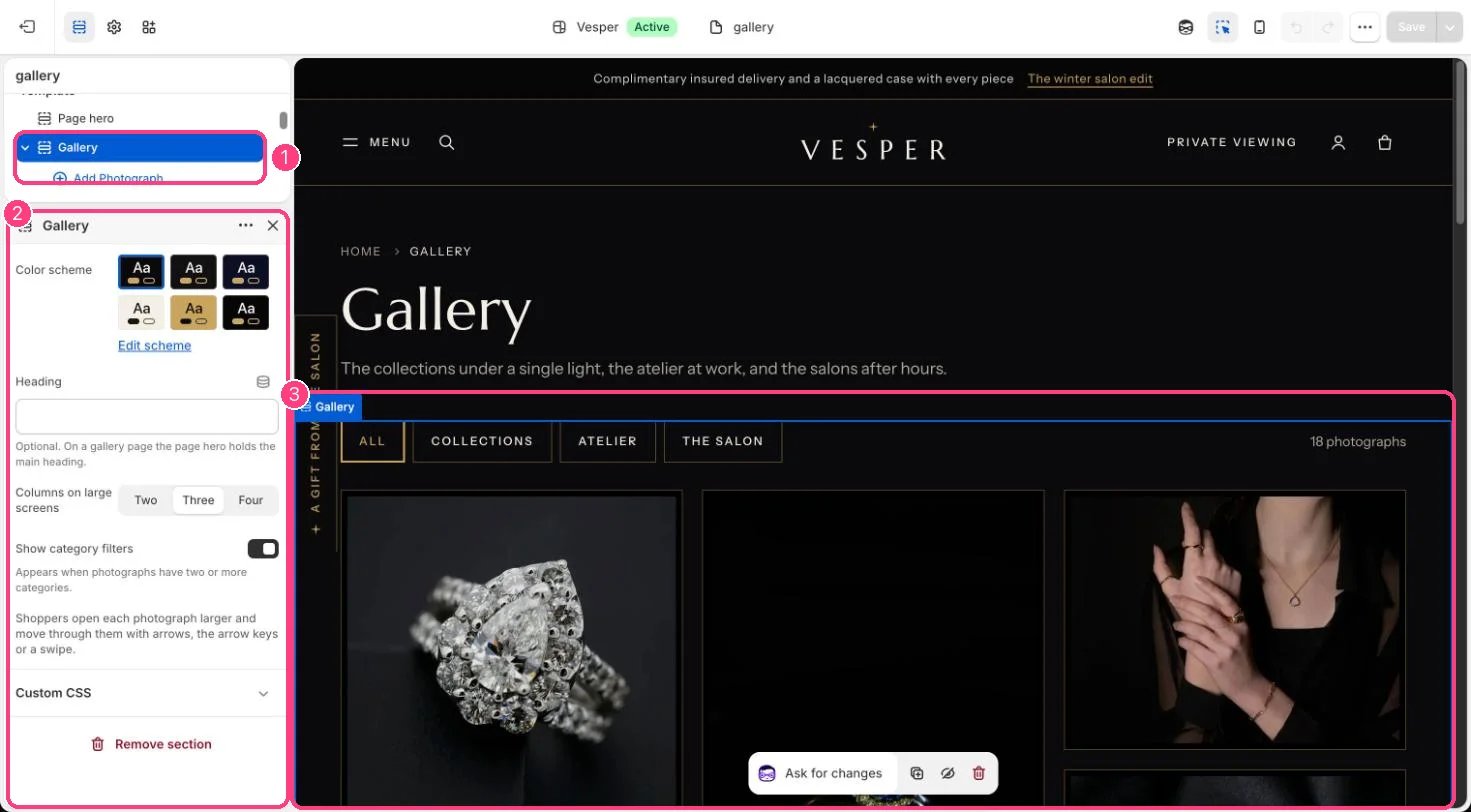
In the theme editor: 1 the section in the sidebar · 2 its settings · 3 the section in the preview
Edit it
- Add a Photograph block per image (up to 40) with a Caption and a Category such as Collections, Atelier or The salon.
- Choose a Product, or an Other link and its label.
- Choose Columns on large screens and turn Show category filters on or off.