
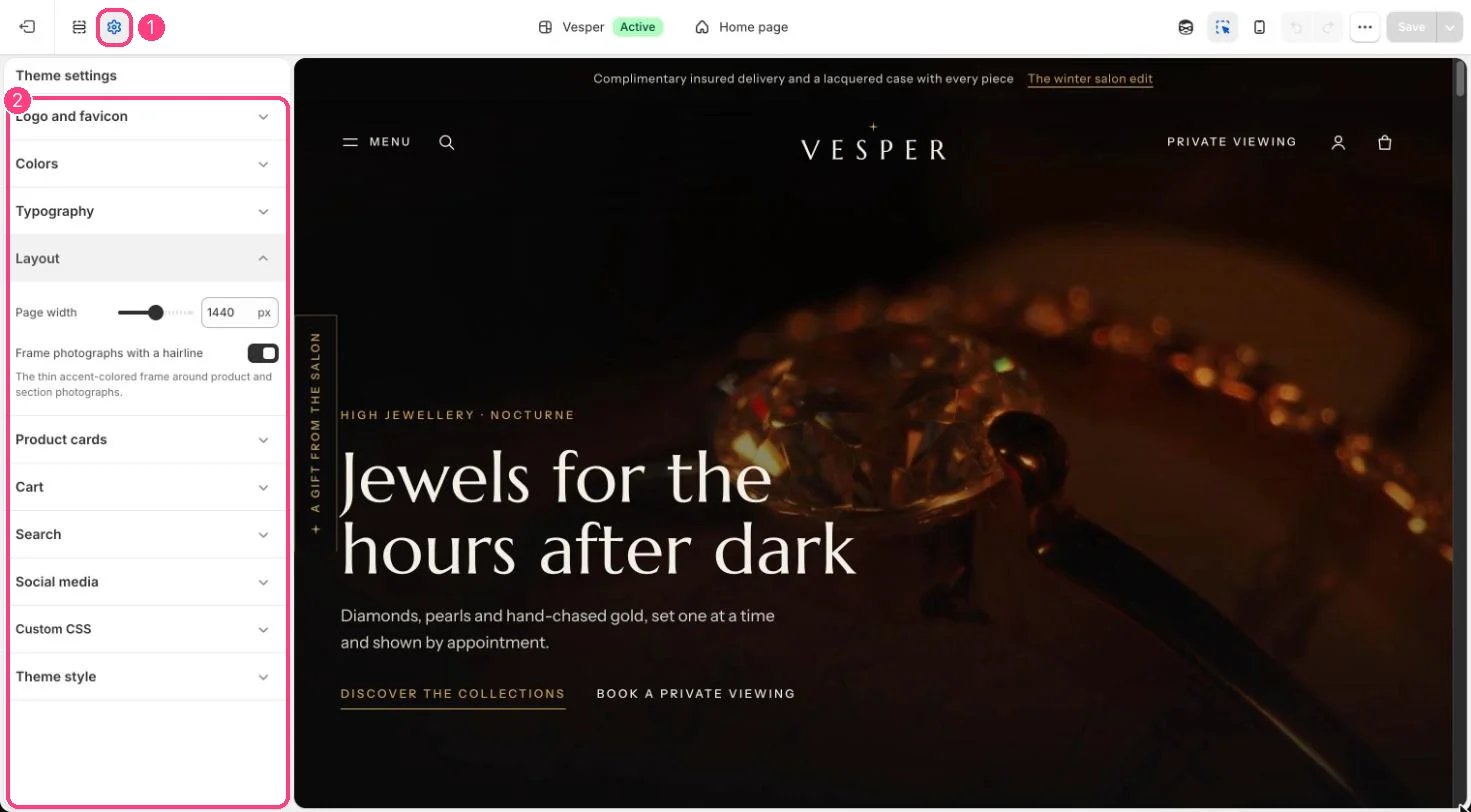
1 Theme settings (the gear icon) · 2 Layout, opened in the sidebar
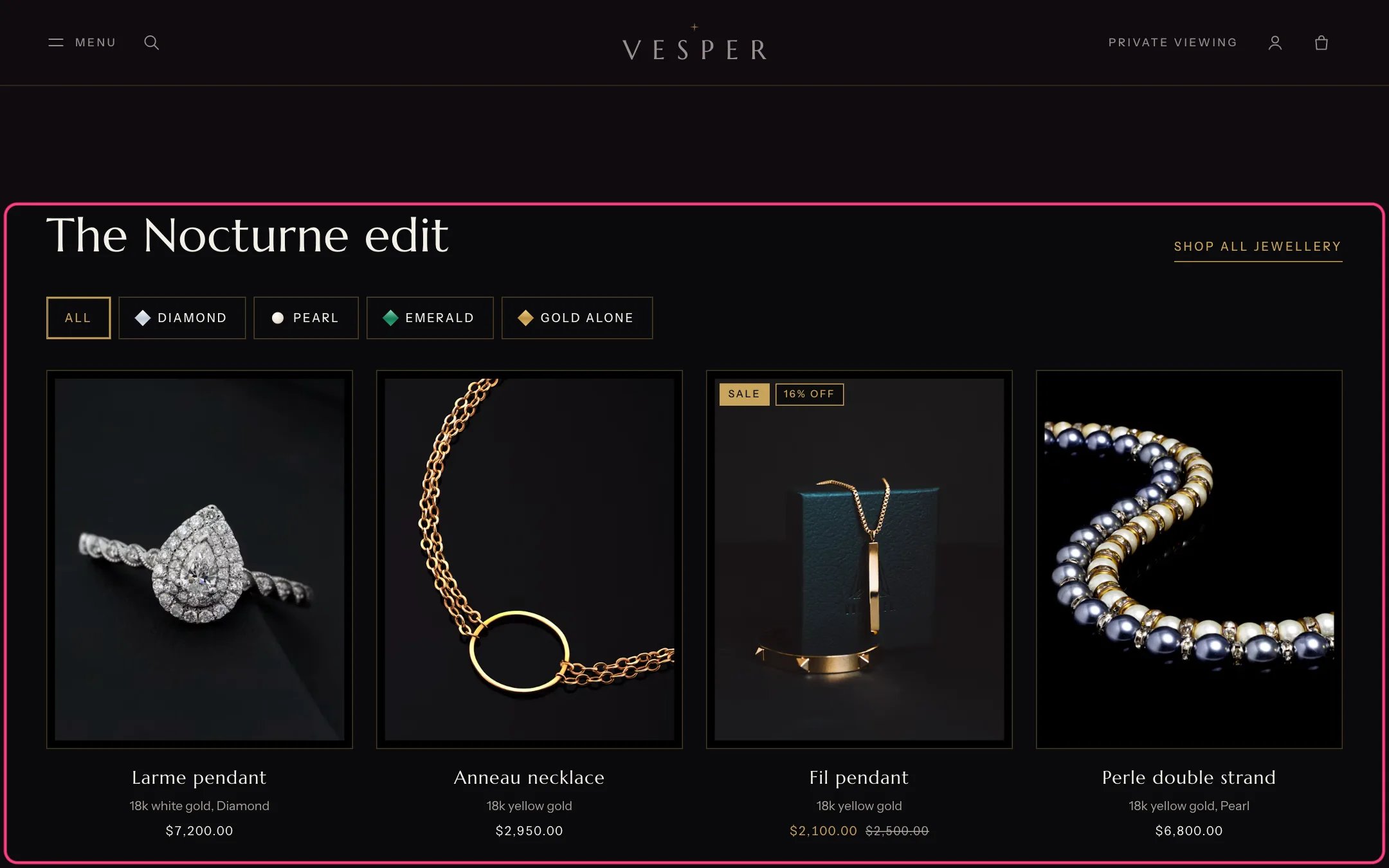
The thin gold frame around photographs, from Frame photographs with a hairline
How it works
- Page width sets the widest the content gets, from 1200 to 1680 px (default 1440).
- Frame photographs with a hairline draws a thin accent-colored frame around product and section photographs.
Edit it
- Untick Frame photographs with a hairline for a plainer look.