
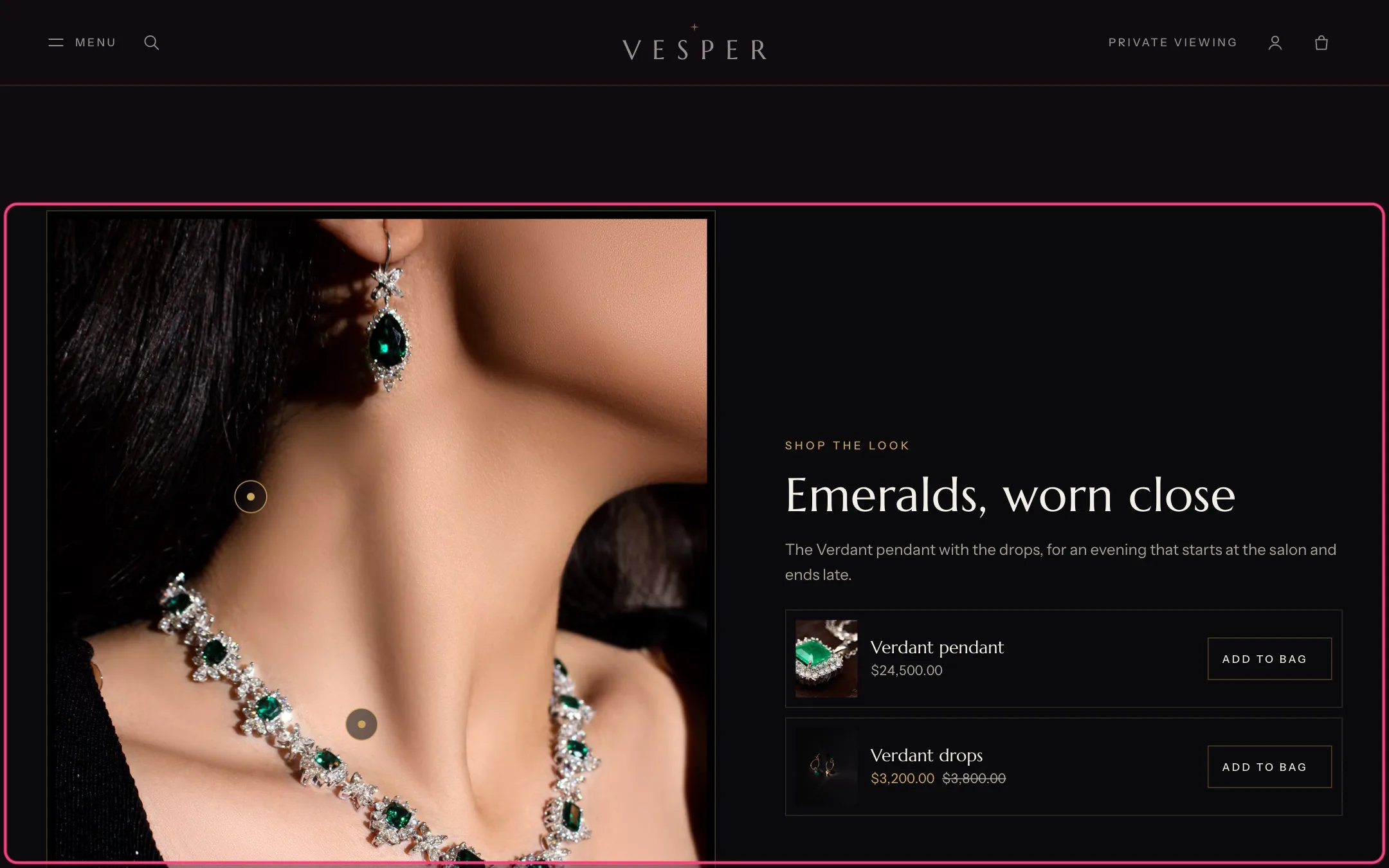
Shop the look, highlighted with the demo content
Where to find it
Home page. In the theme editor choose Home page, then select Shop the look.How it works
- Each Hotspot block places a dot on the photograph and adds its product to the list beside it.
- Pressing a dot highlights the piece in the list and moves focus to it. Hovering or focusing a piece highlights its dot.
- Single-variant products that are available get an Add to bag button. Products with options, pre-order and price on request pieces get a View link to their page.
- Hotspot positions stay on the same spot of the photograph in right-to-left languages.
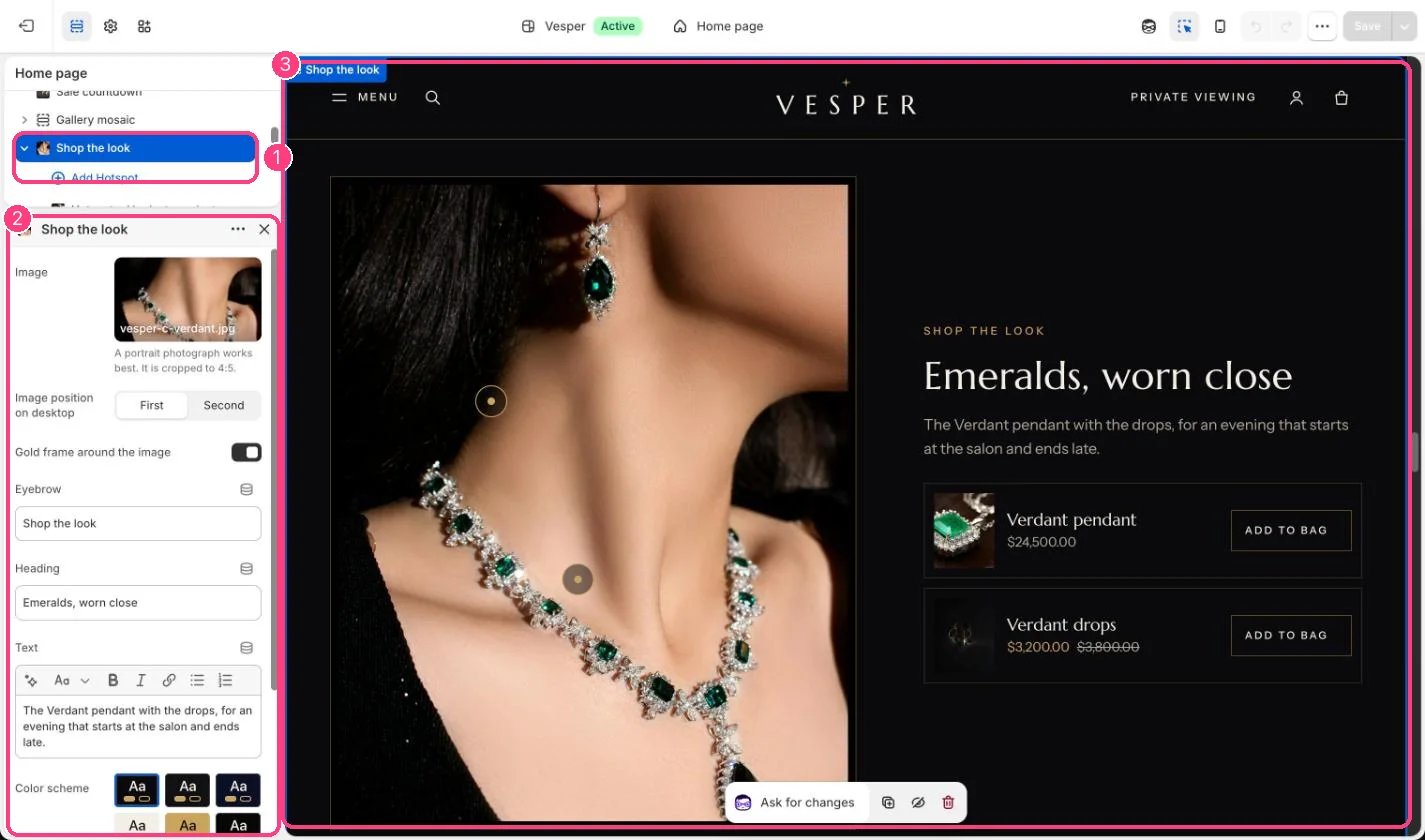
In the theme editor: 1 the section in the sidebar · 2 its settings · 3 the section in the preview
Edit it
- Upload a portrait photograph. It is cropped to 4:5.
- Add a Hotspot block per piece (up to 6), choose the product, then move the dot with Horizontal position and Vertical position (0 is the left and top edge).
- Choose Image position on desktop and whether to frame it in gold.
- Edit Eyebrow, Heading and Text.
Settings
Blocks
Up to 6 blocks. Add a block with Add block under the section in the sidebar; drag blocks to reorder them.Hotspot
See Shop the look for tips on placing hotspots.