

Figures, highlighted with the demo content
Where to find it
The About template (sourcing). In the theme editor choose Pages, then about, and select Figures.How it works
- Each figure shows the number large, the unit smaller after it, and a short line under it.
- Figures show exactly as you write them.
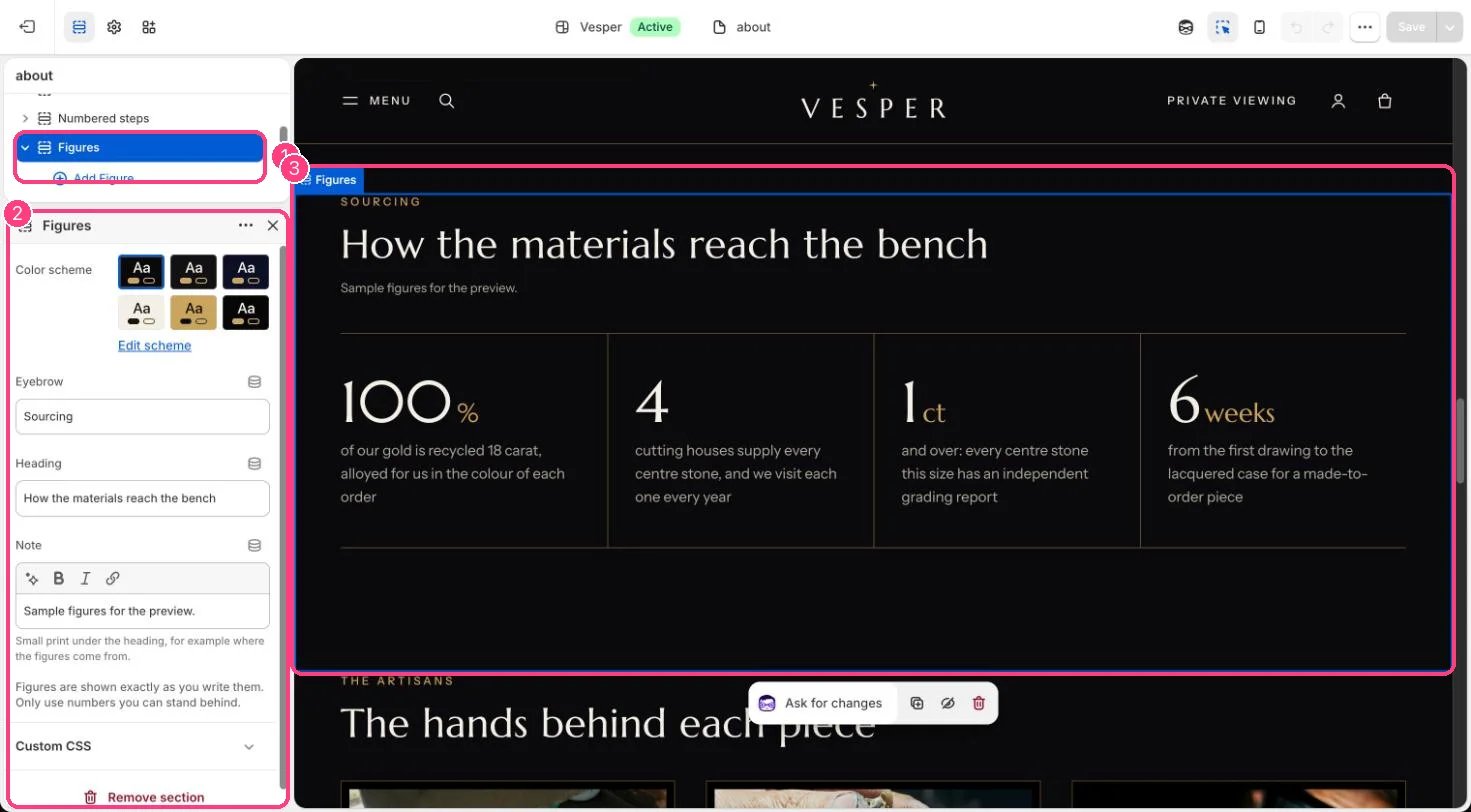
In the theme editor: 1 the section in the sidebar · 2 its settings · 3 the section in the preview
Edit it
- Add a Figure block per number (up to 8) with Number, Unit (such as %, ct or weeks) and What it means.
- Add a Note under the heading to say where the figures come from.
Settings
Blocks
Up to 8 blocks. Add a block with Add block under the section in the sidebar; drag blocks to reorder them.Figure
Only use numbers you can stand behind.