
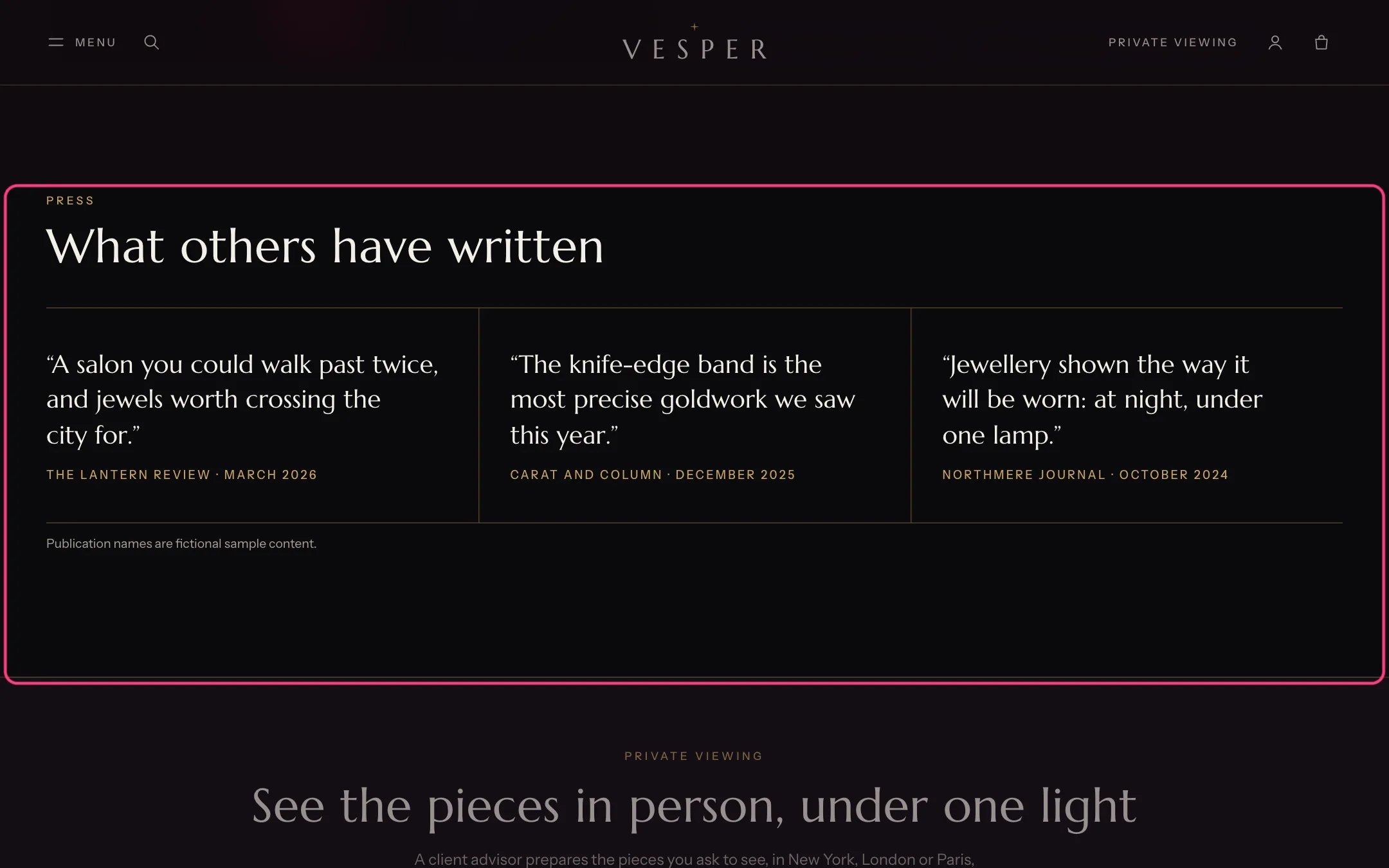
Press quotes, highlighted with the demo content
Where to find it
The About template. In the theme editor choose Pages, then about, and select Press quotes.How it works
- Up to 6 quotes, each with the publication and date under it.
- A Note can sit under the quotes as small print.
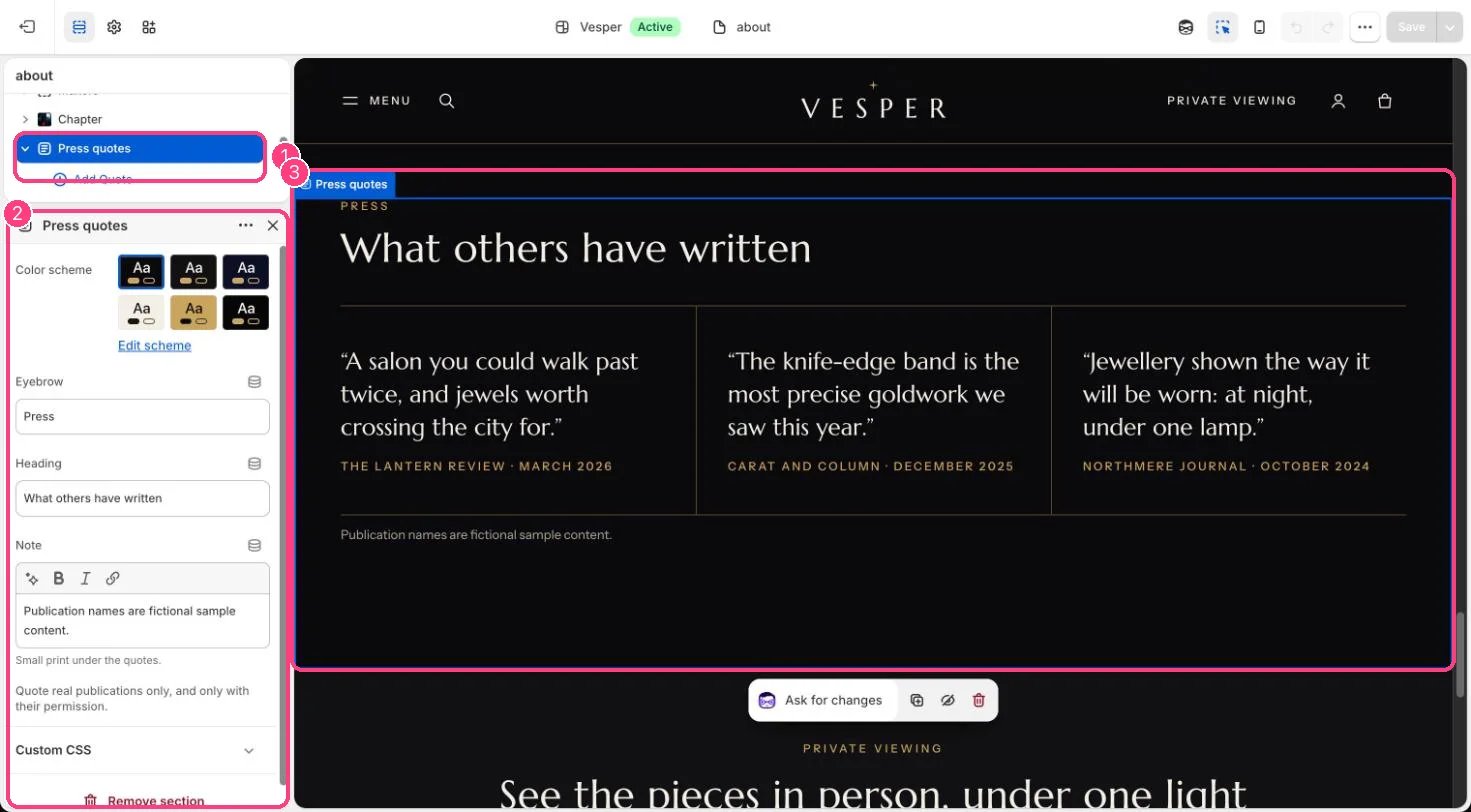
In the theme editor: 1 the section in the sidebar · 2 its settings · 3 the section in the preview
Edit it
- Add a Quote block per quote with the Quote and Publication and date.
- Edit Eyebrow, Heading and Note.
Settings
Blocks
Up to 6 blocks. Add a block with Add block under the section in the sidebar; drag blocks to reorder them.Quote
Quote real publications only, and only with their permission. The default text uses placeholder names.